A lightweight free WordPress theme with optional GeneratePress One membership for advanced Elements, block-based design, shared patterns, and AI connectivity across 1, 10, or 100 sites.
GeneratePress is a strong starting point when you value a lightweight theme and plan to design with blocks. I would start free and pay for One only if GP Premium Elements, GenerateBlocks Pro or shared patterns save enough work to justify the full suite. Select 1, 10 or 100 sites based on actively managed projects, not the number of test installations.
Why this rating?
GeneratePress is a strong foundation for teams that value block-based design, reusable patterns and explicit site licensing. Its deliberately spare starting point needs design work, and the current One bundle is less economical when only one premium component is required.
Research & assessment details
Documentation-based assessment by WPToolWatch Editorial. No hands-on benchmark.
GeneratePress Free keeps the theme out of the way. It is a sensible base for a blog, content site or business website when you prefer to design with WordPress blocks instead of importing a heavily styled demo.
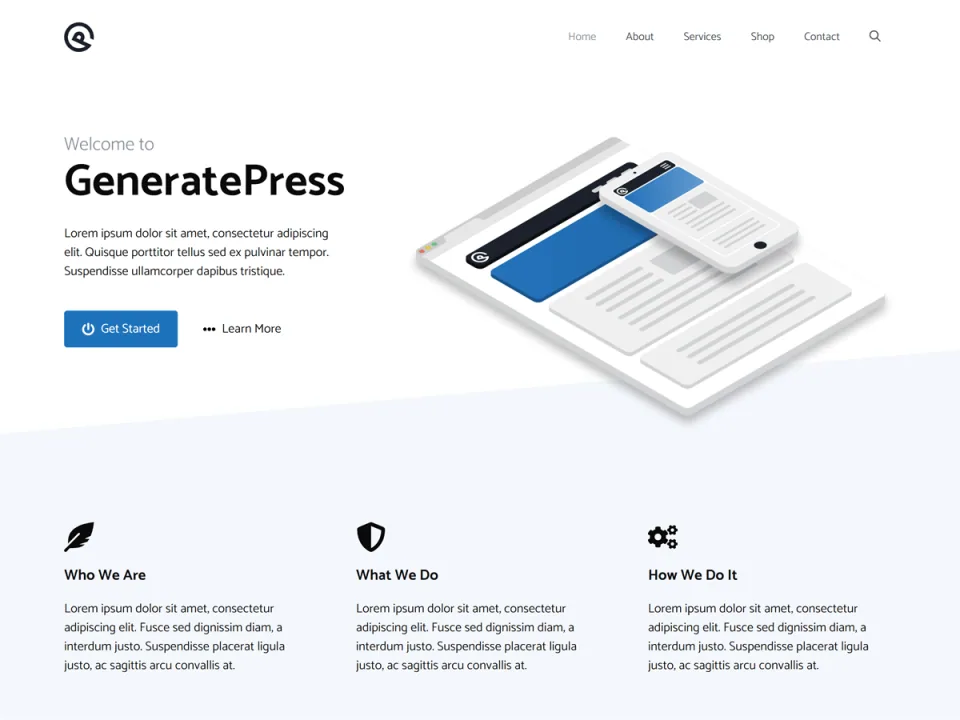
This starter layout illustrates a restrained theme foundation; the finished design still depends on typography, content and layout decisions.
The trade-off is design work. You still need to make decisions about typography, templates and layout. A small theme footprint does not automatically make the finished site fast or well designed.
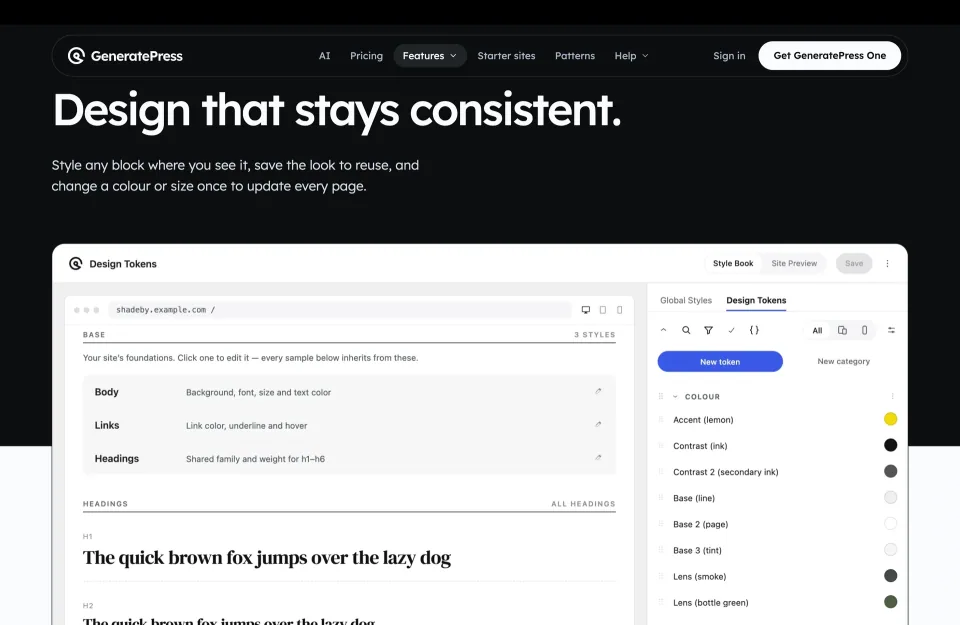
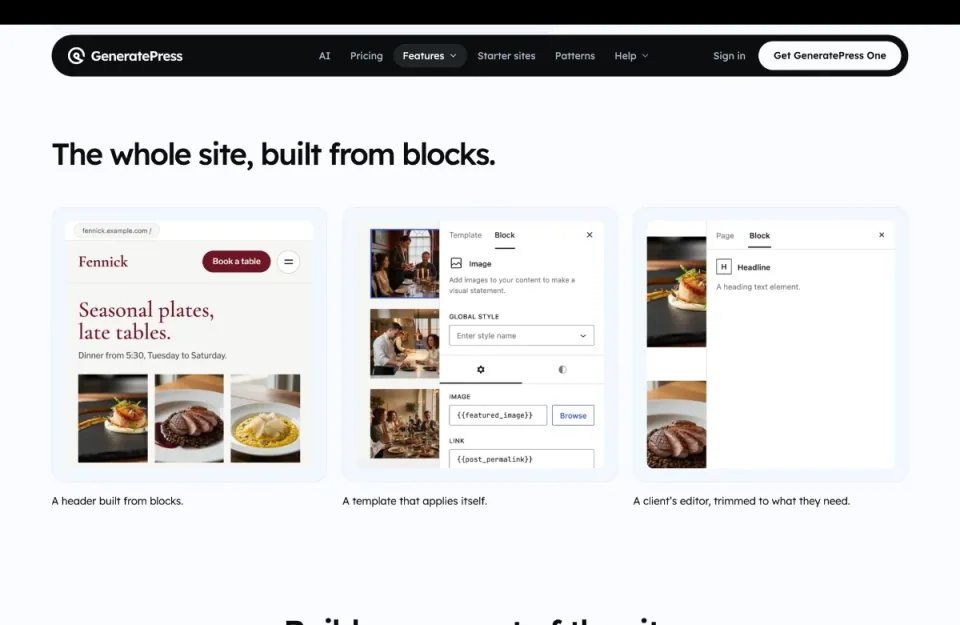
The design-token presentation illustrates global styling decisions. A small theme footprint does not remove the need to establish a design system.
One is now the premium buying decision
Since October 26, 2026, new customers have purchased premium GeneratePress tools through GeneratePress One rather than separate GP Premium or GenerateBlocks Pro licenses. Choose 1, 10 or 100 production sites; the 100-site tier also offers lifetime billing. Existing customers can keep eligible legacy terms, so a long-standing 500-site license deserves a careful comparison before upgrading.
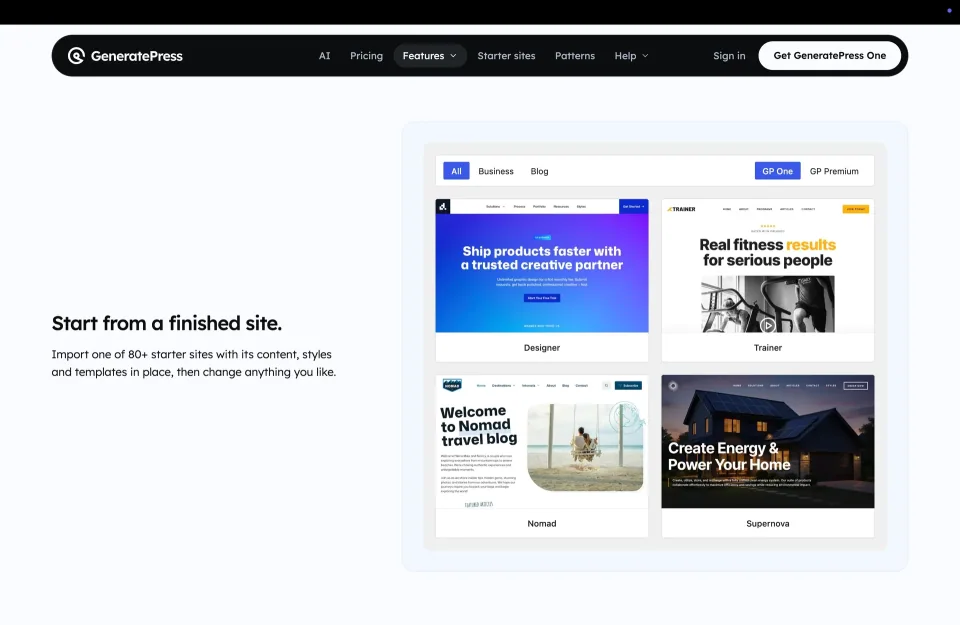
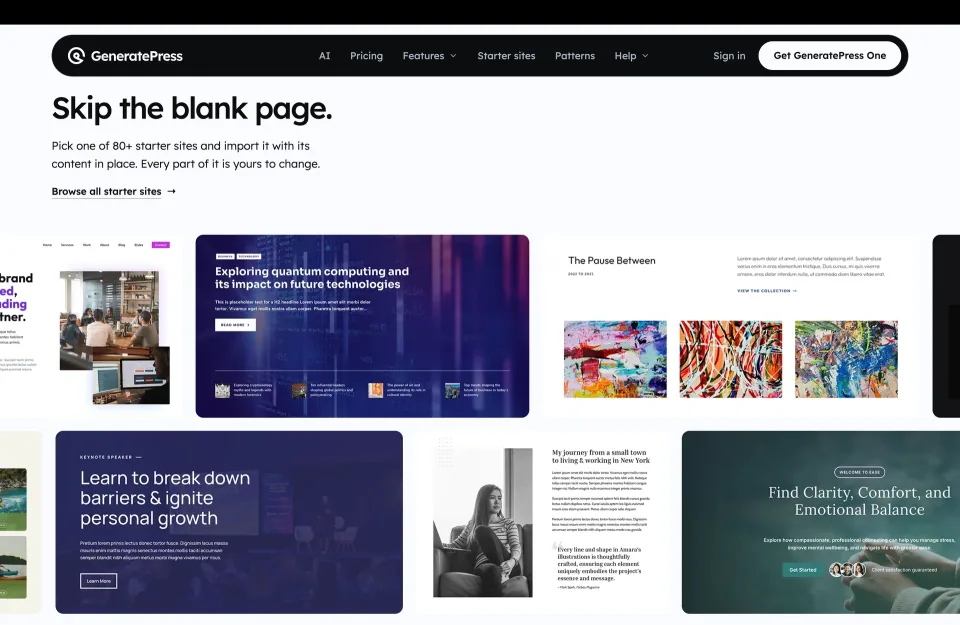
Starter-site previews can help evaluate a premium workflow. Confirm the current One plan’s entitlements rather than inferring them from this image.
What you get beyond the theme
One includes GP Premium (including Elements), GenerateBlocks Pro for more involved block layouts, GenerateCloud for shared patterns, and GeneratePress AI. For a freelancer repeating headers, templates and sections across sites, using those tools together is the clearest argument for paying.
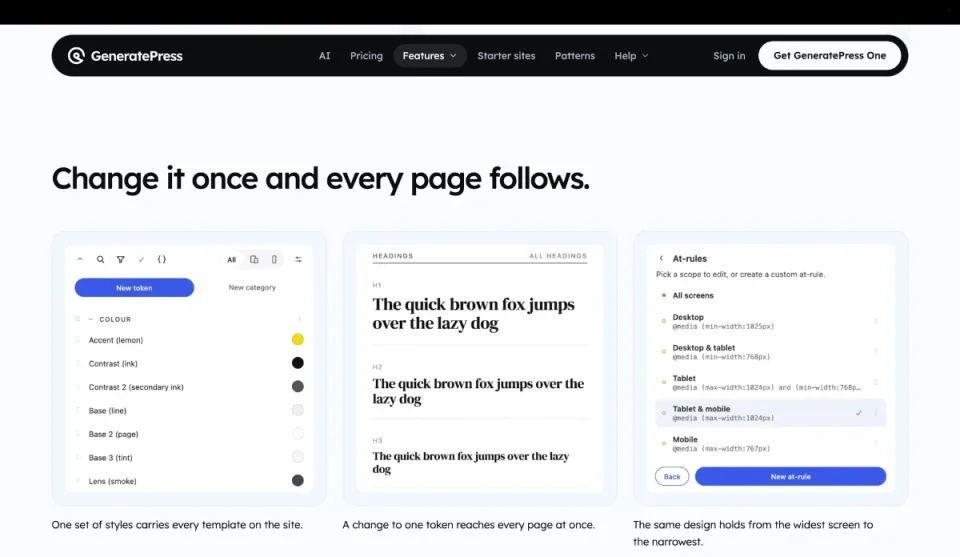
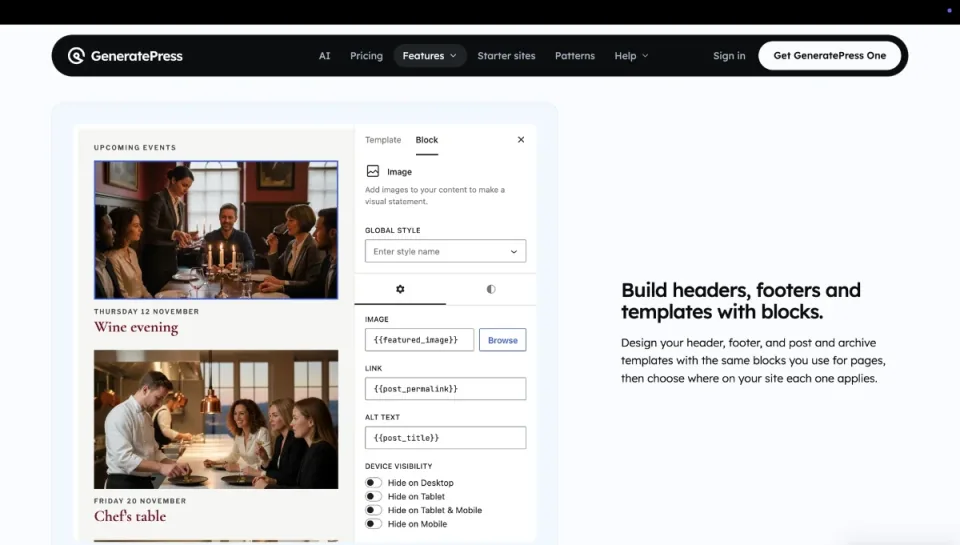
The shared-style example illustrates consistency across layouts. It is a vendor presentation, not an independent test of a live project.Reusable headers and templates are relevant when repeating layouts across projects. Check how the required premium tools fit that workflow.
The AI feature connects an external AI app through MCP; it does not supply a model or usage credits. Its current requirements include WordPress 7.0+, PHP 8.1+, an active One license and the MCP Adapter. Those requirements apply to the AI integration, not to GeneratePress Free.
Licenses, client sites and renewals
Local and staging installs do not use paid site slots. You can also use your license on client sites you actively build and manage, but not resell the key or bundle license access with hosting.
These front-end examples show design variety; they do not establish a speed result or guarantee that every layout is included in every license.
Canceling automatic renewal keeps updates and support available until the paid term ends. After that, premium downloads, automatic updates and support stop; GPL rights to code already obtained remain. The lifetime option removes annual renewals and includes support and updates for as long as the products are maintained.
I would stay with Free for a straightforward single site until a specific layout, block or pattern workflow justifies One. For paid work, choose the smallest site tier that covers the projects you manage, and remember that the AI connection is another setup task—not an automatic design service.
Use starter designs to identify the layout work you actually need before deciding whether a paid toolset is justified.
Prices and purchase options checked November 9, 2026. Since October 26, 2026, new premium customers buy GeneratePress One rather than standalone GP Premium or GenerateBlocks Pro. Existing licenses can retain prior prices and limits while eligible/active; be careful upgrading grandfathered 500-site licenses to new 100-site maximum tiers. Annual subscriptions automatically renew unless canceled; cancellation preserves the paid term, then automatic updates, support and premium downloads end without revoking GPL rights to previously obtained code. The $596 lifetime license is a one-time purchase for up to 100 sites with support and updates while the products continue to be made. GeneratePress AI is a separate MCP connector for an existing AI app, not an included AI model or usage allowance. Free theme download and third-party hosting remain separate.
Some links are affiliate links. We may earn a commission.
Listed prices may exclude taxes. Promotions and vendor terms can change; confirm at checkout.
AT A GLANCE
Key features
01
Lean free theme with native block-editor support
02
New premium customers purchase GeneratePress One, not standalone addons
03
GP Premium, GenerateBlocks Pro, GenerateCloud and AI connector in one membership
04
1/10/100 production-site tiers; local and staging sites do not count
05
GeneratePress AI needs an external AI app and compatible WordPress/PHP setup
Features & compatibility
Vendor-sourced facts are based on published documentation; exceptions are labelled. Sources and check dates are grouped below each section.
Free theme works with WordPress blocks without a premium license
One combines advanced Elements, block tools and pattern reuse
Site limits are explicit, with local and staging copies excluded
What to consider
The deliberately minimal starting design requires more layout work
New customers cannot buy only one premium component
AI-powered editing depends on a separate AI app, MCP setup and newer server requirements
Best for
Bloggers, content-site owners and WordPress developers who prefer a lightweight theme and block-based design; freelancers managing multiple sites with shared layouts.
Consider alternatives if
Teams wanting a finished design out of the box, or buyers who expect One to include a hosted AI model and credits without additional setup.
BEFORE YOU DECIDE
Frequently asked questions
Is GeneratePress still free?
Yes. The theme itself is free on WordPress.org. You can publish a site with it without buying GeneratePress One; paid tools are optional.
Can a new customer buy GP Premium on its own?
No. GeneratePress announced on October 26, 2026 that One is the premium purchase route for new customers. Existing standalone license holders can keep eligible terms.
What is included in GeneratePress One?
GP Premium, GenerateBlocks Pro, GenerateCloud and GeneratePress AI, with priority email support and eligible future products. The AI feature connects to an external app; it is not a bundled AI model.
What are the current prices and site limits?
As checked November 9, 2026: $99/year for 1 site, $149/year for 10 sites and $199/year for 100 sites. The 100-site plan also has a $596 lifetime purchase. Check checkout for any subsequent changes.
What happens if I cancel an annual subscription?
Canceling auto-renewal keeps your rights through the paid term. Once that term expires, premium downloads, updates and support cease; rights to previously obtained GPL code remain. AI connectivity requires an active One subscription.
What does the lifetime purchase cover?
The published $596 option covers up to 100 sites with the same suite and priority email support, without annual renewals, for as long as GeneratePress makes those products. It is not a promise that the company will operate forever.
Do development and staging websites count toward site limits?
The vendor excludes local and staging environments from its licensed-site limits. The 1/10/100 tiers apply to production sites, including eligible client sites you build and manage.
Can an agency use its license on client sites?
Yes, when it is actively building and managing those sites. Sharing or reselling the license key, bundling it with hosting, or offering activation alone without ongoing management is not permitted.
Does GeneratePress One include AI credits or a chatbot model?
No. GeneratePress AI is an MCP connector for an AI app you already use, such as Codex or Claude. The connector does not provide a model or include external AI service usage; access and possible costs depend on your AI provider.
What does GeneratePress AI require?
The AI integration currently needs WordPress 7.0+, PHP 8.1+, an active One license, compatible GenerateBlocks, the WordPress MCP Adapter and HTTPS outside local development. Multisite is not currently supported.
What version of GeneratePress is listed on WordPress.org?
The free-theme listing shows GeneratePress 3.6.1, with WordPress 6.5 and PHP 7.4 as minimums. These are requirements for the free theme, not for the GeneratePress AI integration.
Is GeneratePress automatically faster or better for SEO?
No theme guarantees this. GeneratePress keeps theme overhead modest, but speed and SEO depend on the finished site: templates, hosting, images, plugins and content.
Astra is a free WordPress theme with responsive design, a header/footer builder and WooCommerce integration. Astra Pro adds optional layout and store controls, while Toolkit bundles package additional plugins, AI and hosting under separate terms.
Blocksy is a free WordPress theme by Creative Themes for blogs, business websites and WooCommerce stores. Its core design tools include headers, footers and global styles; optional Pro plans add conditional layouts, advanced content tools and plan-dependent shop features.