Home / Articles / WordPress Theme vs Plugin: What Each One Should Be Responsible For
Knowledge / Explainer · WordPress Basics
WordPress Theme vs Plugin: What Each One Should Be Responsible For
Understand the difference between theme presentation and plugin functionality, then use that distinction to build a website that is easier to change and maintain.
Think of the theme as the shared presentation of your WordPress site and plugins as additions to its functionality. The boundary is not always perfectly clean, so document which tool owns each important part of your particular website.
What it means
A theme helps determine how site content is presented through templates and styling. A plugin adds or changes behaviour. WordPress documentation describes reusable theme templates and the role of plugins in extending core functionality. That distinction is useful when deciding whether a change is primarily visual or operational.
For example, a service page may have a header, a content area and a footer supplied by the theme setup. Its enquiry form may come from a form plugin. Changing the page colours is a different responsibility from deciding where form notifications are sent, even though both affect the same visitor experience.
Real websites can blur the boundary. A builder plugin may control templates, and a theme package may recommend companion plugins. Instead of assuming the product category tells the whole story, identify the tool that actually creates each part of the page.
Layer
Main job
Examples
WordPress core
Stores and publishes content; manages users and the basic editing system
Posts, pages, media and user accounts
Theme
Presents content through shared templates and styles
Header, footer, archive layout, colours and typography
Plugins
Extend or change site behaviour; some also control layouts
Forms, ecommerce, SEO, backups and page builders
A useful beginner test is to ask what should remain if you change the theme. Orders, enquiries and search metadata belong to capabilities you may want to keep independently. A theme can style those features without being the system that stores or processes them.
Key points and examples
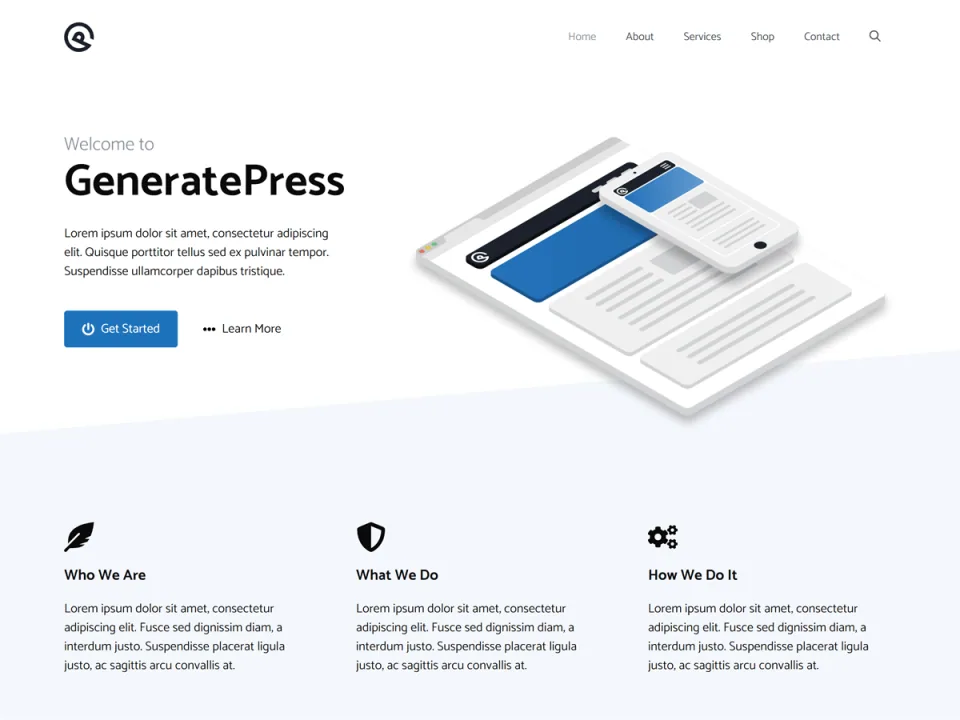
GeneratePress is one example of the theme layer: its presentation settings surround content and plugin features. This vendor preview is not a map of every WordPress site.
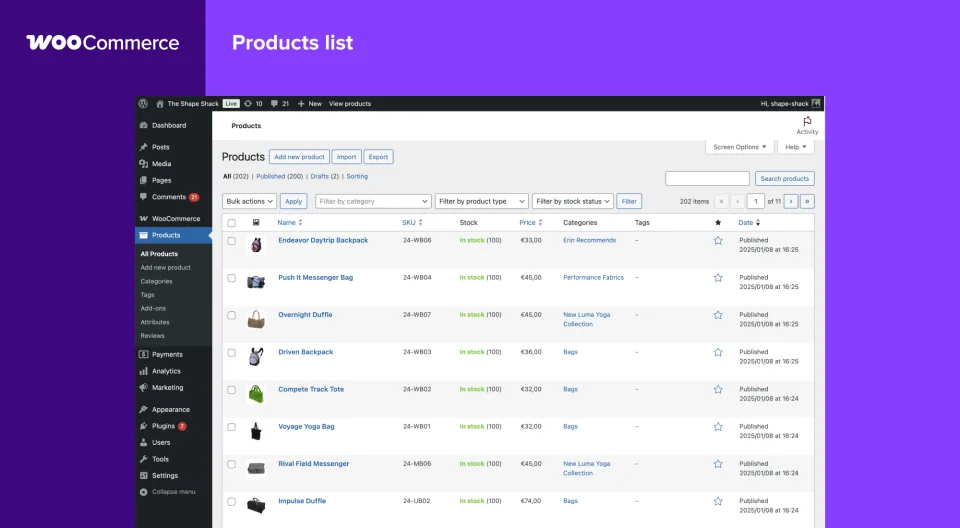
Consider a shop. A theme contributes to presentation, while the ecommerce system manages the store’s operational features. A purchase button looking correct does not establish that checkout, notifications and order handling work. Evaluate the complete visitor task and the operational process behind it.
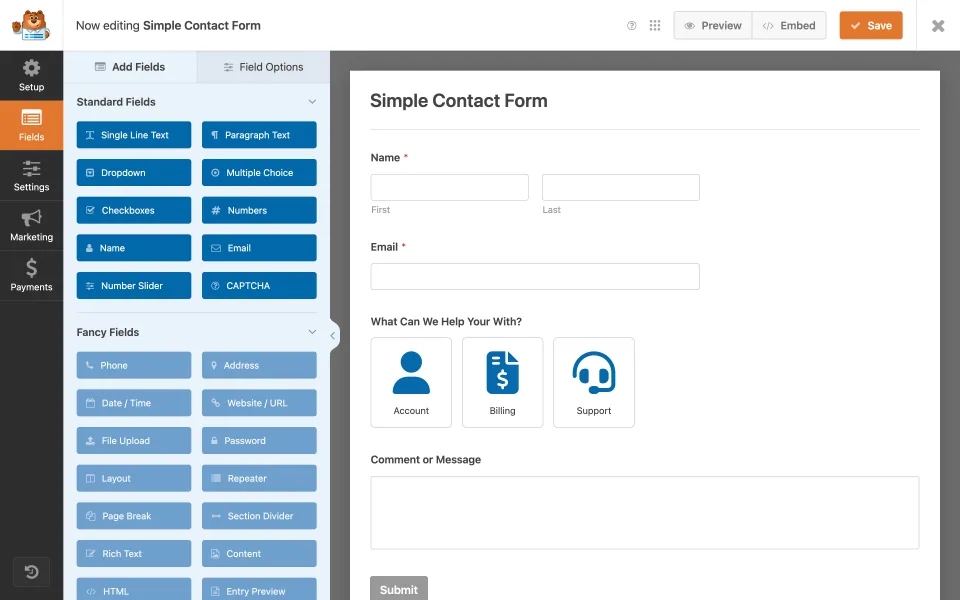
Consider a contact page. A theme switch can alter spacing and typography around a form, while a change to the form plugin can alter fields or notifications. When something breaks, knowing that separation gives the maintainer a useful first question: which component owns the behaviour that changed?
Consider a publishing site. Reusable content patterns can make articles consistent, but an editor still needs to know where templates end and article content begins. Keep important editorial copy in the content workflow rather than hiding it in a setting that only one developer knows.
A simple responsibility map helps: navigation and global styles, article templates, forms, store functions, search metadata and backups. Name one primary tool and one responsible person for each. If two tools claim the same responsibility, decide whether the overlap is intentional.
Part of the site
Typical responsibility
Acceptance task
Theme / templates
Shared presentation
Open an article and archive
Form plugin
Enquiry input and notifications
Submit and receive a test message
Ecommerce system
Store operations
Verify the buying workflow safely
The form plugin controls the enquiry fields and submission behavior even when the surrounding page is styled by a theme.WooCommerce supplies store records and transaction workflows. Changing presentation is a different task from changing the system that owns those records.
Practical takeaways
✓Name the tool responsible for each important part of a page.
✓Separate visual requirements from operational requirements.
✓Check what would happen if the theme were replaced.
✓Avoid adding multiple tools for the same task without a reason.
✓Document accounts, renewals and update responsibility.
✓Test complete visitor tasks after significant changes.
✓Keep a recoverable copy before changing the site structure.
Frequently asked questions
Can a plugin control design?+
Yes. Builders and other plugins can affect templates and presentation. Inspect how your actual website is assembled rather than relying only on category names.
Will a theme change remove all plugin functionality?+
Not necessarily. However, presentation and integration points can change, so test the important tasks and pages before switching.
Should every feature be moved into a plugin?+
Choose a clear, maintainable responsibility for the requirement. Avoid adding another component when the current configuration already serves the task reliably.
What is the most useful maintenance document?+
A short map of tools, responsibilities, account ownership and acceptance tests for the website’s important visitor tasks.