Home / Articles / How to Choose a WordPress Theme for a Business You Need to Maintain
Buying guide · Buying Guides
How to Choose a WordPress Theme for a Business You Need to Maintain
Choose a WordPress theme with a clear business brief, realistic ownership budget and a staging test that includes the people who will maintain the website.
Choose a theme by the pages, visitor tasks and editing process your business needs. A polished demo is useful inspiration, but the purchase should follow a staging exercise with real content and a documented plan for maintenance.
Understand your requirements
Begin with the purpose of the website. A local service business may need credible service pages and an enquiry path. A shop needs product discovery and a working checkout. A publisher needs readable articles, useful archives and a repeatable content process. These briefs place different demands on a theme.
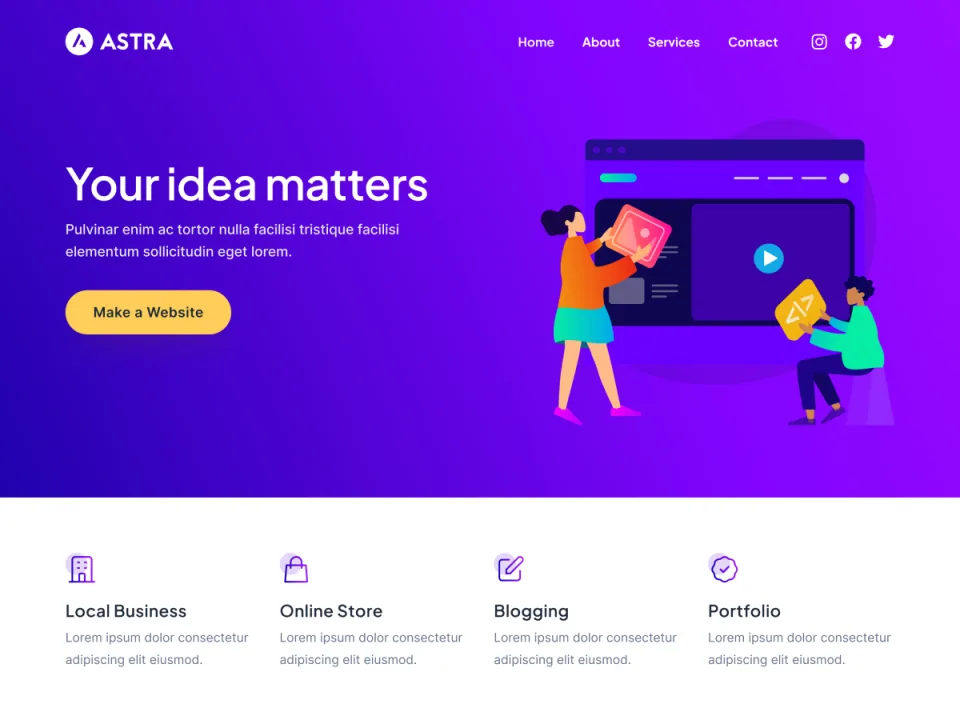
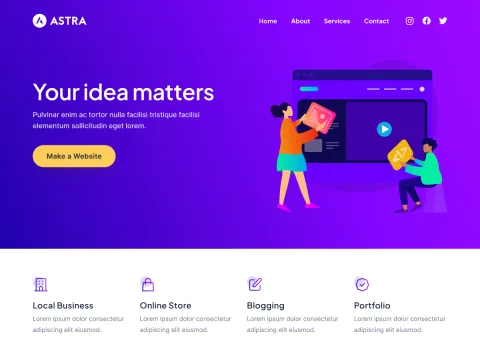
A demo is useful for shortlisting a theme. Replace its content before judging whether the design serves the business’s actual visitor task.
Write a page inventory and a short acceptance test for each important visitor task. For an enquiry, that might mean finding the right service, reading the offer and submitting a contact form from a phone. For a resource library, it might mean locating an older article through an archive or search result.
Identify the people who maintain the site. A freelancer making occasional copy edits has different needs from a design team building new layouts every week. Invite the actual editor into the evaluation before choosing a system on their behalf.
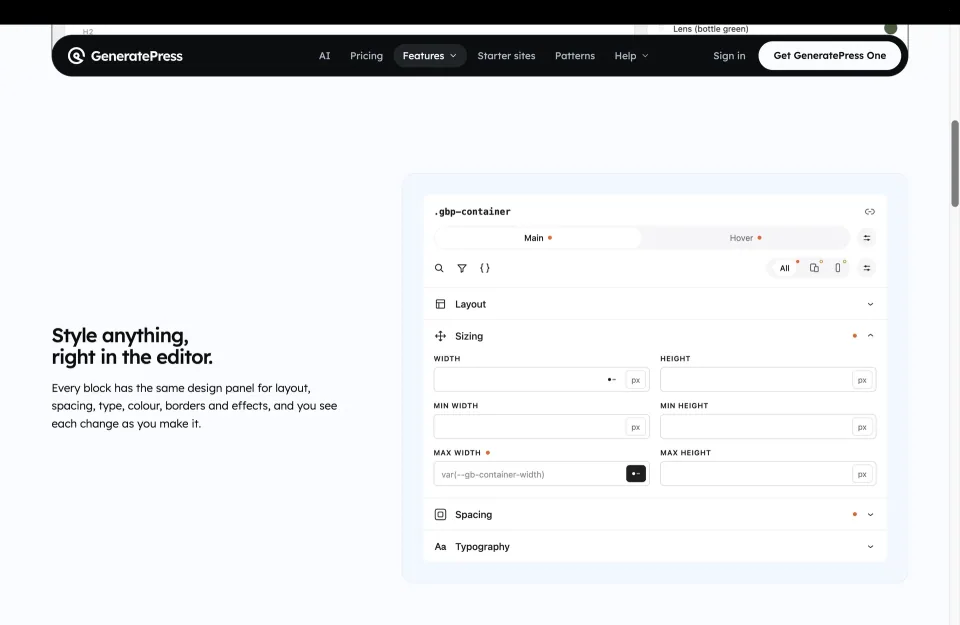
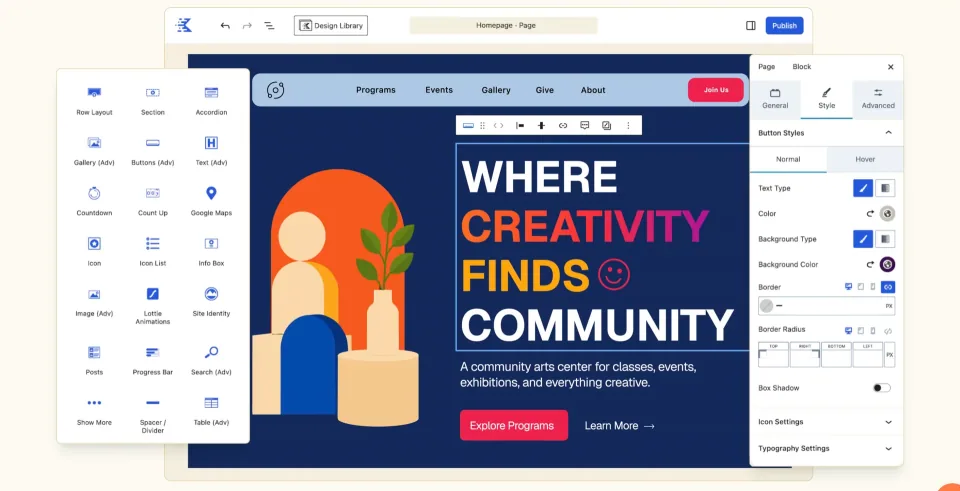
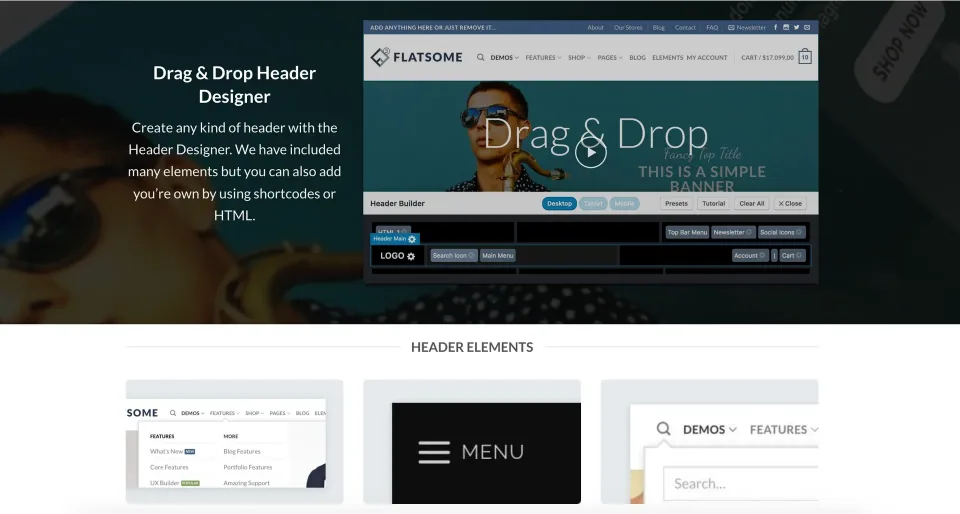
Editor controls should be evaluated against the business’s real recurring changes, not just the appearance of a demo homepage.
What to look for
✓List the essential visitor tasks and pages.
✓Identify the recurring editing tasks.
✓Choose the intended editor or builder workflow.
✓Check whether headers, archives and content need different tools.
✓Test realistic phone layouts and long menu labels.
✓Verify each required paid feature against the exact edition.
✓Confirm license, renewal and support terms.
✓Plan backups, updates and a recoverable staging process.
Budget and ownership costs
Separate acquisition cost from operating cost. The initial purchase may be a small part of the work compared with content preparation, design setup, integrations and training. A discounted subscription is not a complete project budget, and a free theme still needs someone to configure and maintain the website.
Use a simple ownership sheet: required tool, purpose, purchaser, renewal date, recurring charge and responsible person. Include external services if the website depends on them. This makes a client handover more reliable and reduces the chance that a critical subscription belongs only to a departing contractor.
Budget for one future change. Ask how the site would handle a new service, a different campaign page or a staff member replacing an image. A configuration that can accommodate those tasks through existing patterns is easier to maintain than one that requires a redesign each time.
Cost area
What to record
Owner
Setup
Design, content and integration work
Project lead
Recurring tools
Exact plan, renewal and account
Site owner
Maintenance
Updates, testing and recovery process
Maintainer
The editing workspace is part of the ownership budget: someone must understand the controls, maintain shared styles and check future changes.
Read the changelog, support policy and license
Look at a sequence of changelog entries, not just the last updated date. Identify how the vendor describes compatibility fixes, security corrections and breaking changes. A recent timestamp alone does not establish good maintenance, and an older release can require context rather than an automatic rejection.
What to inspect
Question before purchase
Keep for the handoff
Changelog and dependencies
Which editor, companion plugins and integrations does the intended design require?
Required component list and a link to release notes
Support
Who handles theme issues, how is a request submitted, and what work is excluded?
Support account owner and any paid support end date
Software license
What rights apply to the code, and is this a single-site or multi-site commercial entitlement?
License terms and permitted activation count
Updates and renewals
What expires: update downloads, support, a service, or the ability to use installed code?
Initial/renewal terms and cancellation procedure
Demo assets
Are imported photos, fonts and premium plugins covered for this use?
Asset rights and components needing separate licenses
GPL-compatible code can be sold commercially. It does not mean every stock photo, font, hosted service or support promise in a demo comes with unlimited rights. Read those terms separately. Likewise, a bundled plugin does not necessarily give you a standalone license or direct updates from its original vendor.
Only after these checks should the shortlist narrow to a particular product. The separate four-theme shortlist provides examples; this guide supplies the buying checklist you can apply to those candidates or a different theme.
Common mistakes
Do not choose solely from the demo homepage. Replace the demo text with a longer business name and an actual service description. Swap the promotional photography for your own images. A design that remains clear under those conditions is more useful evidence than a perfect screenshot.
Avoid overlapping design systems. If a theme, a builder and several extensions all control spacing or templates, editors may not know where a change belongs. Decide which tool owns each responsibility and remove unnecessary alternatives from the operating instructions.
Do not skip the recovery process. Before a major theme change, verify that the site can be restored and that the relevant pages can be tested away from the live website. Keep a short record of changes so another maintainer can understand what was altered and why.
Different themes expose different editing paths. Confirm the interface your team will use before relying on a polished storefront demo.
Frequently asked questions
Should I buy a premium theme before preparing content?+
Prepare at least the core copy and page inventory first. They make the theme evaluation more realistic and the paid-feature decision more specific.
How many candidates should I test?+
Shortlist broadly, then compare two seriously with the same acceptance tasks. Testing too many at once often leads to shallow comparisons.
Is a page builder required?+
Only if it serves the intended workflow. Decide which editing approach the site owner can maintain rather than adding a builder by default.
What should be included in the handover?+
Editing instructions, tool responsibilities, account ownership, renewal details, backup process and the acceptance checks used before launch.