Free
Free
No Pro activation limit
- Core header, footer and global style controls
- Optional free Blocksy Companion extensions

Blocksy is a free WordPress theme by Creative Themes for blogs, business websites and WooCommerce stores. Its core design tools include headers, footers and global styles; optional Pro plans add conditional layouts, advanced content tools and plan-dependent shop features.
Start with Blocksy Free if you want a configurable WordPress foundation for content and a possible store. Upgrade around a specific requirement: Personal adds core Pro design tools, while advanced shop features need Business or Agency. Buying the cheapest Pro plan is not enough for every WooCommerce brief.
Documentation-based assessment by Đoàn Công Tuấn. No hands-on benchmark.
Assessed Nov 16, 2026
Read the review by Đoàn Công Tuấn →
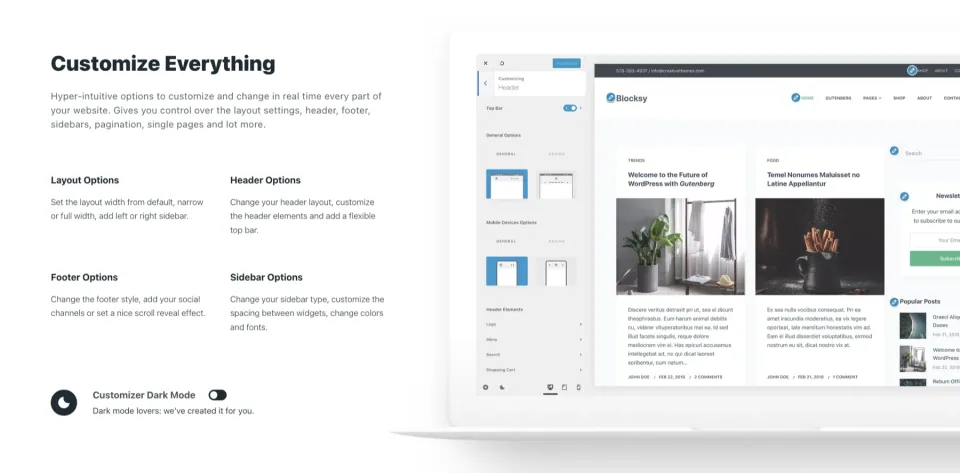
Blocksy combines WordPress block editing with theme-level controls for headers, footers, typography and layouts. That makes it a flexible foundation for a blog, business website or WooCommerce store. The free theme provides the core design tools; the optional Blocksy Companion plugin adds extensions, starter-site access and Theme Blocks for content and navigation.
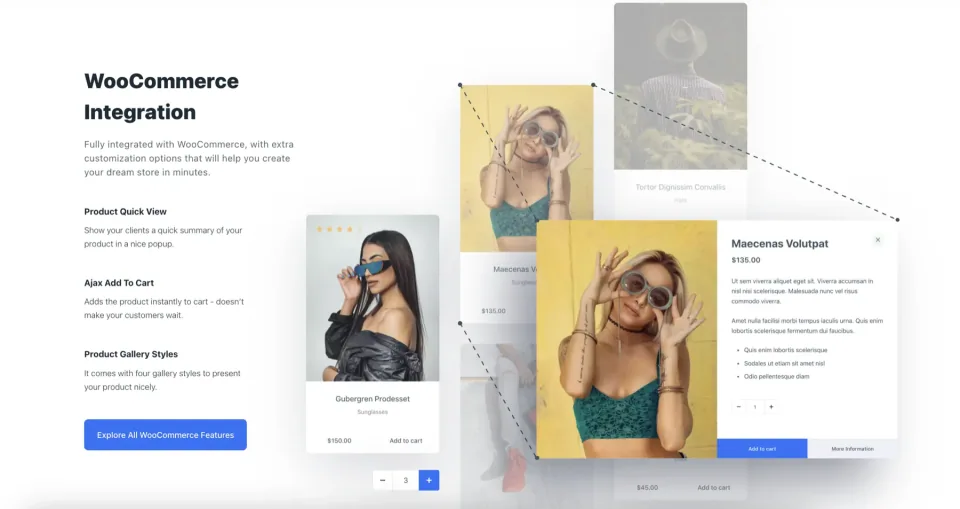
The Pro upgrade is delivered through Companion Pro rather than a replacement theme. Personal adds tools such as conditional Content Blocks, advanced menus and custom fonts. Business and Agency add Shop Extra and Post Types Extra, including advanced store and publishing features. Agency also includes White Label for client-facing branding.
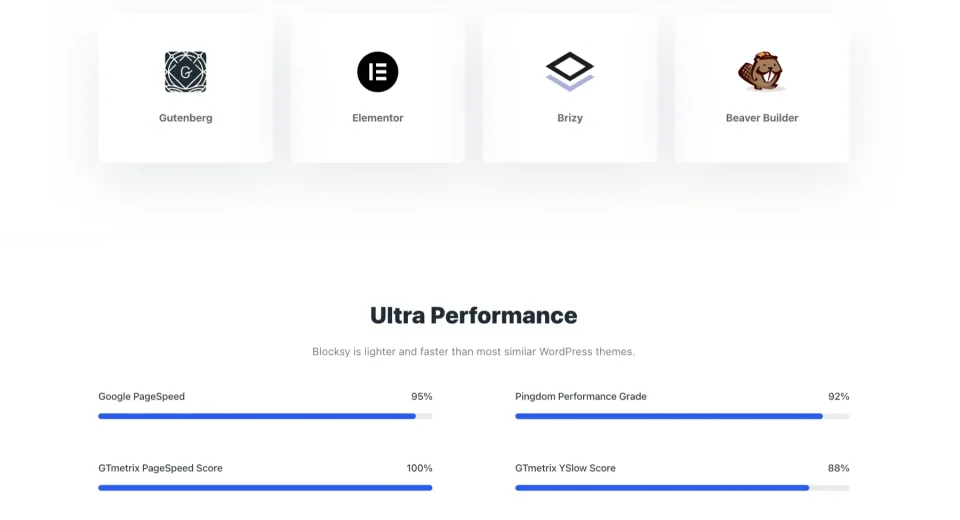
The practical distinction is what your project needs beyond the free foundation. Basic content sites and stores can start with Free, while advanced product filters, swatches, wishlists and comparison require Business or Agency. Starter sites support selected builders such as Gutenberg and Elementor, but their required plugins and Pro tier vary by design.
No Pro activation limit
1 production website
Up to 10 production websites
Recognized staging domains do not consume a Pro license seat; production Multisite sub-sites do. An expired annual license leaves the existing site running but stops future Pro updates and support.
Listed prices may exclude taxes. Promotions and vendor terms can change; confirm at checkout.
Header and footer builders, global colors and typography support an initial site without a Pro purchase.
Use WordPress blocks for content and theme controls for the surrounding website design.
Import a supported Gutenberg or Elementor design; builder, plugin and Pro requirements vary by template.
Reuse a color palette across the theme and supported editors instead of maintaining separate color choices.
Place reusable hooks, pop-ups and templates with conditional display rules.
Add mega menus and richer menu content through the Advanced Menu extension.
Unlock advanced filters, swatches, wishlist, comparison and additional WooCommerce tools.
Adjust visible branding and dashboard access for websites delivered to clients.
Vendor-sourced facts are based on published documentation; exceptions are labelled. Sources and check dates are grouped below each section.
Prices and billing options: see Pricing & licensing →
Covers: Listed version, Last directory update, Minimum WordPress, Minimum PHP
Covers: Companion architecture
Covers: Page builder
Covers: WooCommerce integration
Covers: Advanced product filters
Covers: Content Blocks availability
Covers: Desktop and mobile header builder
Covers: Shop Extra availability, Variation swatches availability
Covers: Starter-site availability
Covers: White Label availability
Covers: Free version available
Covers: License model, Staging and Multisite licenses
Covers: Support channel
Covers: Independent performance benchmark
Bloggers, content-led businesses and WordPress site builders who want a free starting point with room for selective upgrades. Business or Agency is the relevant Pro tier when the brief depends on advanced WooCommerce tools.
Teams expecting every advertised shop feature in the free theme or Personal plan, projects committed to a different design workflow, or sites whose essential integration has not been checked.
Yes. The Blocksy theme is available free on WordPress.org. Blocksy Pro is an optional paid upgrade delivered through the Blocksy Companion Pro plugin. Hosting, implementation and other paid plugins remain separate costs.
Blocksy is the theme. The Companion plugin adds extensions, starter-site access and other functionality. Companion Pro replaces the free Companion plugin and supplies the premium features included in your purchased plan; it does not replace the theme.
The standard USD prices checked on November 7, 2026 were Personal $69/year or $199 lifetime, Business $99/year or $299 lifetime, and Agency $149/year or $499 lifetime. Promotions and applicable taxes can change the checkout total.
Business and Agency include Shop Extra. The current documentation places advanced filters, variation swatches, wishlist, comparison and other shop modules in that extension. Personal does not include Shop Extra, so check the exact store feature before choosing a plan.
Personal permits one production site, Business up to ten, and Agency unlimited production sites. Recognized staging and development domain patterns do not use a normal seat. In WordPress Multisite, each production sub-site counts separately.
The vendor says the existing website continues to work. An inactive annual license no longer receives future Pro updates, new features or support. Lifetime plans do not need annual renewal under the published terms.
Blocksy supports the WordPress block editor, and its starter-site importer offers supported designs for builders such as Gutenberg and Elementor. Each starter site lists its own supported builders and required plugins; check those details before importing.
No. There are free and Pro starter sites, and premium designs can have different plan requirements. Import through Blocksy Companion, review the template's dependencies and back up an existing website before adding demo content.
The WordPress.org theme listing checked on November 7, 2026 showed Blocksy 2.1.61, requiring WordPress 6.7 or later and PHP 7.0 or later. These are directory minimums, not a recommendation to deploy an outdated PHP version or a compatibility guarantee for every plugin.
No. The theme can provide a useful foundation, but your content, hosting, images, plugins, scripts and design choices determine the finished result. Test real pages and interaction paths. WPToolWatch has not assigned a hands-on performance or accessibility score to this profile.
Explore three Astra alternatives by editing workflow and migration effort, with a practical way to decide whether changing themes is worthwhile.
Read article →
A practical shortlist of Astra, GeneratePress, Kadence and Blocksy, with separate use cases, trade-offs and a checklist for making the final choice.
Read article →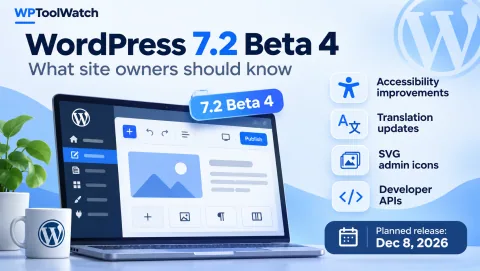
Released November 3, 2026, WordPress 7.2 Beta 4 refines the editor, translation updates, accessibility, and developer APIs. Here is what to test before the planned December 8 release.
Read article →
Is Blocksy Free enough? Explore the upgrade triggers, two practical scenarios, and a three-year comparison of Personal, Business, and Agency licenses.
Read article →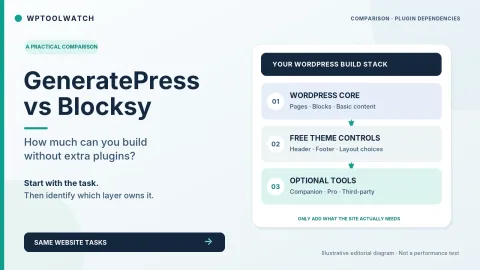
Blocksy Free offers visual header and footer builders; GeneratePress Free keeps the foundation restrained. A task-based comparison shows when WordPress core is enough, when companion plugins enter the stack, and when Pro features are worth paying for.
Read article →Explore other published WordPress products, with matching categories listed first.

Astra is a free WordPress theme with responsive design, a header/footer builder and WooCommerce integration. Astra Pro adds optional layout and store controls, while Toolkit bundles package additional plugins, AI and hosting under separate terms.
A lightweight free WordPress theme with optional GeneratePress One membership for advanced Elements, block-based design, shared patterns, and AI connectivity across 1, 10, or 100 sites.

Free WordPress theme with header/footer controls and global styling; optional paid Kadence suites add block design, commerce and agency tools.