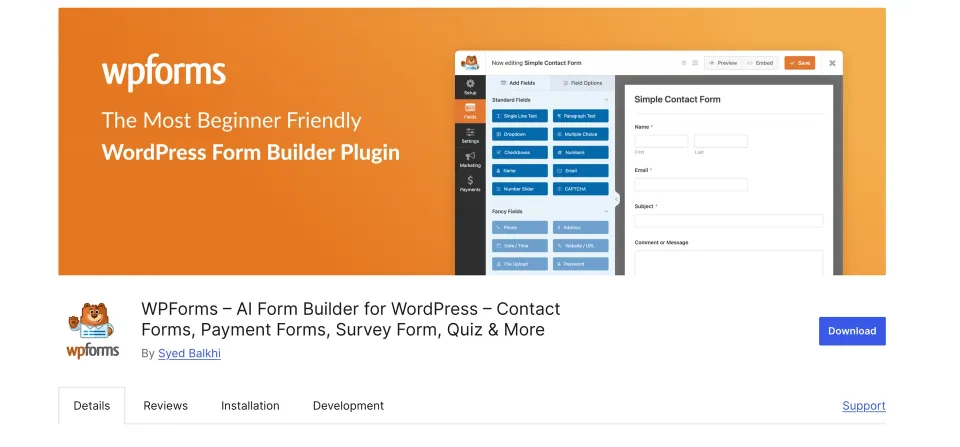
WPForms Lite is available as a free WordPress.org plugin download. This is an ongoing free-edition offer, not a time-limited percentage discount. No coupon code or expiry date is stated here. Paid upgrades and connected services have separate terms, and the Lite edition should be evaluated against the exact form workflow you need.
Check the official destination for current availability and eligibility.
The linked product profile supplies the official download destination and the published facts for the Lite edition. Start with a basic enquiry use case: a visitor sends a message, sees a useful confirmation and receives an appropriate response from the business. Verify that whole route before deciding whether more advanced tools are necessary.
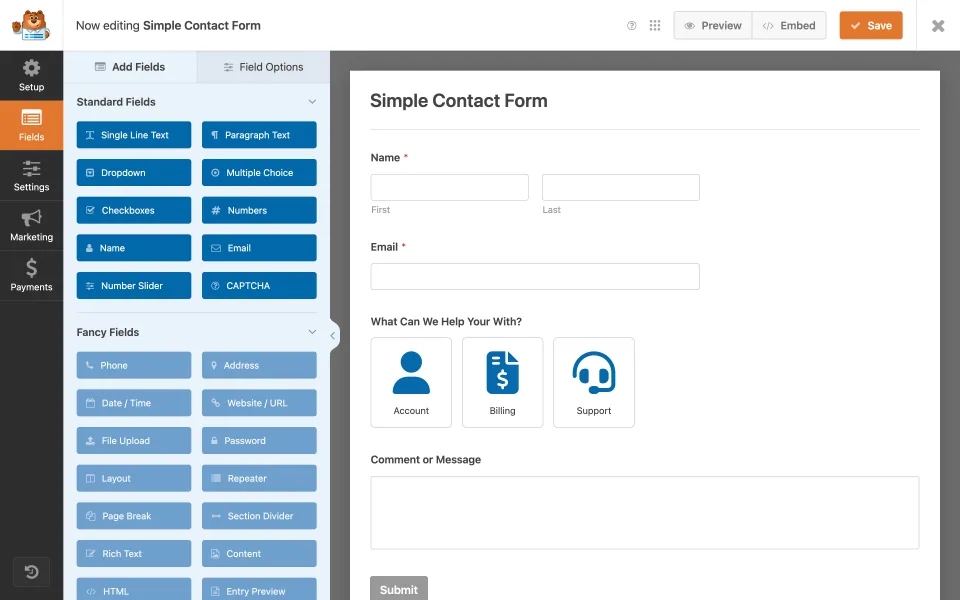
A basic contact form is a practical starting use case for Lite. Verify notification delivery as well as the form’s appearance.
Eligibility and conditions
✓The offer refers to the official Lite plugin, not every WPForms product.
✓No coupon code is required for the WordPress.org download.
✓No invented deadline or percentage saving is attached to this offer.
✓Hosting, setup and connected services are outside the free plugin download.
✓Check paid requirements separately before planning advanced workflows.
✓Confirm current terms at the official destination before installing or buying anything.
✓Test the notification and response route with the intended team.
How to use this offer
1
Open the official destination
Follow the linked product profile or the WordPress.org reference below. Confirm that the package is WPForms Lite and that the source is the official directory. No checkout code needs to be copied for this free download.
Expected result: The intended Lite package or saved configuration is identifiable before continuing.
2
Install in an appropriate test environment
Use a staging site when the live website already has an enquiry process. Record the current setup and keep the recovery route available. Avoid replacing a working form until the new one has passed its acceptance checks.
Expected result: The visitor and recipient checks both succeed.
3
Build one realistic enquiry form
Keep the form focused on the information needed to answer the request. Add clear labels and a confirmation that explains the next step. Check the recipient settings rather than assuming the default is the business inbox.
Expected result: The intended Lite package or saved configuration is identifiable before continuing.
4
Evaluate the complete workflow
Submit a real test message, confirm its arrival and ask a staff member to reply. Inspect the phone view and the handling of incomplete fields. Use that result to decide whether the free edition serves the requirement.
Expected result: The intended Lite package or saved configuration is identifiable before continuing.
5
Upgrade only for a confirmed gap
If the project needs an additional field, integration or operational feature, verify the exact paid edition that includes it. Compare recurring cost and ownership responsibilities before purchasing an upgrade.
Expected result: The intended Lite package or saved configuration is identifiable before continuing.
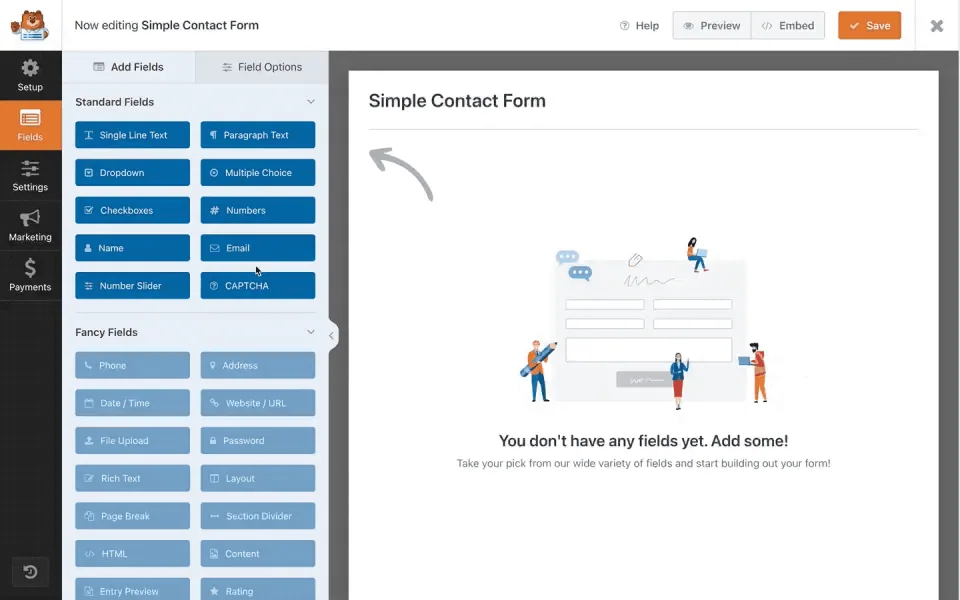
The empty canvas is the starting point for arranging the fields needed for an enquiry. Save and test the completed form before using it for real leads.
Offer questions
What is the coupon code?+
There is no coupon code for the free directory download described in this offer.
When does the free offer expire?+
No expiry date is claimed here. Check the official directory for current availability. This is not presented as a temporary promotion.
Does Lite include every paid WPForms feature?+
No. Treat the free plugin and commercial editions as separate scopes, and verify any required advanced capability.
Is the entire website free if the plugin is free?+
No. Hosting, content work, configuration, maintenance and any external services still need a budget.
Who should consider this starting point?+
A site owner evaluating a basic enquiry workflow who can test notifications and responses before making it part of the business process.