Home / Themes / Astra / Astra Review: A Flexible Starting Point for WordPress
Product review · WordPress Themes
Astra Review: A Flexible Starting Point for WordPress
Is Astra right for your next WordPress website? Explore its editing flexibility, free edition, trade-offs and the questions to answer before upgrading.
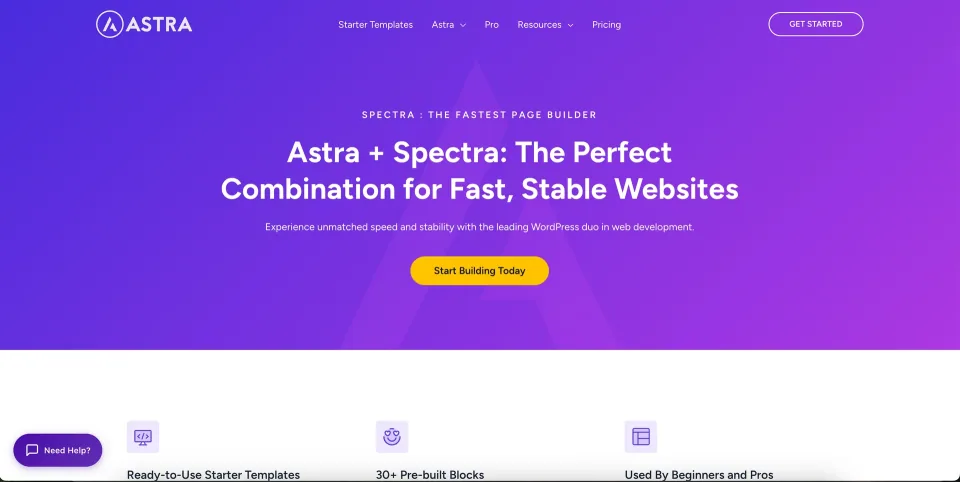
Astra is a free WordPress theme with responsive design, a header/footer builder and WooCommerce integration. Astra Pro adds optional layout and store controls, while Toolkit bundles package additional plugins, AI and hosting under separate terms.
Astra Free already includes the header/footer builder, design controls and baseline WooCommerce styling.
Standalone Astra Pro is an addon plugin for advanced layouts, sticky headers and deeper shop customization.
Premium Starter Templates and premium builder plugins are Toolkit entitlements, not part of Addon Only.
Best for: Site owners who want a flexible lightweight theme starting with Free, and designers who can name a specific Pro module or Toolkit component they will use.
What works well
Astra Free covers enough sitewide design and baseline WooCommerce needs for many ordinary sites.
Standalone Astra Pro targets specific design gaps without requiring hosting or AI bundles.
Tiered licensing can fit solo sites or larger client portfolios when activations are counted carefully.
What to consider
Starter Templates, Spectra Pro, Elementor addons and AI/hosting bundles have different entitlements, which makes price comparisons easy to misread.
First-year discounts and higher renewal rates can change the real cost of ownership.
Staging and development activations count under the current published pricing FAQ.
Our quick verdict
THE SHORT ANSWER
Astra is worth shortlisting when you want to choose your own editing workflow and start with a free theme. The main decision is whether the free foundation covers your brief, or whether a specific paid feature justifies an upgrade.
What it does and who it is for
Astra is a WordPress theme that can act as the design foundation for a business website, a content site or a store. Its official directory listing describes compatibility with page builders and ecommerce plugins. That makes it a candidate for teams that want to choose an editing approach instead of selecting a theme mainly for one ready-made homepage.
Astra provides the presentation foundation. The project’s editor, templates and store workflow still need to be chosen deliberately.
This review is for the owner of a small business site or an agency preparing a client project. If you already know who will maintain the website, use that person’s editing experience as a selection criterion. A good theme choice should make routine changes understandable long after the initial design has been approved.
For example, a services company might need a homepage, several service pages, case studies and an enquiry page. Build one service page with real text and images before deciding that a starter design suits the whole project. That small exercise exposes awkward headings, missing layouts and unnecessary design complexity early.
Starter designs provide a beginning, not finished business content. Check one representative design with real copy and imagery.
Four Astra capabilities that change the editing workflow
Start with the free header and footer builder
Astra Free already supplies a header/footer builder and global design controls. For a small services site, that can cover a logo, navigation and enquiry link without buying Pro. The useful upgrade question is whether the design needs a particular premium element or layout rule, rather than whether the free theme can build a website at all.
Mega Menu is a Pro navigation tool
The Nav Menu module in Astra Pro adds mega-menu layouts. A company with several service groups can expose them in columns instead of nesting everything in a long dropdown. That adds a navigation design choice; it does not make a crowded menu easier by itself. Keep the phone menu readable and test keyboard access with the final labels.
Site Builder controls where custom layouts appear
Site Builder requires the Astra theme and Astra Pro Addon. It supports custom headers, footers, 404 pages, hooks, and single or archive layouts, with display rules. For example, a team can place a different enquiry prompt on service content without editing every page. The maintenance cost is remembering which rule owns that prompt when a future editor wants to change it.
The theme and content-building tools work at different layers. Keep their settings and maintenance responsibilities clear in the publishing workflow.
Starter Templates are a separate entitlement
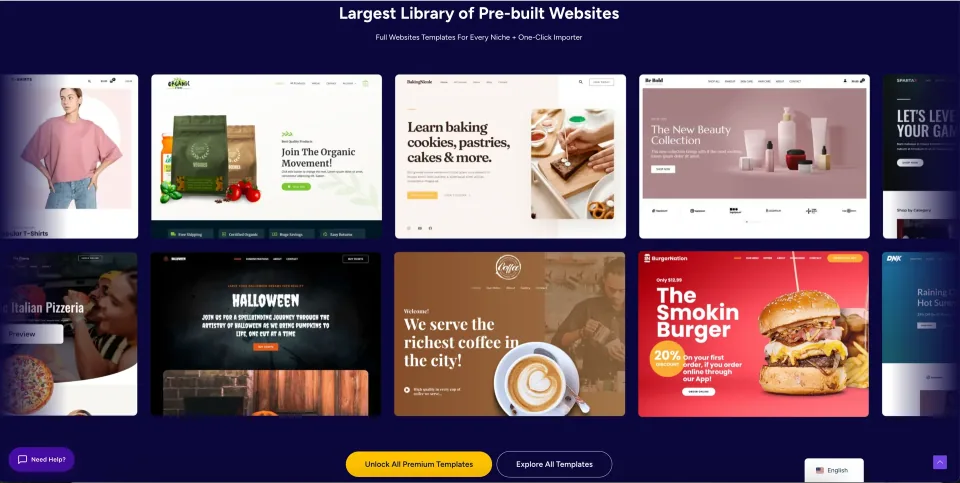
Starter Templates is a separate plugin with free designs and premium designs. Astra Pro Addon Only should not be confused with a Toolkit that includes premium template access. Before importing a design, inspect its required editor and plugins; a finished demo may depend on more than the theme. Keep only the components needed for the finished site.
These capabilities solve different jobs: navigation, reusable layouts and initial site setup. For a six-page business site, the free controls may be enough. A larger service library may justify Site Builder or Mega Menu. Choose the smallest package that covers the actual job and check its current entitlement in the pricing section.
What works well — and what to consider
What works well
Free edition allows a low-commitment evaluation
Flexible choice of editing workflow
Can suit business and store projects
What to consider
Premium capabilities need a separate plan check
Starter layouts still need original content
A theme alone cannot guarantee site speed or compatibility
Free WordPress.org theme; GPL-licensed theme code; paid addons and hosting are not included.
Astra Free Theme · Renewal
No subscription or theme license renewal. Premium extensions and any optional services are billed separately.
Astra Pro — Addon Only · License & support
Astra Pro addon for the free Astra theme. Does not include AI hosting, Spectra Pro, Elementor Pro or Premium Starter Templates.
Astra Pro — Addon Only · Renewal
Annual option listed at $69/year; ongoing premium updates and support require active term. Lifetime $249 is an advertised discounted one-time offer (crossed-out reference $349); no annual renewal for the Pro addon lifetime license.
Astra Pro + AI · License & support
Astra Pro addon plus AI site-building tools, a hosted-site entitlement and first-year domain offer under vendor terms.
Astra Pro + AI · Renewal
Annual $99 is an introductory first-year rate; renews at $149/year. Lifetime $279 is advertised promotional one-time toolkit price (reference $449). On lifetime bundle, AI and included hosting last 3 years and may require separate renewal afterward.
Checked against the official Astra pricing pages on November 9, 2026. All figures are USD before applicable taxes. Astra Free is $0. Astra Pro Addon Only lists $69/year and a discounted $249 lifetime offer (crossed-out $349). The +AI bundle annual rates are introductory FIRST-YEAR offers: Pro+AI $99 then $149 renewal; Essential+AI $199 then $299; Business+AI $279 then $429. Current advertised lifetime offers are $279/$549/$799 respectively, crossed-out references $449/$899/$1,299; promotions can change without notice. Toolkit lifetime means software license, updates and support for eligible WordPress components, NOT lifetime AI or hosted website use: bundle AI/hosting allowances end after 3 years and may be separately renewed. Paid plugin site activation caps are 3/3/10/1000, with staging/dev counted under the current pricing FAQ. Premium Starter Templates require Essential/Business, not Astra Pro alone. Final checkout, applicable taxes, refunds and renewal terms depend on the vendor’s current offer.
Listed prices may exclude taxes. Promotions and vendor terms can change; confirm at checkout.
Use the published plans below to separate the free theme from paid upgrades. Identify the exact capability missing from your trial, then confirm the website allowance, license, support and renewal terms for the edition that supplies it. A lower initial price is not a complete project budget.
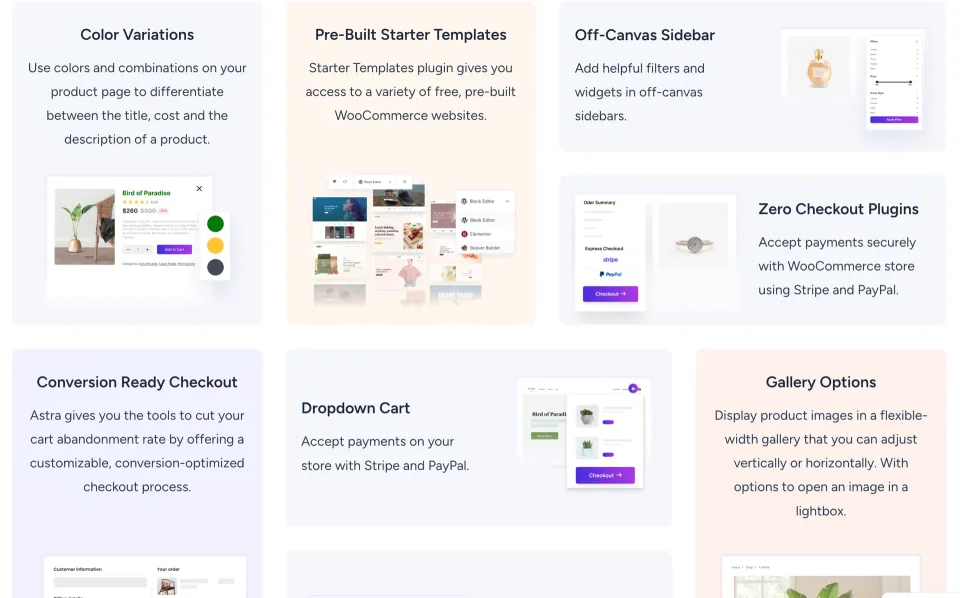
Store-related previews identify features to verify in the selected package. They do not establish that every control is included in the free theme.
Is it worth choosing?
Astra belongs on a shortlist when your priority is a flexible foundation and a familiar editing path. The free theme gives you a practical way to check whether the content structure, navigation and basic design controls fit your requirements.
Consider another approach if your most important requirement is available only through an unconfirmed paid integration, or if the team has already standardised on a different site-building system. In those cases, the cost of introducing a new workflow can outweigh an appealing starter design.
Our suggested next step is simple: install the free theme on staging, build one representative page, review it on a phone and let the future editor make a routine change. Then decide whether any upgrade solves a specific remaining problem.
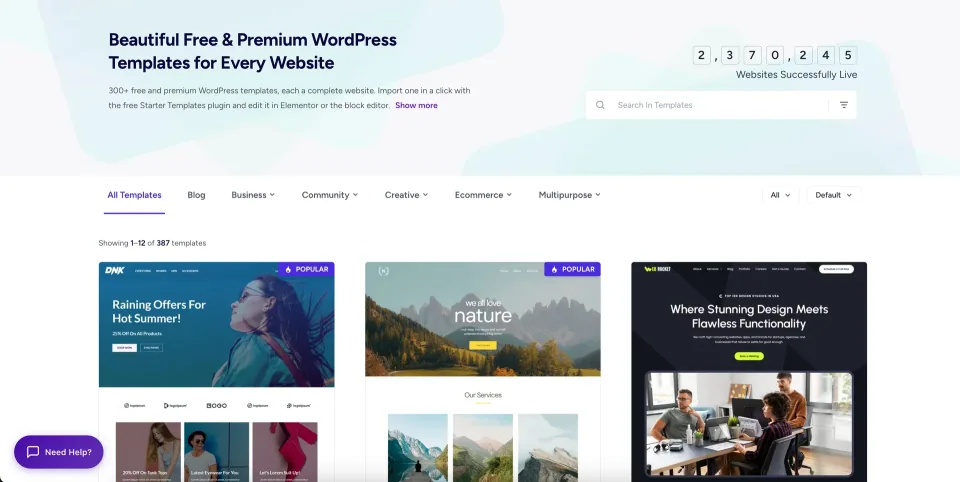
Use the design library to shortlist a layout, then evaluate the owner’s actual editing tasks before choosing the theme.
How this review was researched
This is a documentation-led review using the official theme listing, Astra’s Nav Menu, Site Builder and Starter Templates documentation, and the published product profile. We have not run an independent performance benchmark or measured support response times. The examples explain how documented capabilities affect a business editing workflow; they are not claims of hands-on testing.
Frequently asked questions
Can I start with Astra without buying a plan?+
Yes. This article links to the free theme listed on WordPress.org. Paid upgrades have separate features and terms.
Does Astra guarantee a fast website?+
No theme alone can guarantee the performance of a finished website. Test your content, hosting, images and plugin stack together.
Should I buy an upgrade immediately?+
First test a representative page with the free theme. Upgrade when you can identify a required capability and confirm that the chosen plan covers it.