Start with Astra if you want to evaluate its fit with your chosen builder workflow. Start with Kadence if its header, footer and global design controls match the way your editor wants to work. Neither recommendation replaces a staging test with the same business content.
Choose the right fit
CHOOSE Astra
For an established builder workflow
Shortlist Astra when your team already has a clear page-building method and wants to evaluate the theme around it. Use one real service page to check content width, navigation and the handoff between theme settings and the editor.
Consider: Confirm which parts of the design belong to the theme and which belong to a separate builder or extension.
Shortlist Kadence when the editor wants to evaluate header and footer composition alongside shared fonts and colours. Ask that editor to make a navigation change and repeat a page layout before deciding.
Consider: Check the exact free-versus-paid boundary for every required capability; a starter design does not establish plan entitlement.
Site owners who want a flexible lightweight theme starting with Free, and designers who can name a specific Pro module or Toolkit component they will use.
WordPress site owners who want a capable free theme and coherent design controls; stores or agencies already planning to use multiple Kadence premium tools.
Free version available
Yes · vendor claimed
Yes · vendor claimed
License model
Free Astra WordPress theme (GPL); Astra Pro addon sold in annual or lifetime licenses with site limits · vendor claimed
Free theme; Essentials, Pro and Elite annual subscriptions provide premium products with license-based updates and support · vendor claimed
Listed version
4.14.2 · vendor claimed
1.5.2 · vendor claimed
Minimum WordPress
5.3 (WordPress.org listed installation minimum; run a supported newer release) · vendor claimed
6.6 · vendor claimed
Minimum PHP
5.3 (WordPress.org listed minimum; not a safe production target) · vendor claimed
7.4 · vendor claimed
Last directory update
2026-10-29 · vendor claimed
2026-07-24 · vendor claimed
Support channel
Free: WordPress.org community support; paid: vendor support while license active · vendor claimed
WordPress.org support forum; response quality not assessed · vendor claimed
Use a single brief for both candidates: a homepage, two service pages, a case study and a contact page. Prepare the copy and images before opening either theme. This prevents the comparison from becoming a contest between attractive starter designs rather than an evaluation of your business requirements.
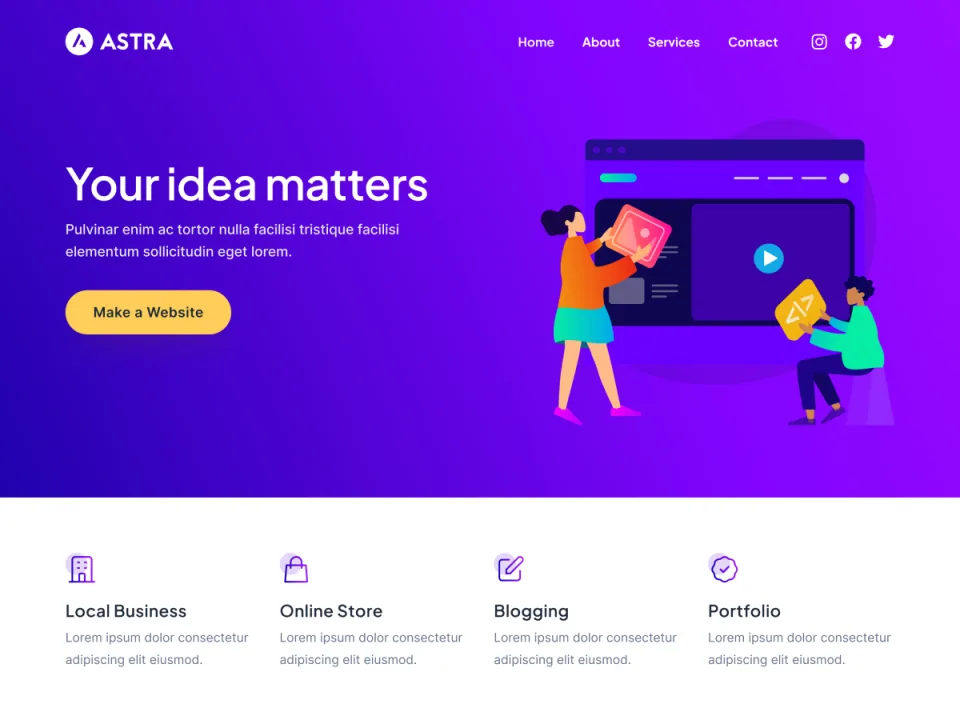
Astra’s product preview is a starting point for a business-site evaluation. Use the same real content and visitor task when trying Kadence.
Give the same editor three tasks: change a service heading, add a navigation item and create a second case study. Record the number of places they need to visit and which instructions they need to remember. Our editorial preference is the option that keeps those recurring tasks understandable.
Also test recovery from an ordinary mistake. Change an image to the wrong aspect ratio, paste a long heading and preview a narrow screen. The preferred workflow should make the problem visible and let the editor correct it without rebuilding the whole page.
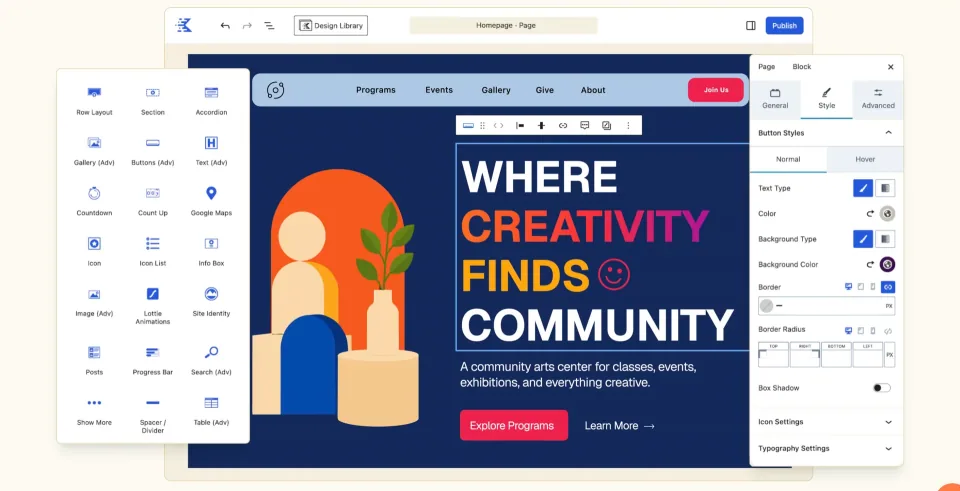
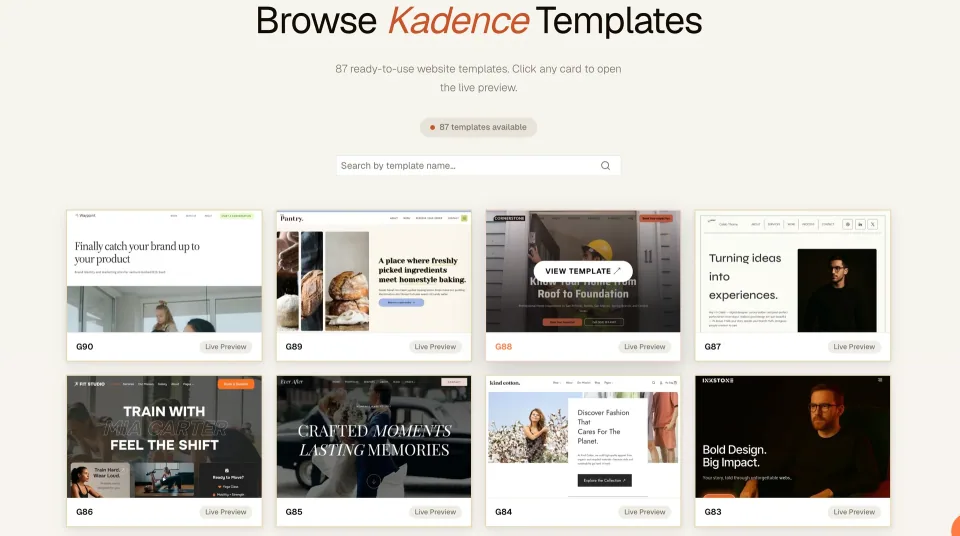
Kadence’s vendor preview shows the editing environment to evaluate with the same service-page brief used for Astra.
Features and integrations
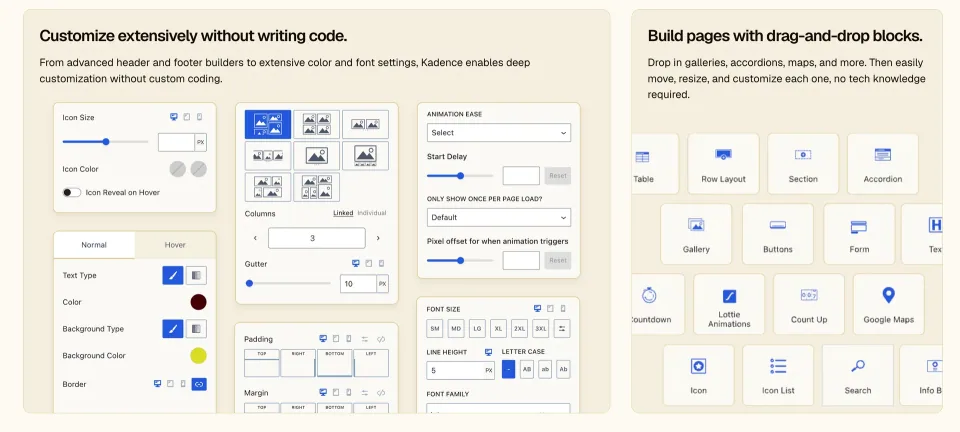
Astra’s official listing describes compatibility with page builders and ecommerce plugins. Kadence’s listing highlights a header/footer builder and global font and colour controls. Those are vendor descriptions of capabilities; they are not a measured comparison of output quality or a guarantee for your plugin stack.
Translate the descriptions into acceptance tests. For navigation, test a long menu label and a phone menu. For an online store, test a product page, cart and checkout using the actual ecommerce configuration. For a content site, test a long article, archive and search result.
Avoid treating a larger feature list as an automatic advantage. Each extra system needs an owner, update process and explanation in the handover. Prefer the configuration that meets the brief with a clear division of responsibilities.
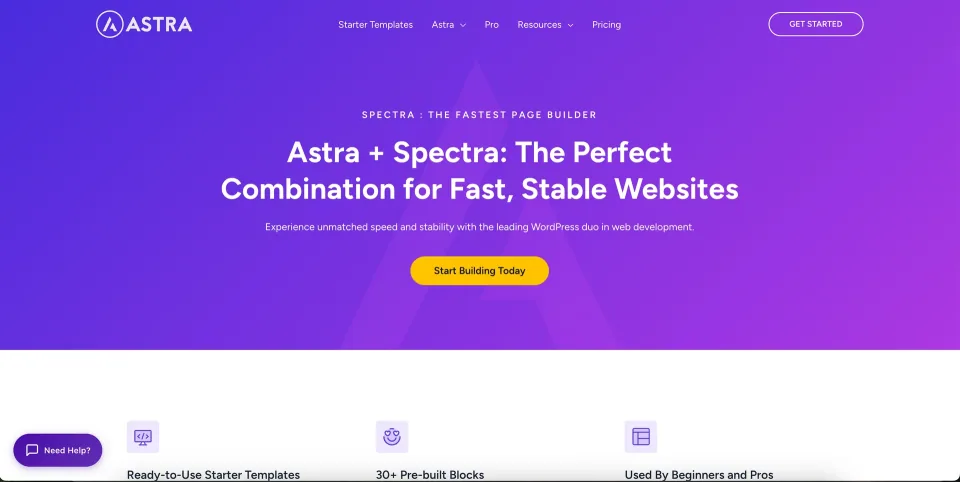
Astra’s theme layer and Spectra’s content-building tools are separate parts of the workflow. Record which component owns each layout.The vendor’s conditional-layout and styling previews are a checklist for package verification, not a claim that every option is included in Free.
Free WordPress.org theme; GPL-licensed theme code; paid addons and hosting are not included.
Astra Free Theme · Renewal
No subscription or theme license renewal. Premium extensions and any optional services are billed separately.
Astra Pro — Addon Only · License & support
Astra Pro addon for the free Astra theme. Does not include AI hosting, Spectra Pro, Elementor Pro or Premium Starter Templates.
Astra Pro — Addon Only · Renewal
Annual option listed at $69/year; ongoing premium updates and support require active term. Lifetime $249 is an advertised discounted one-time offer (crossed-out reference $349); no annual renewal for the Pro addon lifetime license.
Astra Pro + AI · License & support
Astra Pro addon plus AI site-building tools, a hosted-site entitlement and first-year domain offer under vendor terms.
Astra Pro + AI · Renewal
Annual $99 is an introductory first-year rate; renews at $149/year. Lifetime $279 is advertised promotional one-time toolkit price (reference $449). On lifetime bundle, AI and included hosting last 3 years and may require separate renewal afterward.
Essential Toolkit + AI · License & support
Includes Astra Pro, Spectra Pro, Premium Starter Templates, Ultimate Addons for Elementor and qualifying AI/hosting entitlements. Does not include Elementor Pro.
Essential Toolkit + AI · Renewal
Annual introductory $199; renews at $299/year. Discounted lifetime toolkit $549 (crossed-out $899) provides ongoing qualifying plugin rights; AI platform and hosted sites expire after 3 included years unless separately renewed.
Business Toolkit + AI · License & support
Adds agency-scale site activations and plugins/services such as SureForms Agency to Essential Toolkit features, subject to bundle terms.
Business Toolkit + AI · Renewal
Annual introductory $279; renews at $429/year. Discounted lifetime toolkit $799 (crossed-out $1,299) covers qualifying toolkit software indefinitely; included AI and hosting terms are limited to 3 years.
Checked against the official Astra pricing pages on November 9, 2026. All figures are USD before applicable taxes. Astra Free is $0. Astra Pro Addon Only lists $69/year and a discounted $249 lifetime offer (crossed-out $349). The +AI bundle annual rates are introductory FIRST-YEAR offers: Pro+AI $99 then $149 renewal; Essential+AI $199 then $299; Business+AI $279 then $429. Current advertised lifetime offers are $279/$549/$799 respectively, crossed-out references $449/$899/$1,299; promotions can change without notice. Toolkit lifetime means software license, updates and support for eligible WordPress components, NOT lifetime AI or hosted website use: bundle AI/hosting allowances end after 3 years and may be separately renewed. Paid plugin site activation caps are 3/3/10/1000, with staging/dev counted under the current pricing FAQ. Premium Starter Templates require Essential/Business, not Astra Pro alone. Final checkout, applicable taxes, refunds and renewal terms depend on the vendor’s current offer.
Free WordPress theme; premium plugins and services are separate.
Kadence Theme (Free) · Renewal
No paid renewal for the base theme; maintenance and hosting remain your responsibility.
Kadence Essentials · License & support
Kadence design bundle that includes premium Theme Pro and Blocks Pro tools; billed annually.
Kadence Essentials · Renewal
Renewing maintains updates, premium support, templates and activation. Confirm renewal amount before purchase.
Kadence Pro · License & support
Annual bundle with Essentials design tools plus other premium products.
Kadence Pro · Renewal
Confirm annual renewal, support, site count and product-specific service limits in checkout/account.
Kadence Elite · License & support
Annual agency bundle with Pro tools and additional conversion/client-management services.
Kadence Elite · Renewal
Verify checkout renewal and any Central site-based charges or quotas separately.
Kadence-specific official public pricing reviewed 2026-11-09: Essentials $99/year, Pro $299/year, Elite $499/year. These are bundle subscriptions, not stand-alone theme prices or authenticated checkout totals. Confirm site-activation scope, taxes, current renewal rate and service quotas at checkout. The official terms say installed files can remain usable after lapse, but updates, premium support, templates and new activations end. Kadence Central agency management can cost per site. Liquid Web also announced a separate four-brand software stack (Kadence, LearnDash, Give, The Events Calendar) at different site-count prices; it is NOT one of these three Kadence-specific tiers. Older Express/Plus/Ultimate terms should not be assigned to these newly named plans.
Listed prices may exclude taxes. Promotions and vendor terms can change; confirm at checkout.
The free editions provide a starting point for the same evaluation task. The structured plan displays use the published profiles; compare equivalent feature requirements, website allowances and renewal terms before paying. One vendor’s free theme and the other’s complete bundle are different scopes.
How this comparison was researched
This comparison uses the two official WordPress.org listings and the published WPToolWatch records. The workflow tests described here are recommended evaluation tasks, not tasks claimed to have been completed. No synthetic score, speed winner or independently measured support rating is assigned.
Our final recommendation
Choose Astra when your preferred builder and the theme settings form a clear workflow after testing. Choose Kadence when its site-wide design process proves easier for the person who will maintain the site. The important result is a repeatable process, not a universal winner.
Keep a brief decision log: required pages, editing tasks completed, remaining gaps and the paid features needed. Share that log with the site owner before purchase so the final choice is based on requirements they recognise.
If both candidates meet the brief, use the lower maintenance burden as the deciding factor. That includes editor training, plugin overlap, update ownership and the cost of reproducing the design on future pages.
Choose a starter layout only after testing it with your own headings, images and enquiry route.
Frequently asked questions
Can I start by comparing the free themes?+
Yes. Use the free directory editions to evaluate a common set of pages. Paid capabilities should be checked separately against current plan terms.
Which one is faster?+
This article does not provide a measured speed comparison. Test the same content, hosting and plugin setup before drawing that conclusion.
Should I switch themes just to use a different header?+
First determine whether the current system can meet the requirement. A theme migration affects more than one design element.
What is the most useful deciding task?+
Ask the long-term editor to create and maintain one real service page, including its phone layout and navigation links.
 Astra
 Kadence