
Comparison
Avada vs WoodMart: A Business Website or a Store-First Workflow?
Compare Avada and WoodMart by project scope, editing responsibilities and license choices, then test the workflow your team will maintain.
Read article →Released November 3, 2026, WordPress 7.2 Beta 4 refines the editor, translation updates, accessibility, and developer APIs. Here is what to test before the planned December 8 release.
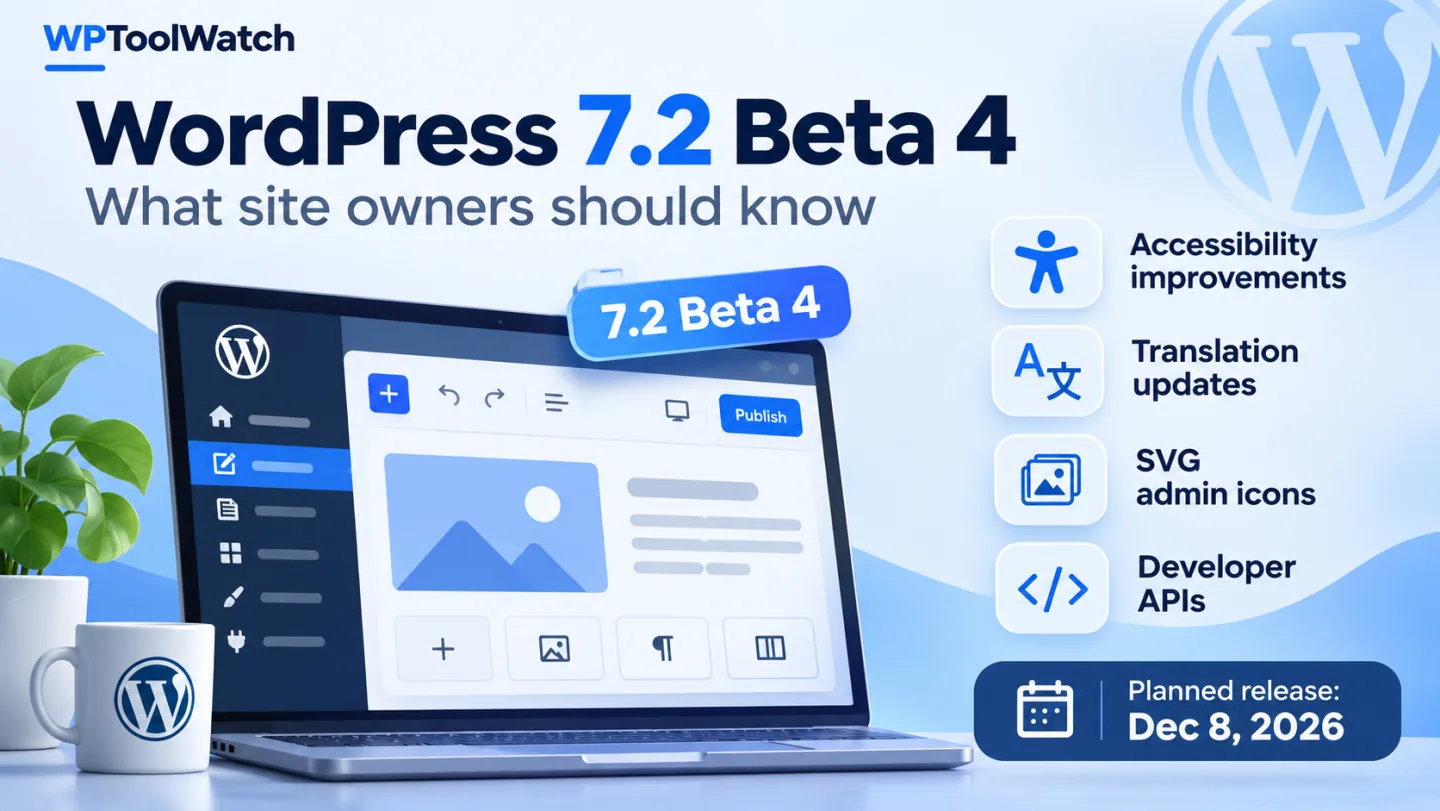
WordPress 7.2 Beta 4 arrived on November 3, 2026. The release brings changes to translations, accessibility, the editor, and developer APIs, but I would not install a beta on a live site just to see what's new. What matters is which changes could affect your site when WordPress 7.2 ships.
Beta 3 wasn't skipped, by the way. It shipped alongside WordPress 7.1.4 on October 28.
I'd start with translation updates if you manage a multilingual site. WordPress 7.2 lists available language updates individually on the Updates screen, so you can review and install them selectively. Not flashy, but useful control over routine maintenance.
Other fixes improve keyboard focus in Windows High Contrast mode, right-to-left block alignment, and custom block spacing. Easy to overlook in a changelog; less easy to ignore when editing or navigation feels broken.
Ipsum, the new default theme planned for 7.2, is also being refined. Changes cover keyboard focus, screen reader links, touch targets, right-to-left support, patterns, and color palette compatibility. Useful progress, but still a beta theme.
Developers get refinements to the Abilities API, DataViews, REST API behavior, revisions, and input validation. These improvements span the 7.2 beta cycle; they did not all debut in Beta 4.
The compatibility detail that caught my eye is smaller than the API changes: how WordPress renders core admin icons.
WordPress 7.2 switches core admin menu and admin bar icons from CSS-based Dashicons glyphs to inline SVGs. WordPress’s developer note explains that most plugins and themes need no changes. The exception is custom admin styling that targets icons through ::before or modifies the old icon markup; those rules may need an update.
If your dashboard uses custom colors or menu icons, check it on staging. If you use the standard admin interface, don't assume this change will break anything. A targeted compatibility note is not a blanket warning.

For a Blocksy installation, check the header/footer controls and any Companion extensions used by the site. A clean theme-only page does not cover a layout supplied by Companion Pro.
This is a suggested test scope, not a verified WordPress 7.2 compatibility result.
For Avada, include a representative Live Builder layout and the actual Core/Builder or One setup in use. Custom admin branding is also relevant to the admin-icon change described above.
Keep Classic and One test environments separate; do not infer one edition’s result from the other.
For WoodMart, follow a product variation through filters, cart and the test checkout, using the installed builder and WooCommerce extensions. A homepage check misses the store’s operational path.
Use an isolated test environment and the payment gateway’s test mode; this is not a compatibility certification.To explore the beta, try WordPress Playground from the official Beta 4 announcement. A browser demo cannot verify your own theme and plugins, so test those on staging or locally, never production. WordPress Beta Tester offers the 'Bleeding edge' channel and 'Beta/RC Only' stream.
Test the workflows that would actually hurt if they stopped working. The checklist below is a sensible starting point, not an exhaustive test plan.
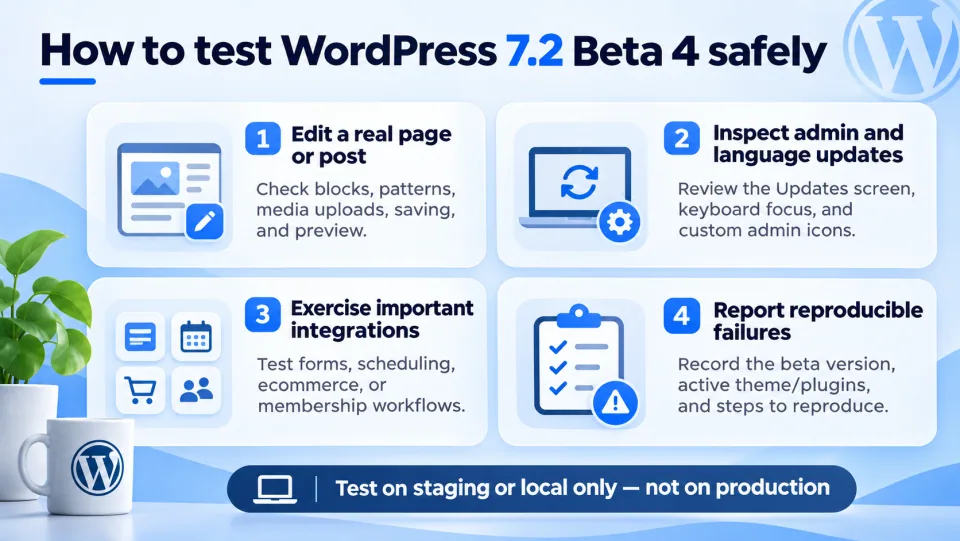
Try blocks, patterns, media uploads, saving, and a preview on desktop and mobile. Watch for spacing and alignment changes.
Check the Updates screen, keyboard focus, and custom admin icons or color schemes, especially on multilingual and customized sites.
Verify forms, scheduled content, and any ecommerce or membership workflow that is critical to your site. Review logs if something behaves differently.
Write down the beta version, active theme/plugins, steps to reproduce, and the result. Use the WordPress Alpha/Beta forums or Trac for core issues.
As of November 7, the official WordPress 7.2 release schedule lists Beta 5 for November 10, the first release candidate for November 17, and the final release for December 8, 2026. These are scheduled milestones, not guarantees.
My rule: if you rely on multilingual content, custom admin styling, or editor-heavy plugins, check those workflows on staging now. Otherwise, skip Beta 4. Keep production on a supported stable release and plan your upgrade when 7.2 is final. A quiet upgrade beats being first on a beta.
Compare Avada and WoodMart by project scope, editing responsibilities and license choices, then test the workflow your team will maintain.
Read article →
Explore three Astra alternatives by editing workflow and migration effort, with a practical way to decide whether changing themes is worthwhile.
Read article →
Is Blocksy Free enough? Explore the upgrade triggers, two practical scenarios, and a three-year comparison of Personal, Business, and Agency licenses.
Read article →