Kadence is worth considering for a business site whose owner values a manageable design foundation. Begin with the free theme, build one real service page and upgrade only when a documented requirement justifies the additional tools. This is a documentation-based assessment, not a speed benchmark.
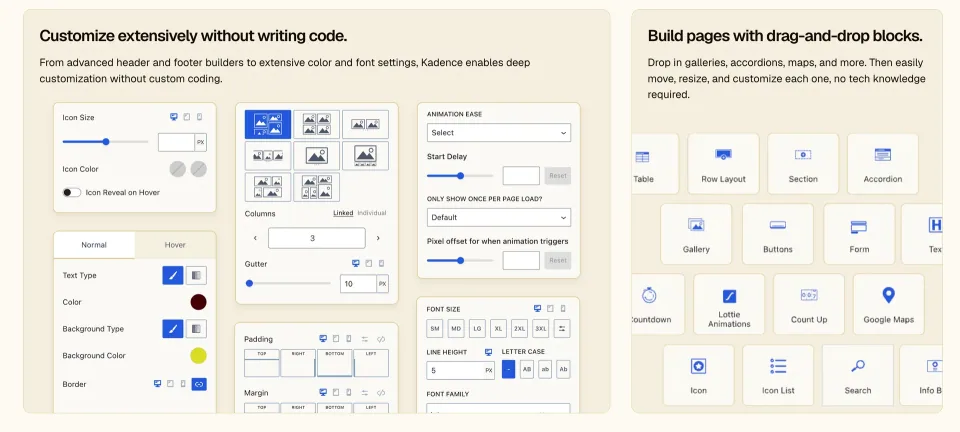
Kadence provides the theme layer: the shared appearance and layout around your content. Its directory listing describes a header/footer builder and shared font and colour controls. Treat those features as a starting point for evaluation, rather than proof that a particular combination of plugins will work without adjustment.
What it does and who it is for
Imagine a consultancy that needs five service pages, a team introduction, a small resource library and a reliable enquiry route. That brief benefits from consistent headings, clear navigation and page layouts that an employee can update. An elaborate animated homepage is less useful if the service pages become difficult to maintain.
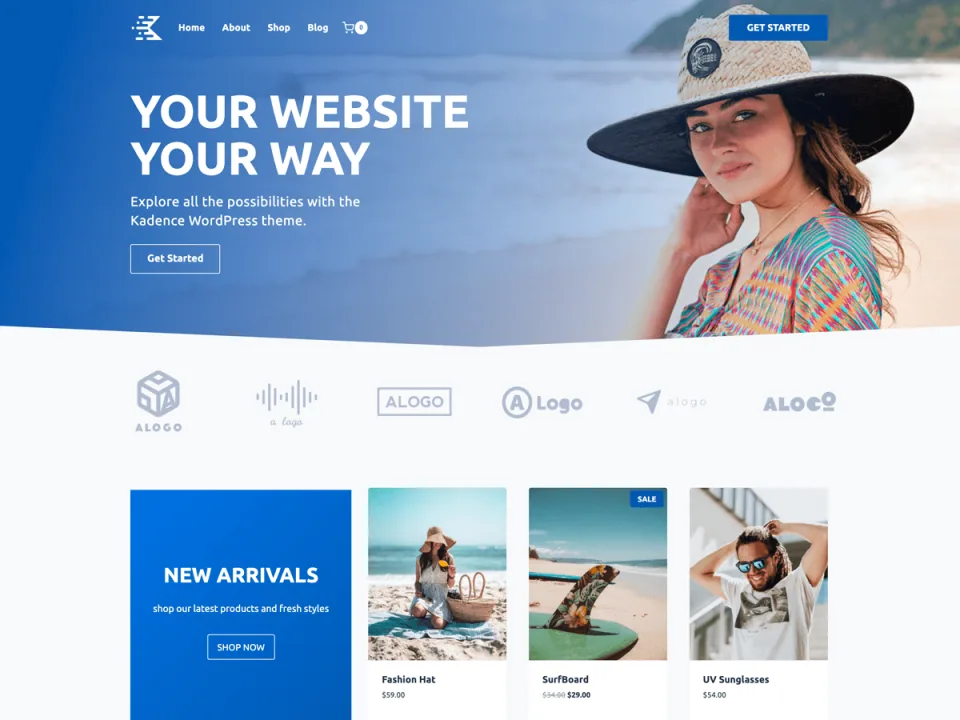
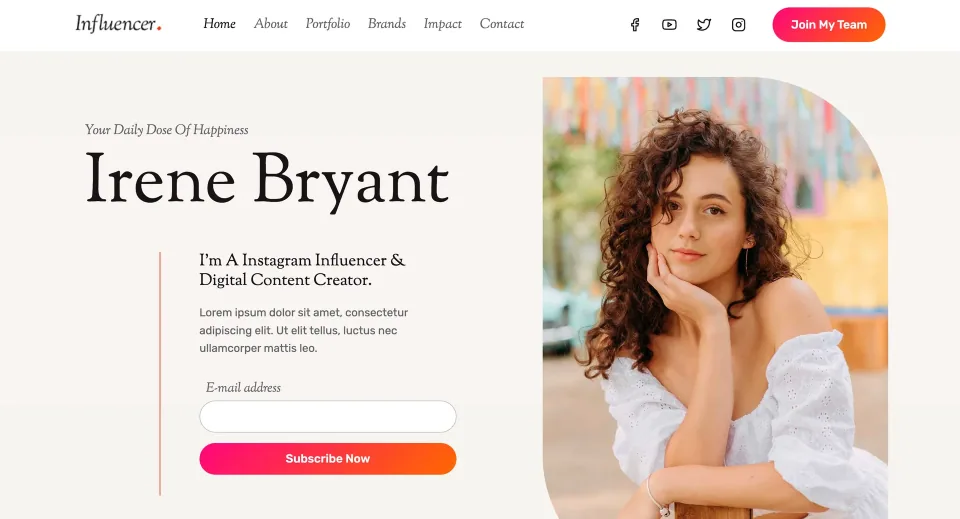
A starting design can help establish the look of a business site. Replace its copy and imagery before judging the editing workflow.
For this kind of project, assess the theme as part of an operating process. Who writes new pages? Who changes the navigation? Who can replace an image without breaking the layout? A theme becomes a sensible choice when those people can perform their regular tasks with a short, repeatable set of instructions.
Kadence is a candidate for this workflow because a free foundation is available for evaluation. That does not make it the automatic choice for every business. If your team already works effectively in a different design system, moving to another theme needs a concrete benefit that exceeds the cost of rebuilding and retraining.
Features and everyday workflow
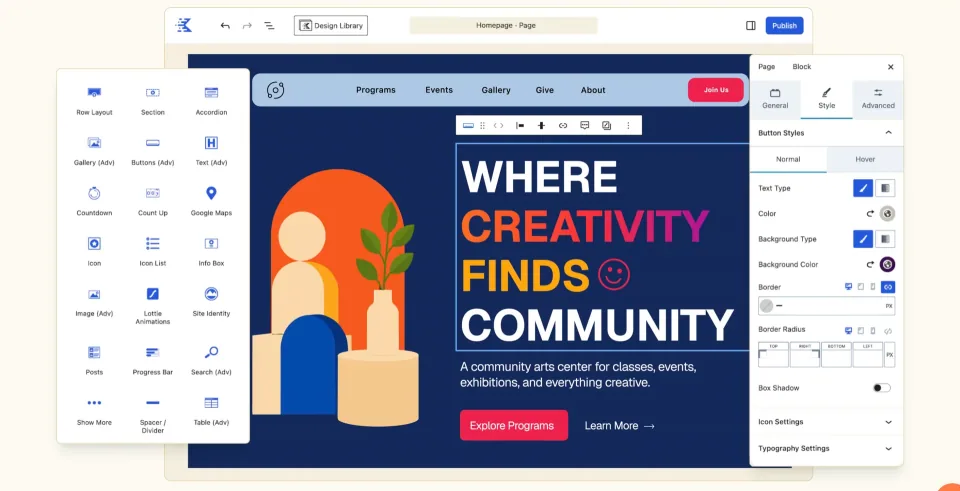
Start the evaluation with actual content: a long service name, a three-paragraph explanation, a portrait image and a contact button. Use the editing tools that the final site owner will use. Check whether the heading hierarchy, content width and mobile spacing remain understandable when the text is no longer perfectly sized for a starter design.
Next, create a second page from the same pattern. The useful question is whether the design can be repeated consistently, not how many controls exist. Document the colours, typography, image proportions and button labels that the editor is expected to reuse. Remove overlapping plugins if they solve the same layout problem.
The official directory distinguishes the free theme from additional commercial upgrades. Keep that distinction in the project handover. Record which components supply the header, templates and content blocks, so a future maintainer can find the correct setting without guessing.
Test the editing workspace with the headings, images and contact action the site owner will maintain.Shared styling can make repeated pages more consistent. Verify the chosen package’s controls and document where those settings live.
What works well — and what to consider
What works well
The free theme makes a limited initial evaluation possible.
A shared design foundation can support consistent business pages.
The directory identifies a free starting point and separate commercial upgrades.
What to consider
The final result still needs a deliberate content and design system.
Commercial features introduce a separate purchasing decision.
An existing site may require template rebuilding and editor retraining.
Free WordPress theme; premium plugins and services are separate.
Kadence Theme (Free) · Renewal
No paid renewal for the base theme; maintenance and hosting remain your responsibility.
Kadence Essentials · License & support
Kadence design bundle that includes premium Theme Pro and Blocks Pro tools; billed annually.
Kadence Essentials · Renewal
Renewing maintains updates, premium support, templates and activation. Confirm renewal amount before purchase.
Kadence Pro · License & support
Annual bundle with Essentials design tools plus other premium products.
Kadence Pro · Renewal
Confirm annual renewal, support, site count and product-specific service limits in checkout/account.
Kadence Elite · License & support
Annual agency bundle with Pro tools and additional conversion/client-management services.
Kadence Elite · Renewal
Verify checkout renewal and any Central site-based charges or quotas separately.
Kadence-specific official public pricing reviewed 2026-11-09: Essentials $99/year, Pro $299/year, Elite $499/year. These are bundle subscriptions, not stand-alone theme prices or authenticated checkout totals. Confirm site-activation scope, taxes, current renewal rate and service quotas at checkout. The official terms say installed files can remain usable after lapse, but updates, premium support, templates and new activations end. Kadence Central agency management can cost per site. Liquid Web also announced a separate four-brand software stack (Kadence, LearnDash, Give, The Events Calendar) at different site-count prices; it is NOT one of these three Kadence-specific tiers. Older Express/Plus/Ultimate terms should not be assigned to these newly named plans.
Listed prices may exclude taxes. Promotions and vendor terms can change; confirm at checkout.
The published profile distinguishes the free theme from commercial packages. Start with a written requirement that the free setup does not meet, then check which package covers it. Include setup, connected services and renewal responsibility in the ownership budget.
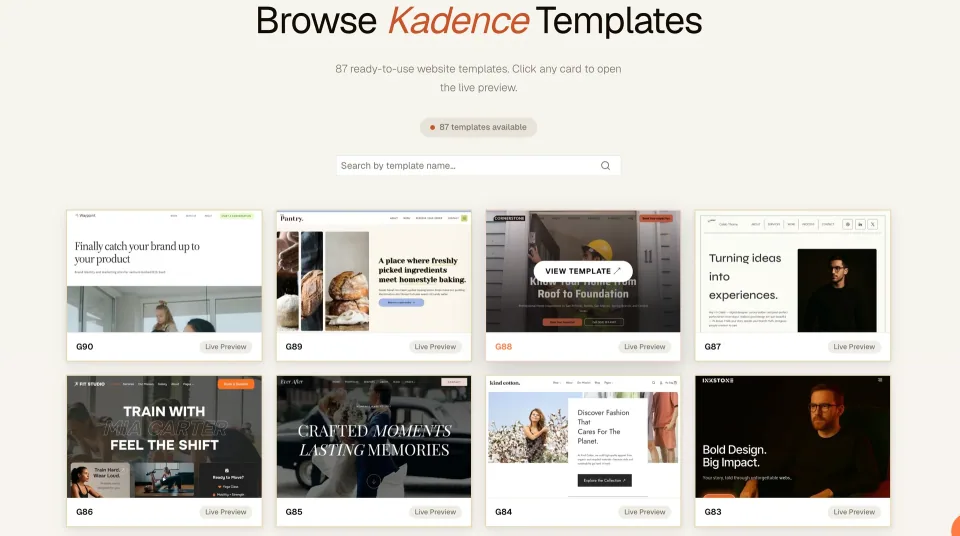
A template library is a setup resource, not a license specification. Check the required companion tools and package before choosing a starting design.
How this review was researched
This assessment compares the official theme listing, the vendor product information and the published WPToolWatch profile. It considers a small business publishing workflow. No independent installation, support response test, accessibility audit or performance benchmark was completed for this article; the recommendations are editorial evaluation criteria.
Is it worth choosing?
Choose Kadence when your staging exercise produces a page the site owner can confidently maintain and the required functionality is accounted for. A successful test is specific: the owner edits a service title, replaces an image, previews the page on a phone and publishes the change without needing to understand the theme internals.
Do not upgrade solely because a commercial package contains more features. List the precise gap in the free setup and verify that the chosen package covers it. If a requirement is better handled by an existing tool, an upgrade may simply add another system to maintain.
Our recommendation is to shortlist it alongside one alternative, run the same page-building task in both, and keep the simpler long-term workflow. That decision is more defensible than choosing from a promotional screenshot or an unsupported claim that one theme is universally fastest.
A business-site example helps assess the layout, but the buying decision should follow a staging exercise with the site’s own content.
Frequently asked questions
Is Kadence free?+
A free theme is available from WordPress.org. Commercial upgrades and services have their own terms; the free listing does not include every paid feature.
Is this a hands-on speed review?+
No. This article evaluates documentation and a proposed publishing workflow. Measure a representative site before making a performance comparison.
Should an existing business site switch immediately?+
Only after testing its important pages on staging. Allow time for templates, navigation, forms and the editor handover.
What should I test before buying an upgrade?+
Build a real page, repeat its layout, inspect the phone view and confirm the exact missing feature against the chosen paid plan.