WooCommerce Core (Free)
Free
No WooCommerce platform site activation fee
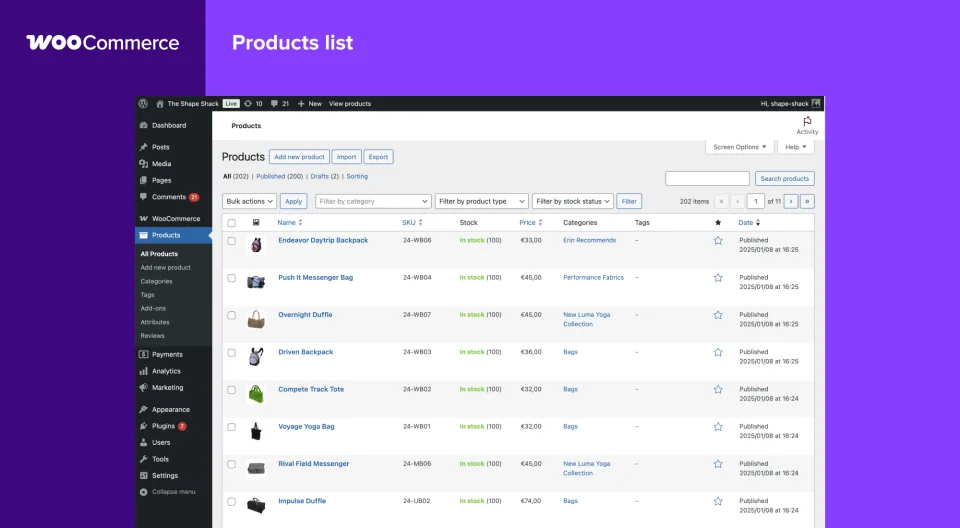
- Product and variation management
- Cart, checkout and order administration
- Extensible payment, shipping and tax integrations

WooCommerce is a free, open-source WordPress store platform. Its flexibility is valuable, but payments, extensions, hosting and upkeep determine the real cost.
WooCommerce is worth choosing for control, not because it says “free” on the download page. For a straightforward store, the core can cover a lot; for subscriptions, specialized shipping or heavily customized checkout, budget the complete stack before committing. I would prioritize a supported payment gateway and a tested checkout over another storefront feature. If no one will maintain the WordPress stack, a hosted platform may cost less in operational headaches.
Documentation-based assessment by WPToolWatch Editorial. No hands-on benchmark.
Assessed Nov 16, 2026
WooCommerce adds products, variations, stock management, cart, checkout, coupons and orders to WordPress without a platform subscription. That is a substantial foundation, not a turnkey retail operation. Hosting, payment processing, domain, backups and any specialty extensions are separate decisions. Its main appeal is owning those decisions rather than renting a fixed storefront bundle.
Cost a representative order from first visit to refund: payment gateway, shipping rules, tax handling, transactional email, returns, security and support. WooCommerce does not levy a core-platform revenue share, but processors charge their own rates. WooPayments is one option, not a requirement, and its merchant-country eligibility and fees vary. Bookings, memberships and recurring subscriptions can call for paid extensions; they are not WooCommerce Pro tiers.
A payment gateway that worked with classic checkout may not support the Cart and Checkout blocks in the same way. Check the exact gateway and checkout-affecting extensions, not just whether they display a “WooCommerce compatible” badge. On staging, test guest and logged-in orders, coupons, shipping recalculation, payment failure and refund; confirm totals, emails and order status afterward. If a required integration is block-incompatible, the classic checkout may be a fallback, but validate that workflow before launch.
High-Performance Order Storage (HPOS) is enabled by default for newer WooCommerce installations. Older stores can switch, but they should verify extension compatibility and synchronize orders before changing storage mode. A store with subscriptions, reporting, fulfillment and custom checkout plugins has more compatibility risk than a simple one-product site. Use a staging copy and back up both database and files before significant upgrades.
As checked on November 9, 2026, WordPress.org lists WooCommerce 11.2.2 (November 4) with WordPress 7.0+ and a technical minimum of PHP 7.4. That PHP minimum is not a security recommendation: WooCommerce advises PHP 8.3+ for supported production hosting. WooCommerce 11.6, planned for February 2027, will raise the PHP minimum to 8.1. Do not postpone a PHP upgrade until checkout stops working; test the host, theme, payment gateway and extensions together.
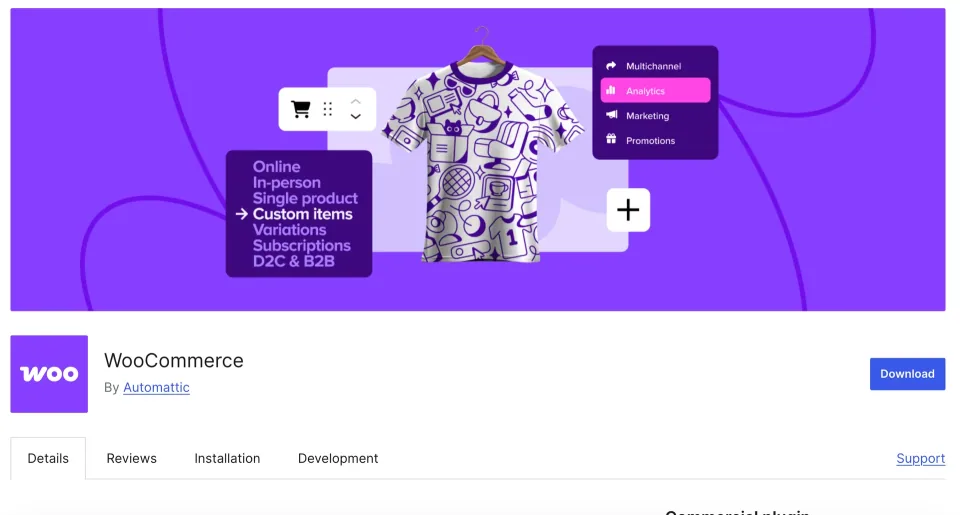
If you need predictable support from one vendor and have no technical owner for WordPress, the apparent savings of a free plugin may disappear into maintenance. WooCommerce is strongest when your store genuinely benefits from its customizability and you can budget for the team or service that will keep transactions reliable.
No WooCommerce platform site activation fee
The one listed plan is the free WooCommerce Core plugin, not a paid “Pro” bundle. WooCommerce itself has no platform subscription or revenue share. Payment gateway fees are provider-, region- and method-specific; hosting and extensions are purchased separately. An illustrative total cost of ownership depends on the store configuration, so no universal processor rate or paid extension price is entered here. Checked November 9, 2026 against WooCommerce pricing and WordPress.org.
Listed prices may exclude taxes. Promotions and vendor terms can change; confirm at checkout.
Vendor-sourced facts are based on published documentation; exceptions are labelled. Sources and check dates are grouped below each section.
Covers: Listed version, Minimum WordPress, Minimum PHP
Covers: Last directory update
Covers: WooCommerce integration
Covers: Free version available
Covers: License model
Covers: Support channel
Merchants already invested in WordPress who need a customizable catalog or checkout and have someone accountable for hosting, updates, payments and support.
Small teams that want a managed store with one monthly bill, a single support provider and minimal technical ownership; or merchants whose preferred gateway lacks reliable WooCommerce support.
Yes. WooCommerce Core is free and open source, with no WooCommerce platform subscription or core revenue share. You still pay for hosting, payment processing and any services or premium extensions you choose.
Estimate hosting, domain, email, backups, maintenance, payment and dispute fees, shipping/tax services and the extensions required for your specific sales workflow. WooCommerce does not sell a universal paid Core tier.
Core does not take a percentage of store sales. Payment providers charge processing fees, which vary by merchant country, customer, currency and payment method. Check each gateway’s current fee schedule.
No. WooCommerce supports multiple payment providers through integrations. WooPayments is not available to merchants in every country; verify the eligibility and capabilities of your intended gateway before designing checkout.
Yes. Those are common Core product flows. Subscriptions, bookings, memberships and other specialized models normally call for separate compatible extensions.
No. Subscription products and recurring billing depend on a compatible extension and payment gateway. Check automatic-renewal support and regional payment restrictions before buying an extension.
A gateway may be incompatible with the block-based Checkout or unavailable for a merchant country, currency or customer. Inspect the Checkout block’s payment compatibility notices and test the real gateway workflow.
High-Performance Order Storage stores WooCommerce orders in dedicated tables. It is default for new stores since WooCommerce 8.2. Existing stores should check extension compatibility and complete order synchronization before switching; there is no need to rush migration.
WooCommerce 11.2.2 lists WordPress 7.0+ and PHP 7.4+ as technical minimums on November 9, 2026. For production, WooCommerce recommends PHP 8.3+ rather than relying on an end-of-life PHP version.
Yes. WooCommerce plans to require PHP 8.1+ in version 11.6, scheduled for February 2027. Test PHP 8.3+ on staging with all extensions and custom code before upgrading the production host.
Many WordPress themes support WooCommerce, but product templates, checkout blocks, payment plugins and customizations differ. Validate your exact theme and extension combination on staging.
Complete a test purchase and refund; verify taxes, shipping, failed payments, inventory changes, order emails, mobile checkout and backups. Also confirm which vendor handles support for each critical integration.
Understand the difference between theme presentation and plugin functionality, then use that distinction to build a website that is easier to change and maintain.
Read article →Build a practical responsibility map for layouts, forms and store functions before changing a WordPress theme or handing a website to another maintainer.
Read article →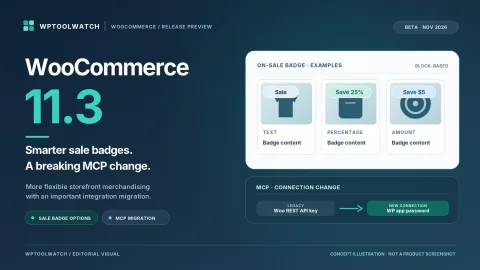
WooCommerce 11.3 previews savings-based sale badges, a breaking MCP migration, and REST API changes. Here is what store owners and developers should test.
Read article →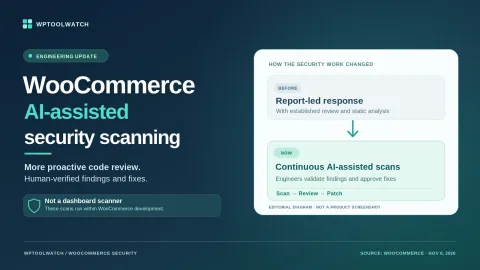
WooCommerce says AI-assisted code scans now flag more potential vulnerabilities before release. Here is what its 2026 findings, new patch schedule, and extension-update policy mean for store owners.
Read article →Explore other published WordPress products, with matching categories listed first.

Cloud-connected WordPress ecommerce platform for checkout, subscriptions, digital downloads and physical sales. Launch has a 2.9% SureCart fee; Pro exchanges it for fixed-price access.

WPBakery is a shortcode-based WordPress content builder with frontend and backend editors. A practical choice for existing WPBakery sites; new block-first projects should weigh migration costs.

Add personalization fields, conditional choices and calculated add-on prices to WooCommerce products. A strong fit for complex order options; simple variants rarely need this much configuration.