Home / Articles / WooCommerce 11.3 Preview: New Sale Badges and MCP Changes
News / Update
WooCommerce 11.3 Preview: New Sale Badges and MCP Changes
WooCommerce 11.3 previews savings-based sale badges, a breaking MCP migration, and REST API changes. Here is what store owners and developers should test.
Đoàn Công TuấnPublished 8 Nov 2026Updated 16 Nov 2026
WooCommerce 11.3 is in beta as of November 8, 2026, with a stable release scheduled for the week of November 9. The second beta arrived on November 2. The most visible change lets the existing On-Sale Badge block show a dollar amount or discount percentage instead of only “Sale.” The more consequential change for some stores is the removal of WooCommerce’s old MCP endpoint.
My takeaway from the official 11.3 preview: merchants get useful presentation controls, but developers and AI-integration owners have more urgent compatibility checks. These are announced beta behaviors, not the results of testing a production store.
Sale Badges Can Now Explain the Discount
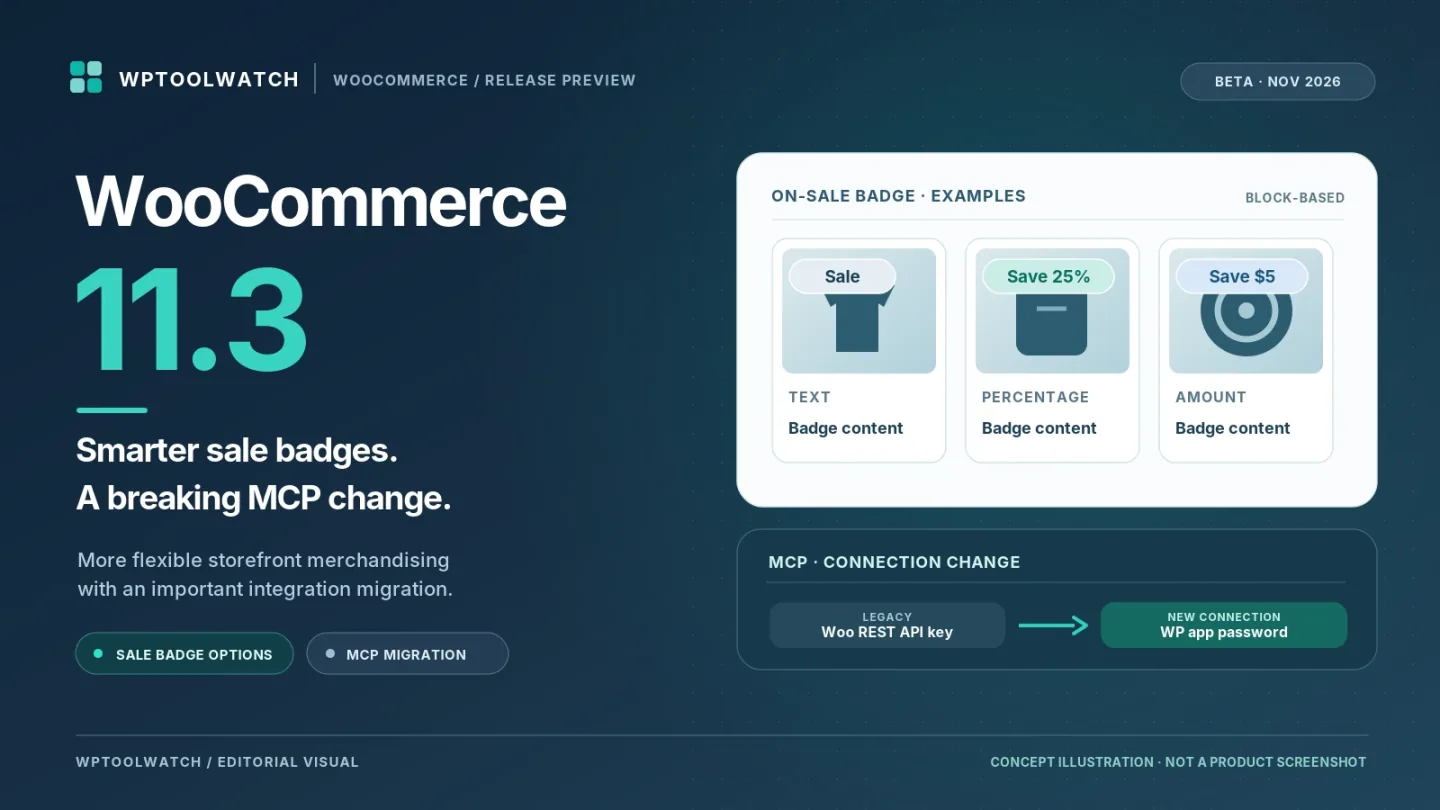
In a Product Catalog or Single Product block template, the On-Sale Badge block gains three display choices under Badge content → Show: Text (including custom wording), Amount (such as “$5.00”), and Percentage (such as “25%”). Amount and Percentage also accept a prefix and suffix, so a badge can read “Save 25% off.” Existing badges still default to “Sale”; this is an enhancement to the current block, not an entirely new block.
Variable products need a closer look. The initial badge can say “Up to 50%” based on the largest available discount. On a supported single-product view using Add to Cart + Options, selecting a variation updates the badge to that variation’s discount; a variation without a sale hides it. Check that behavior against your product and pricing setup rather than assuming every template handles it identically.
One important limit: these settings concern the block-based badge. Classic WooCommerce sale-flash templates use a different customization mechanism, so classic-theme stores should not expect identical new controls automatically.
MCP Connections Need a Migration Plan
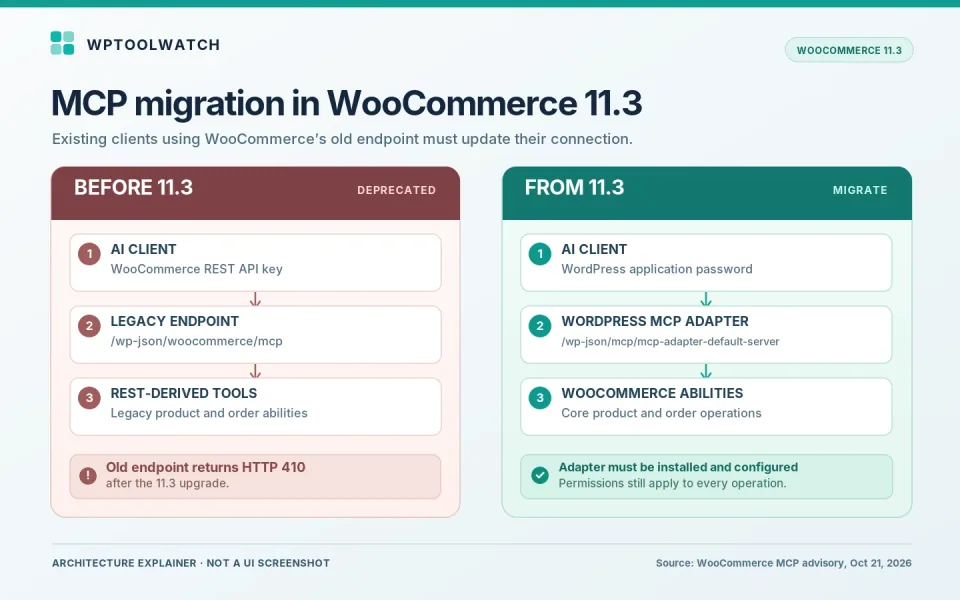
WooCommerce 11.3 removes the deprecated `/wp-json/woocommerce/mcp` endpoint, its `X-MCP-API-Key` authentication, and the REST-derived product/order abilities tied to that endpoint. The old URL is documented to return HTTP 410. If an AI client or extension uses that connection, leaving its configuration untouched will break access after the upgrade.
The WooCommerce migration advisory directs affected users to install and activate the WordPress MCP Adapter plugin, authenticate with a WordPress application password, and point the client to `/wp-json/mcp/mcp-adapter-default-server`. Use a WordPress account with only the permissions the integration requires; test product and order operations with that account before changing production.
If an extension depended on the old MCP-only abilities or hooks, changing the client URL is not enough: its developer must migrate those registrations to the WordPress Abilities API.
WooCommerce 11.3 MCP migration overview (editorial diagram, not a screenshot). Based on the official WooCommerce MCP advisory, October 21, 2026.
WooCommerce’s core product and order abilities are enabled by default, but that does not automatically expose a usable MCP connection to outside clients. The adapter still needs to be installed and configured. The separate extensible-abilities feature, intended for extension-defined fields, remains experimental and disabled by default. For remote connections, use HTTPS. Review the abilities exposed by the shared server, including any registered by other plugins, and use a dedicated user with only the permissions each client needs.
Other Changes Store Owners Will Notice
More blocks gain styling controls for color, spacing, and borders. The Product Gallery gets smoother touch navigation on mobile, while the Analytics Orders report adds payment-method data as a column, CSV field, and filter. The analytics change also involves a database update and background backfill of existing order statistics, so larger stores should allow for that work.
For developers maintaining custom Analytics SQL, there is a specific compatibility risk: both wc_order_stats and wc_orders can now have a payment_method column. Qualify the column with its table name or alias in queries that join them, or the Orders report can fail with an ambiguous-column error.
Merchants can also select a refund and returns policy page under Settings → Advanced → Page setup. WooCommerce adds structured data pointing to the selected page. That makes the policy easier for search engines to discover; it is not a promise of higher search rankings or rich results.
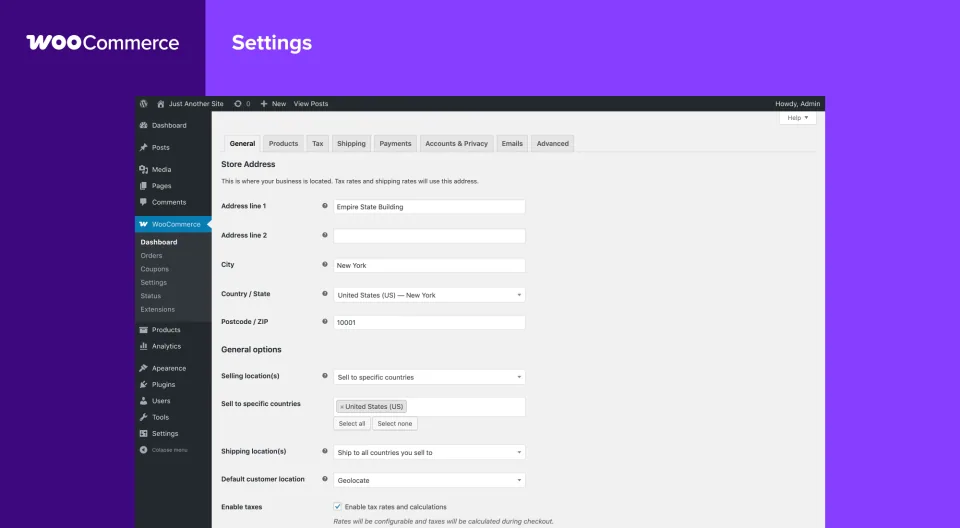
The settings preview provides general store context. Check the actual updated blocks and integrations on staging; this is not a version-specific 11.3 capture.
Two REST API Changes Worth Testing
For product queries, combining `on_sale` with `include` or `exclude` now behaves as an intersection or exclusion rather than returning unexpected extra products. For example, `on_sale=true&include=10,13` should return only included products that are actually on sale. Calls that use each parameter alone are unchanged. Check custom sale feeds, product pickers, and filters that combine these arguments.
Refund integrations also face stricter validation. When a refund request supplies line-item amounts that exceed the overall refund or a line’s remaining refundable balance, the REST API can now return HTTP 400 or 422 instead of creating a refund. Integrations should handle those responses as validation failures, log the error, and correct the allocation rather than retry the same payload. Both changes are described in the 11.3 developer notes.
What to Check Before WooCommerce 11.3 Goes Stable
For stores using only standard shopping flows, test On-Sale Badges on a simple product and a variable product, check the mobile gallery, and confirm the policy-page link appears as expected. For custom builds, add a product API query that combines `on_sale` with `include` or `exclude`, a valid and invalid refund request, and any custom Analytics SQL using payment_method to your staging checklist.
If you operate an MCP client, treat its migration as the priority: update the endpoint and credentials, verify least-privilege permissions, and make sure the client can read and modify only what it should. Back up your store, use staging, and wait for the actual stable release before scheduling production changes. The release week is a target, not a guarantee.
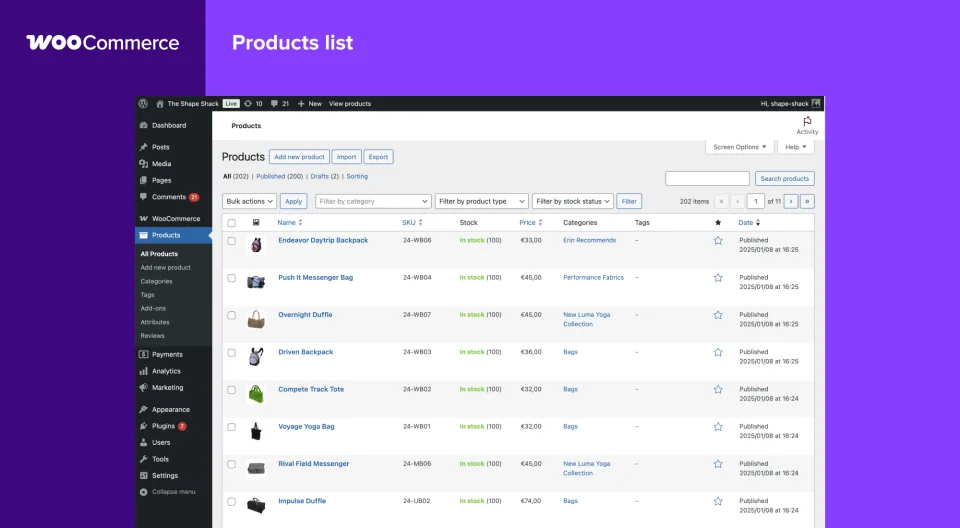
Use representative products when testing an upgrade. This is a general catalog preview, not a screenshot of the new 11.3 badge controls.