Comparison
Avada vs WoodMart: A Business Website or a Store-First Workflow?
Compare Avada and WoodMart by project scope, editing responsibilities and license choices, then test the workflow your team will maintain.
Read article →Porto and WoodMart offer far more than a small WooCommerce shop may need. Here is how I separate essential store functions from optional theme features, builder dependencies, and long-term maintenance work.
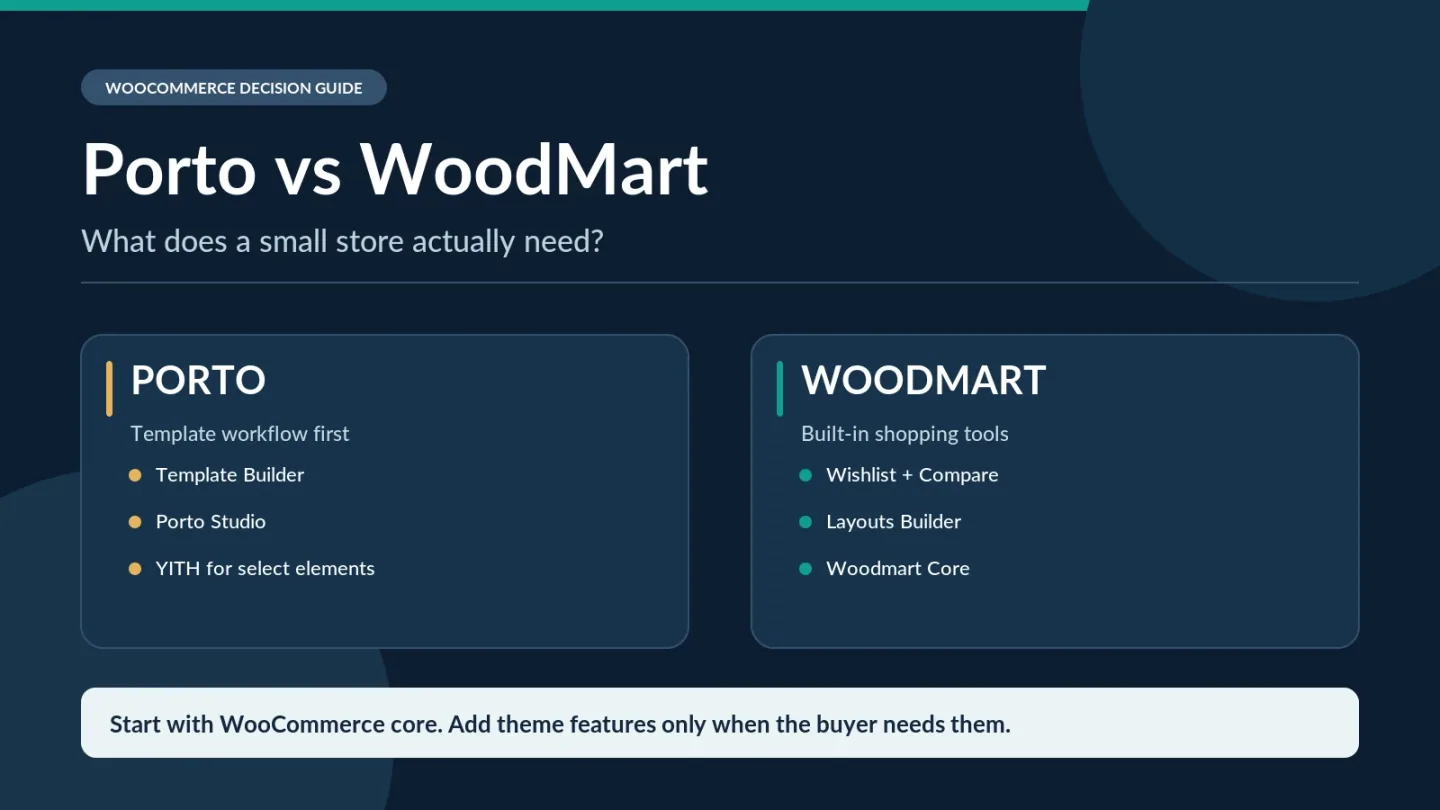
For a small WooCommerce store, I would choose the simpler setup I can actually maintain—not the theme with the longest feature list. WoodMart deserves a close look when its built-in shopping tools replace extras you would otherwise install. Porto makes sense when its template-building workflow fits your team or an existing Porto store is already working well. If your shop only needs a straightforward catalog and checkout, neither theme's advanced extras are essential.
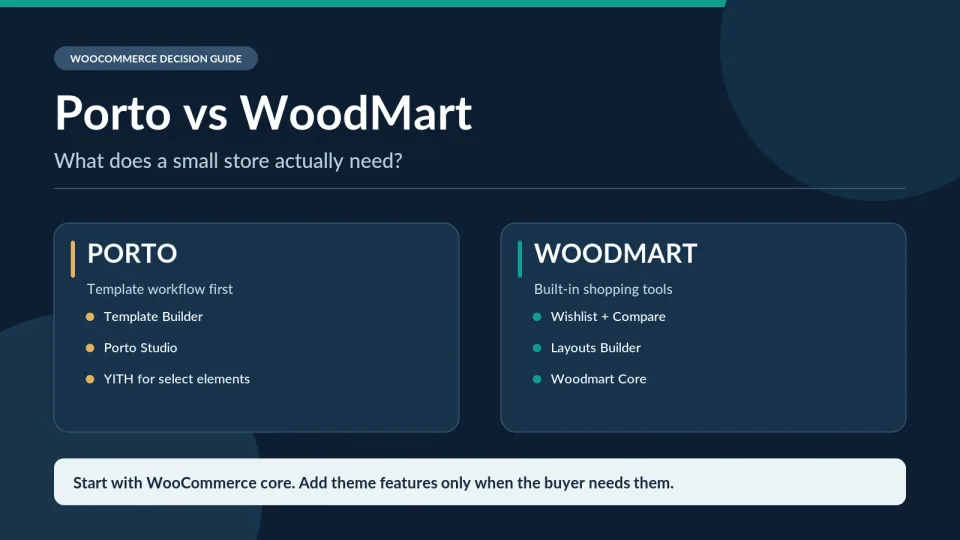
In my WordPress and WooCommerce work, I've found it more useful to ask who owns each feature than how many features a theme advertises. For this comparison, I checked the vendors' documentation and licensing; I did not run a new Porto-versus-WoodMart speed or editing-time benchmark.
Imagine a hypothetical shop with 60 products, four categories, a handful of size/color variations, and one person handling orders. Its launch problems are not a shortage of animated banners. They are whether shoppers can find the right variation, pay successfully, choose shipping, and receive clear order messages.
WooCommerce already supplies product and variation management, inventory settings, catalog basics, cart/checkout infrastructure, shipping zones, and the configuration area for payment methods. The selected payment provider, local shipping rules, taxes, and some advanced flows may still require plugins or specialist setup. This distinction matters: neither Porto nor WoodMart gets credit for inventing WooCommerce's basic order workflow. WooCommerce product management · settings and payment methods · shipping zones.
My first launch check is therefore simple: can a customer on a phone choose a variation, see the correct delivery options, complete a test order, and receive the expected confirmation? Fix that before adding wishlist buttons, compare panels, promotional popups, or a complex mega menu.
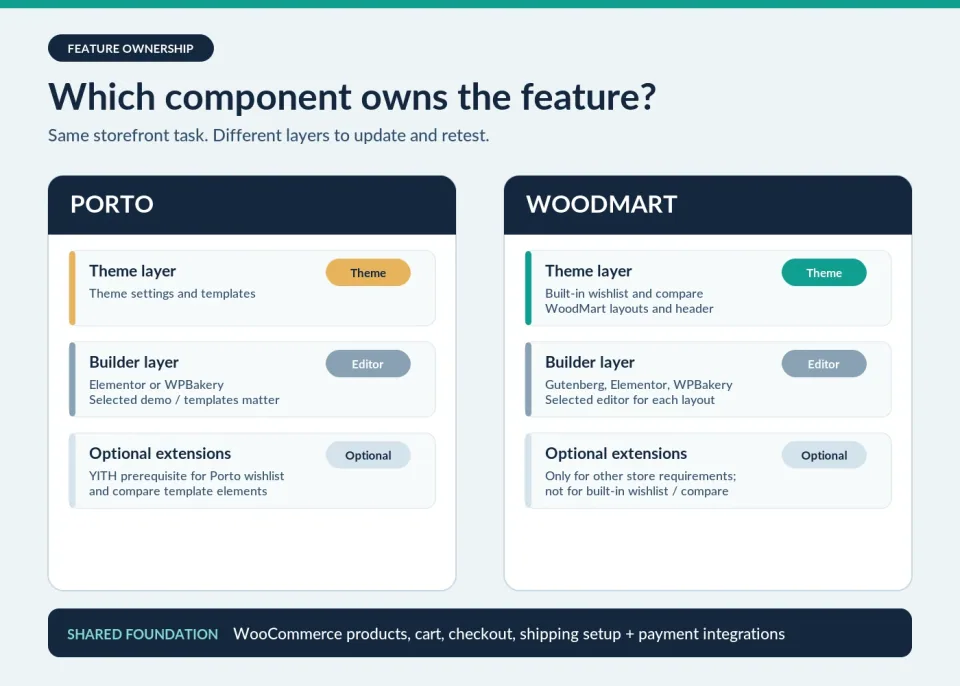
Both themes can produce a capable storefront. The useful difference is not the catalog of advertised features; it is which layer supplies a feature and which layer must be kept working.
| Small-store job | Porto implementation | WoodMart implementation |
|---|---|---|
| Products, variations, checkout | WooCommerce core; configure payment/shipping separately | WooCommerce core; configure payment/shipping separately |
| Header and shop templates | Template Builder with selected Elementor/WPBakery workflow | Header Builder and Layouts Builder; editor chosen per layout |
| Wishlist on a product page | Documented Product Wishlist element needs YITH Wishlist | Built-in Wishlist via Theme Settings |
| Side-by-side product compare | Documented Product Compare element needs YITH Compare | Built-in Compare plus a dedicated compare page |
| Routine theme updates | Porto theme + Porto Functionality + active editor/plugins | WoodMart theme + Woodmart Core + active editor/plugins |
This is a documented implementation comparison, not a controlled build test or a universal plugin count. In particular, the YITH requirements apply to the specific Porto Product Wishlist and Product Compare elements cited below—not to every possible Porto setup.
WoodMart documents a built-in wishlist under Theme Settings → Shop → Wishlist, plus built-in product comparison under Theme Settings → Shop → Compare. WoodMart's Compare feature needs a comparison page and the correct widget, element, or shortcode for your chosen editor, but not a separate comparison plugin for this built-in function.
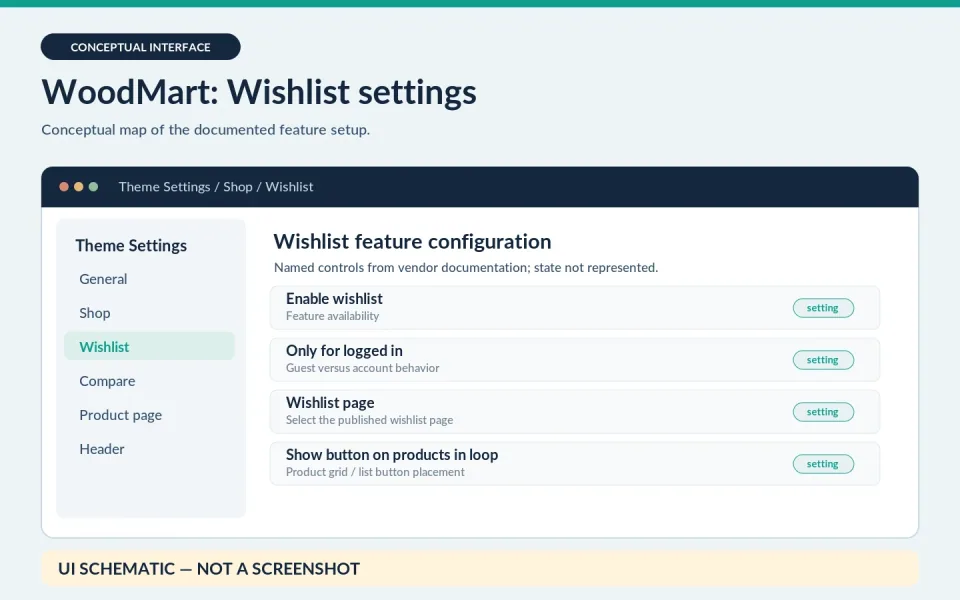
Source: WoodMart wishlist documentation
Porto's documented Product Wishlist element and Product Compare element work differently: those particular single-product template elements require the matching YITH plugins to be installed and active. This is a specific integration requirement, not proof that every Porto storefront needs YITH or that Porto cannot implement these features another way.
For a shop whose customers rarely compare products, my recommendation is to skip the compare feature entirely. If shoppers genuinely need side-by-side specifications, record the component owner: WoodMart's built-in Compare settings on one side, or Porto's specific template element plus the required YITH plugin on the other. That is a meaningful maintenance difference—not a universal winner.
For each visible feature, write down whether it is handled by WooCommerce core, the theme, a page builder, or another plugin. Then record who updates it and what page you will test after an update. A feature that no one owns is a future troubleshooting task.
Porto offers Template Builder for layouts including headers, product pages, and archives. Its Porto Studio provides ready-made sections and designs for Elementor or WPBakery. Porto also introduced Simple Mode in its theme options to surface commonly used settings and let users switch to advanced controls. So I would not label Porto hard to manage merely because it has extensive settings.
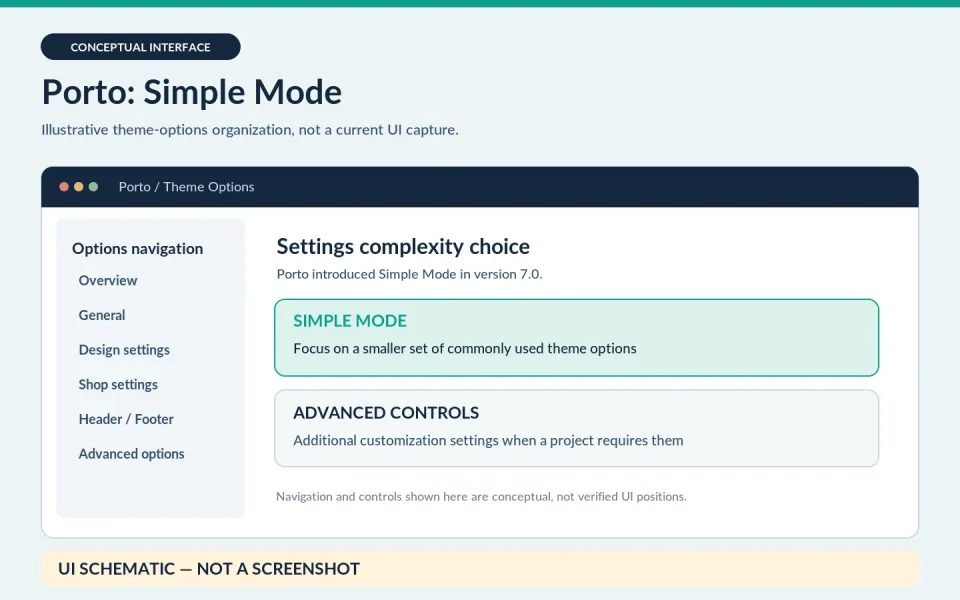
Source: Porto 7.0 release notes
WoodMart supports Gutenberg, Elementor, and WPBakery workflows alongside its theme settings and layout tools. But support for multiple editors does not mean pages and custom elements are interchangeable between them. On a new project, I would choose the editor before importing a demo or building templates, then keep the implementation consistent.
Here is the practical test I would ask a future store manager to complete: change a homepage promotion, edit a product-page section, and adjust a global header without touching custom code. If they cannot locate the correct editor or template, an attractive demo has not solved the handoff problem.
That concern is not theoretical, but complaints need perspective. In one r/WooCommerce discussion, a user said customizing an imported WoodMart demo felt more involved than expected. Separately, a Porto owner described frustration with its interface. These are two individual reports, not evidence that either difficulty is widespread.
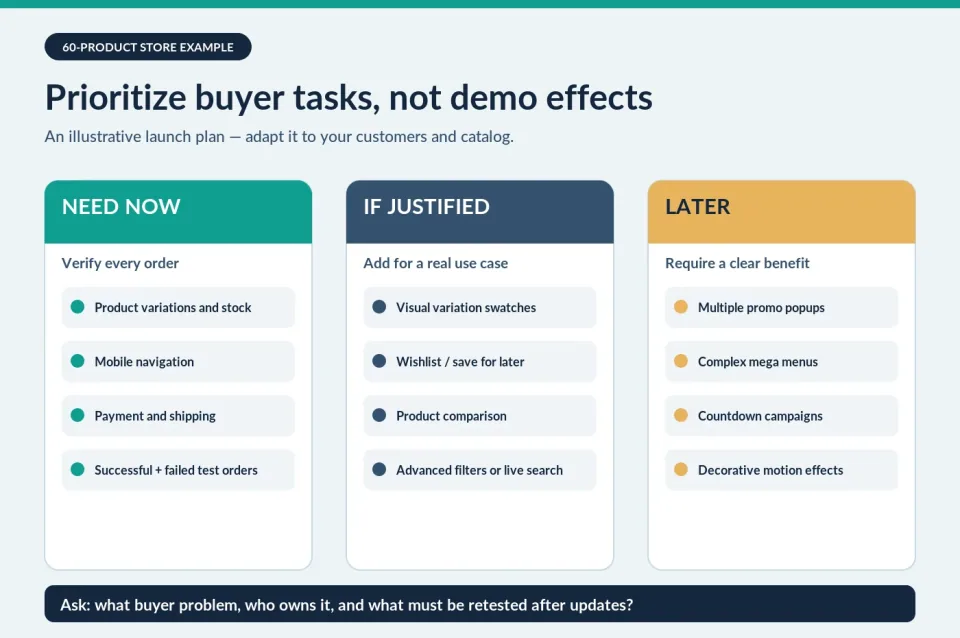
For the hypothetical shop above, I would divide features by customer need rather than by which theme happens to advertise them. These are example priorities, not universal rules:
On the WoodMart version of this shop, I would first check whether the built-in Wishlist or Compare options cover the actual buyer task before adding an extension. For a Porto template that uses the documented Product Wishlist or Product Compare elements, I would record the YITH plugin as an explicit dependency and test its button after updates. If comparison is unnecessary, neither setup needs to expose it.
For a routine product-layout change, I would find the active Porto Template Builder template or WoodMart Layouts Builder layout, identify its editor, and change one staging copy before touching the live store. That gives the store owner a reproducible maintenance route instead of a vague promise that either theme is easy.
Before adding any optional feature, ask: What buyer problem does it solve? Which component powers it? What must be updated and retested? If those answers are vague, the feature belongs in the later column.
Write one sentence about why the feature is necessary for this catalog or checkout flow.
WooCommerce core, Porto or WoodMart, the selected builder, or a specific extension.
Confirm required plugins, editor-specific elements, licensing and compatibility from the actual setup.
Use staging and test the relevant shopper action on desktop and mobile.
Know who will update the component, how to troubleshoot it and how to disable it safely.
Keep the feature only if it improves a real customer task or a justified business objective.
Checked November 8, 2026: on ThemeForest, the Porto Regular License was listed at $59 and the WoodMart Regular License at $69. Both listings include future updates and six months of author support. Prices are in USD before applicable taxes/fees; extended support and paid extensions can increase costs. Porto also advertises a direct-sale option starting at $49; compare activation counts and current checkout terms before treating all purchase channels as equivalent.
That $10 ThemeForest difference is real but not decisive. The bigger questions are whether the chosen editor is already familiar, whether you need paid extensions, and whether the store owner can maintain the feature stack. I would not assign a made-up three-year maintenance dollar amount or declare one theme faster without controlled tests.
Updates also cover more than appearance: Porto's October 9, 2026 changelog includes a Porto Functionality security fix; WoodMart's October 27, 2026 release notes security fixes. Porto's update instructions call for updating Porto Functionality after the theme, while WoodMart's documentation calls for checking Woodmart Core. Use backups and staging rather than treating companion plugins as optional housekeeping.
The currently published ThemeForest profile rates are $59 one-time for Porto Regular and $69 one-time for WoodMart Regular. The direct-sale observation above is a different dated sales-channel example; confirm its terms independently.
For a fresh WooCommerce build where the team already knows the chosen WoodMart editor and wants built-in wishlist or comparison tools, I would shortlist WoodMart first. Its integrated features can eliminate a separate extension for those specific jobs. They do not eliminate the need to configure, verify, and update the theme and Woodmart Core.
If a freelancer already works comfortably with Porto Studio and Template Builder, or a live Porto shop is working well, Porto can be the more sensible choice. Just document the selected builder and any YITH-dependent elements before assuming every attractive product-page control comes from the theme alone.
If you only need a clear catalog, reliable checkout, and straightforward maintenance, do not pay a complexity tax for advanced visual features you cannot justify. And I would not rebuild an already healthy Porto or WoodMart store solely because another theme has a longer feature checklist.
For a brand-new store with no developer and no established builder preference, my default is to keep WooCommerce as close to its core buying flow as possible. If a wishlist or comparison page is genuinely part of the brief, I would start the shortlist with WoodMart because those specific tools are built in. If they are not needed, I would choose the editing workflow the owner can learn and maintain; Porto is not automatically the wrong choice simply because one documented optional element uses YITH.
My purchase rule: pick a demo built with the editor you intend to keep, write down the few optional features your customers will really use, then test an actual order and three routine edits on staging. That tells you more about ownership than feature-count marketing ever will.
For a closer look at the ongoing maintenance trade-offs, compare the Porto product profile and WoodMart product profile. If WoodMart is on your shortlist, the related WoodMart vs Flatsome maintenance comparison examines a different practical decision: day-to-day edits and handoff after launch.
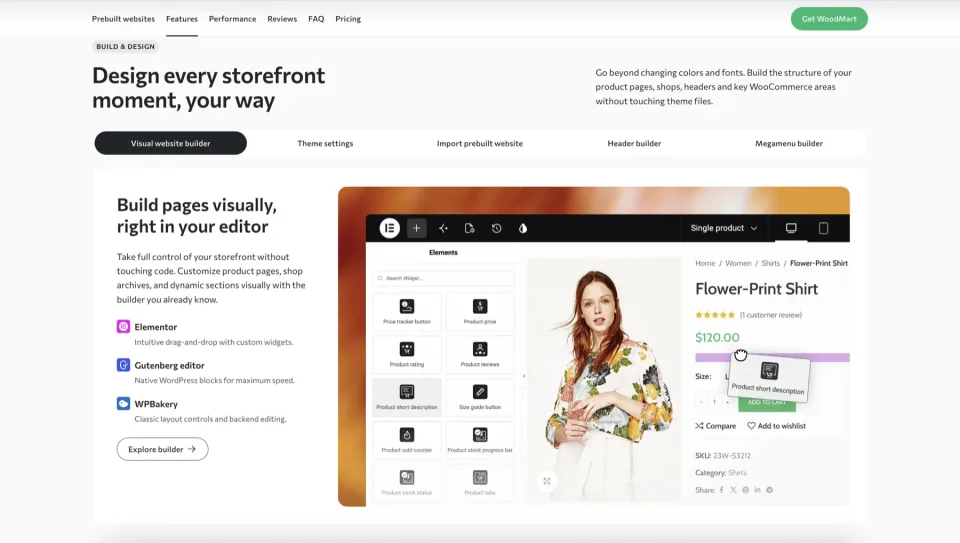
Research checked November 8, 2026: official WooCommerce documentation, Porto and WoodMart feature/builder/update guides, ThemeForest Regular License listings, Porto’s official direct-sale announcement and individual Reddit reports. Feature conclusions refer to the documented elements and settings—not every plugin combination. My WordPress and WooCommerce experience informs the questions I ask; I did not run a new controlled Porto-versus-WoodMart installation, benchmark, or support-response test for this article. All illustrations are code-generated; the two explicitly labeled UI schematics are not actual interface captures.
Full specifications and supporting references are available in each product profile.


We may earn a commission through some links.
Compare Avada and WoodMart by project scope, editing responsibilities and license choices, then test the workflow your team will maintain.
Read article →
WooCommerce 11.2.2 fixes security issues around checkout, APIs, and product data and includes a database update. Here is what to check before and after upgrading your store.
Read article →
Released November 3, 2026, WordPress 7.2 Beta 4 refines the editor, translation updates, accessibility, and developer APIs. Here is what to test before the planned December 8 release.
Read article →