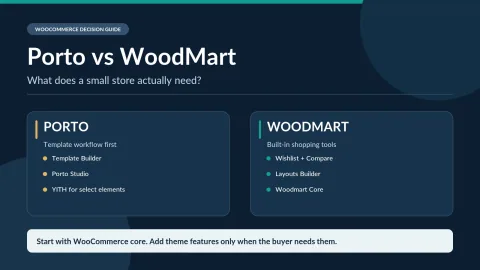
Porto is a paid WooCommerce-focused WordPress theme with conditional product/archive templates, a choice of Elementor or WPBakery, and one-time ThemeForest licensing. Its flexibility comes with theme-specific layout and plugin dependencies.
I would choose Porto for the template system, not for the number of demos. If you need different product layouts by category and your team can standardize on Elementor or WPBakery, the theme offers a practical workflow. If your catalog is simple, its additional templates and plugin dependencies may be more to maintain than you gain. Regular is normally the right license for a public store selling goods.
Why this rating?
Porto is compelling when a store needs different product and archive templates rather than a standard catalog. Its builder choices and template depth are useful, but theme-specific layouts, demo imports and companion components add maintenance work.
Research & assessment details
Documentation-based assessment by WPToolWatch Editorial. No hands-on benchmark.
Porto is most useful when your catalog needs custom layouts
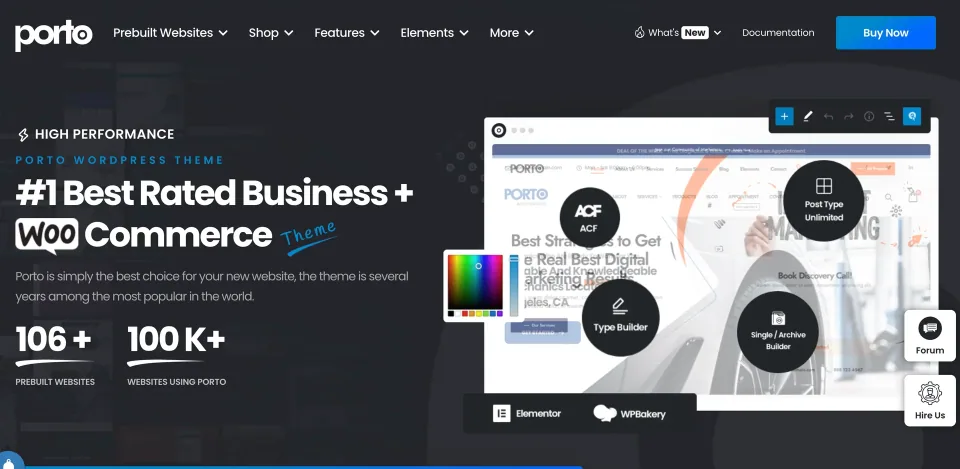
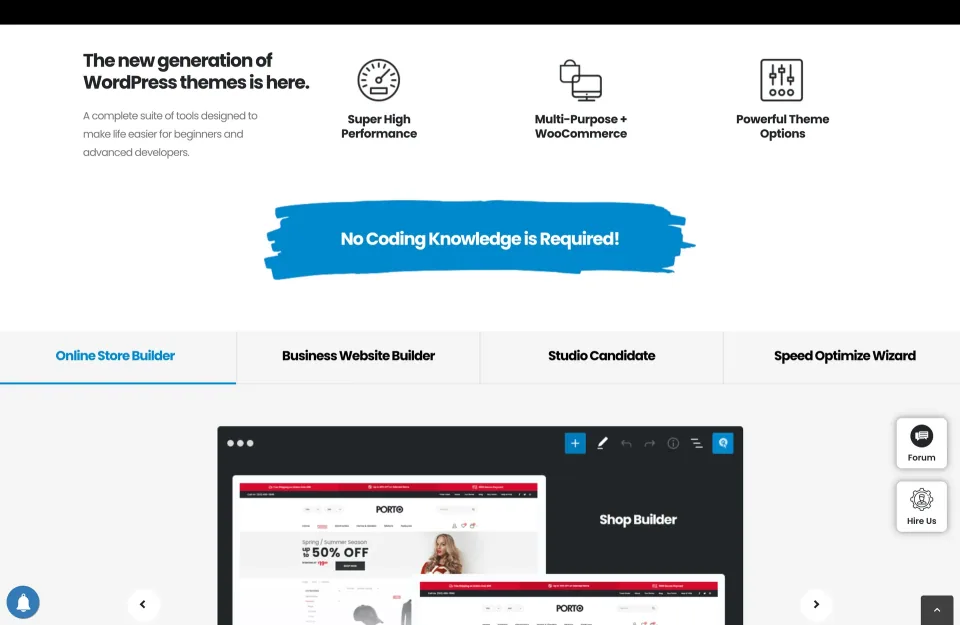
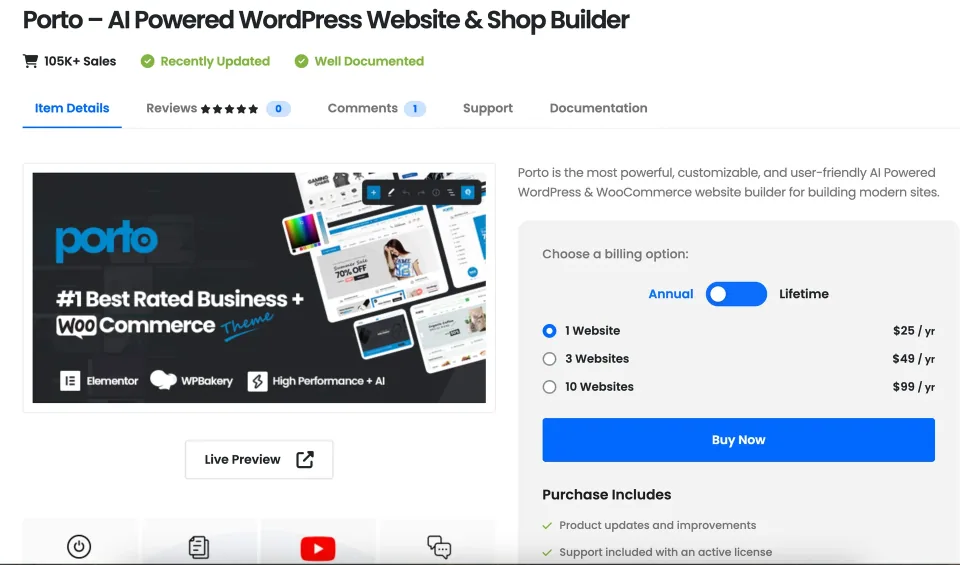
Porto’s homepage presents a website preview alongside labels for Elementor, WPBakery, Type Builder, and Single/Archive Builder.
Porto is a paid multipurpose WordPress theme with substantial WooCommerce template controls. Its clearest use case is a catalog that needs different product or archive presentations, not a store that only needs a standard shop grid. WooCommerce still provides products, orders and payments.
Porto Studio offers ready-made sections and demos, but the demo count is not the buying argument. Check whether the templates for your product types, navigation and mobile shopping flow are reusable without extensive overrides.
Choose the editor before building the store
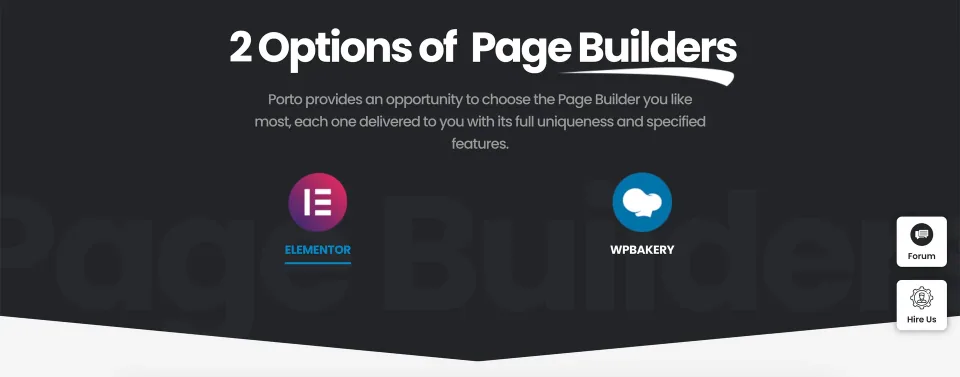
Porto presents Elementor and WPBakery as page builder choices.
Porto supports Elementor and WPBakery with builder-specific elements. Choose one primary editor for the project; mixing both makes templates harder to maintain. A WPBakery site should treat a later move to Elementor as a rebuild of affected sections, not a switch in settings.
Porto supports Elementor and WPBakery with builder-specific elements.
Porto’s template conditions let a store assign layouts to particular products or categories. That can be valuable when the same store sells materially different product types. It also creates a Porto-specific dependency: moving themes can mean replacing product and archive templates.
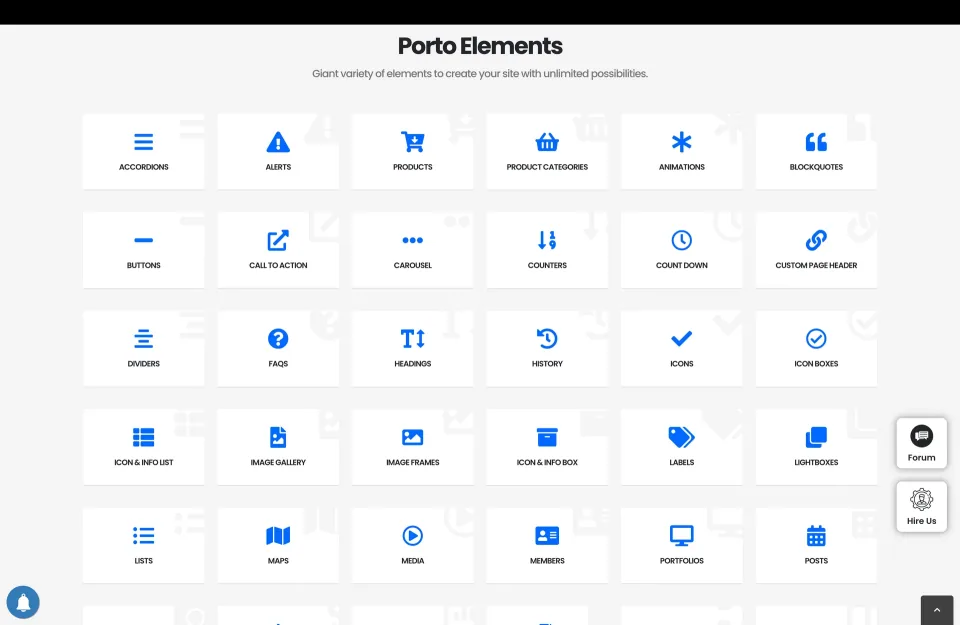
The Porto Elements page displays tiles for content and layout elements, including product categories, buttons, carousels, and image galleries.
WooCommerce features: verify the dependencies
These control how customers browse variants and product detail pages, but they do not verify better conversion rates or eliminate the need for a working variation, cart and checkout setup.
Porto documents product/archive builders and color, image or label swatches. These control how customers browse variants and product detail pages, but they do not verify better conversion rates or eliminate the need for a working variation, cart and checkout setup.
Some attractive demo elements depend on other plugins. Porto’s wishlist element, for example, requires YITH WooCommerce Wishlist. Check the exact wishlist, compare, filtering and checkout dependencies in your chosen demo before estimating
Some attractive demo elements depend on other plugins. Porto’s wishlist element, for example, requires YITH WooCommerce Wishlist. Check the exact wishlist, compare, filtering and checkout dependencies in your chosen demo before estimating the real maintenance cost.
The license covers one end product
Porto documents product/archive builders and color, image or label swatches. These control how customers browse variants and product detail pages, but they do not verify better conversion rates or eliminate the need for a working variation,
Porto’s ThemeForest Regular License normally fits a publicly accessible WooCommerce store, even when that store sells goods. Extended is for certain products whose users pay to access the end product itself. Neither license permits unrestricted use on unrelated client websites.
Porto documents one live activation plus up to five restricted staging installations per purchase code. The initial six months of author support do not limit access to future author-released theme updates. Register the purchase code for the supported update and import workflow.
Implementation and update risks
Choose one builder, import only the demo components you need and back up an existing site before importing. Porto warns that a demo import can reset theme settings.
Choose one builder, import only the demo components you need and back up an existing site before importing. Porto warns that a demo import can reset theme settings. Its 512 MB PHP memory recommendation relates to setup/imports; it is not proof of a production speed advantage.
The vendor’s October 2026 changelog records a security fix in the companion Porto Functionality plugin. Keep the theme and its redistributed plugins updated through the supported workflow, and test checkout and custom templates on staging before changing a live shop.
Who should buy Porto?
Its clearest use case is a catalog that needs different product or archive presentations, not a store that only needs a standard shop grid.
I would favor Porto for stores that will actually use conditional product layouts, custom archives and builder-based templates. A simple store with mostly default WooCommerce pages may not benefit enough to justify the extra template and plugin maintenance.
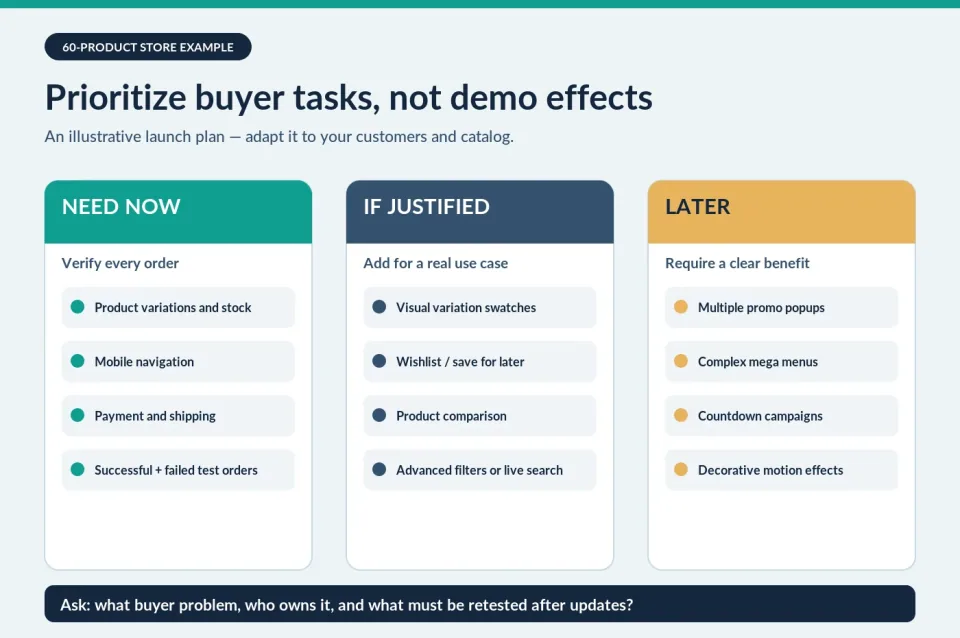
Before choosing a demo, verify one representative variable product, menu, filter, cart and checkout on mobile. Count required third-party plugins and the cost of maintaining the chosen builder. Those details tell you more than the demo’s visual polish.
Envato Regular License for one customized end product that customers can access without paying for access; normal publicly browsable WooCommerce stores generally qualify.
Porto — Regular License · Renewal
One-time theme purchase; author-released updates included. Six months of author support, with optional paid extension/renewal. Porto activation required for automatic updates, premium demos and Studio assets.
Porto — Extended License · License & support
Envato Extended License for a qualifying end product that users pay to access; applies to paid-access uses, not merely product sales on a public storefront.
Porto — Extended License · Renewal
Same theme features, updates and six months of initial author support as Regular; optional support extensions cost extra.
Prices verified against Porto’s official ThemeForest listing on November 9, 2026 in USD, excluding taxes/handling. Regular and Extended differ by the permitted end-product use, not features or number of sites. Both cover one end product. A typical freely accessible WooCommerce shop selling goods uses Regular; paid access to the website/service can require Extended. Porto allows up to five non-public staging installations per purchase code under its published restrictions. Six months of support are included; author-released updates continue without annual theme renewal. No standalone bundled-plugin license is implied.
Product and archive template controls are useful for stores with distinct catalog layouts.
Porto supports either Elementor or WPBakery, so teams can choose an existing editor workflow.
The one-time Regular License includes author-released updates, plus a documented restricted staging allowance.
What to consider
Builder-specific Porto layouts increase the cost of changing themes later.
Some demo features, including the documented wishlist element, rely on separate plugins.
Demo imports can reset theme settings; theme and companion-plugin updates require staging checks.
Only six months of direct author support are included.
Best for
WooCommerce teams with multiple product types or store sections that genuinely require conditional product and archive templates, and a clear preference for either Elementor or WPBakery.
Consider alternatives if
Small stores that can use standard WooCommerce layouts, or teams that want primarily portable WordPress block templates without a theme-specific builder dependency.
BEFORE YOU DECIDE
Frequently asked questions
Is Porto a free WordPress theme?
No. The official ThemeForest listing sells Porto as a paid theme. A free public demo is not a free license to install the premium theme on a production website.
How much does Porto cost?
The ThemeForest listing checked on November 9, 2026 shows a $59 Regular License and a $1,999 Extended License, before any applicable tax or handling fees. Both are one-time purchases for one end product, not monthly subscriptions.
Do I need an Extended License to sell products with WooCommerce?
Usually not for a public online store. Envato distinguishes charging customers for goods from charging users to access the finished website. A standard storefront that visitors can browse without paying usually fits Regular. If access to the end product itself is paywalled, check the Extended terms.
Can I use a Porto purchase code on several production websites?
No. The published Porto license rules allow one live website per purchase. A second independent production store normally needs another license.
How does Porto handle staging websites?
Porto documents up to five non-public staging or development sites per purchase code, in addition to one live website. Staging URLs must match accepted patterns and be access-restricted; a public staging storefront should not be treated as free extra production usage.
Does Porto work with Elementor and WPBakery?
Yes, with Porto-specific elements for both editors. The practical choice is one primary builder per site, because managing both can complicate templates, updates and debugging. Check existing pages before switching an established site to another editor.
Are WPBakery and Slider Revolution included with Porto?
Porto documentation describes these as bundled/embedded plugins distributed through its theme workflow. Do not assume the bundle provides a standalone direct-vendor license, independent support or updates from those plugin developers.
Can Porto build custom WooCommerce product and archive pages?
Yes. Porto includes template builders for single products and shop/archive layouts, with display conditions that can target categories or individual items. Review the template requirements and selected page builder before setup.
Does Porto include wishlist and product comparison without plugins?
Not always. Porto documents that its wishlist element needs YITH WooCommerce Wishlist. For comparison, filtering and other shopping widgets, verify the exact dependencies of the demo or template you intend to use.
Will demo import overwrite my existing WordPress content?
Porto warns that demo import can reset the current theme settings, with no in-place undo. It recommends a fresh install and a full backup if importing into an existing website. Treat the operation as a potentially disruptive change.
Do Porto updates stop when the six-month support period ends?
No. Envato says author-released item updates remain available to previous buyers. Six months is the included period for direct author support, which can be extended or renewed separately. Automatic updates and premium imports require a registered purchase code.
What is the latest Porto version and PHP requirement?
The vendor changelog reviewed on November 9, 2026 lists Porto 7.9.5 dated October 9, 2026. Porto documentation states PHP 7.4 or higher as a minimum and recommends an up-to-date WordPress installation. Use a currently supported PHP version for production rather than treating 7.4 as a security recommendation.
Is Porto automatically faster than other WooCommerce themes?
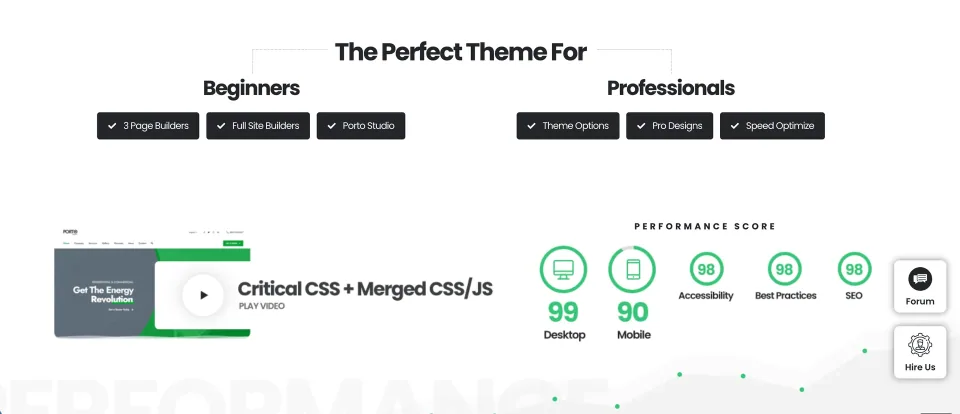
No comparative speed test has been performed for WPToolWatch. Porto provides configuration and optimization options, but hosting, chosen builder, plugin stack, media and caching determine the actual result. Measure a representative mobile product page and checkout.
WoodMart is a premium WooCommerce theme by XTemos with visual store builders, product filters, variation swatches, wishlists and marketing tools. It suits stores that want a coordinated feature set rather than assembling every shopping feature from separate plugins.
Flatsome Classic is a WooCommerce theme built around UX Builder and integrated shop controls. It offers a straightforward one-time license but ties complex layouts to Flatsome shortcodes; the newer block-based Site Builder is a separate product.
A WooCommerce-focused theme with ready-made storefronts, visual builders and built-in shopping features. Check the demo’s builder and plugin dependencies before committing.