Gutenberg 24.3: Multi-Block Formatting and New Media Inserter
Gutenberg 24.3 adds cross-block text formatting, a DataViews Media Inserter and clearer save errors. Here’s how it differs from WordPress 7.1.x and what to update.
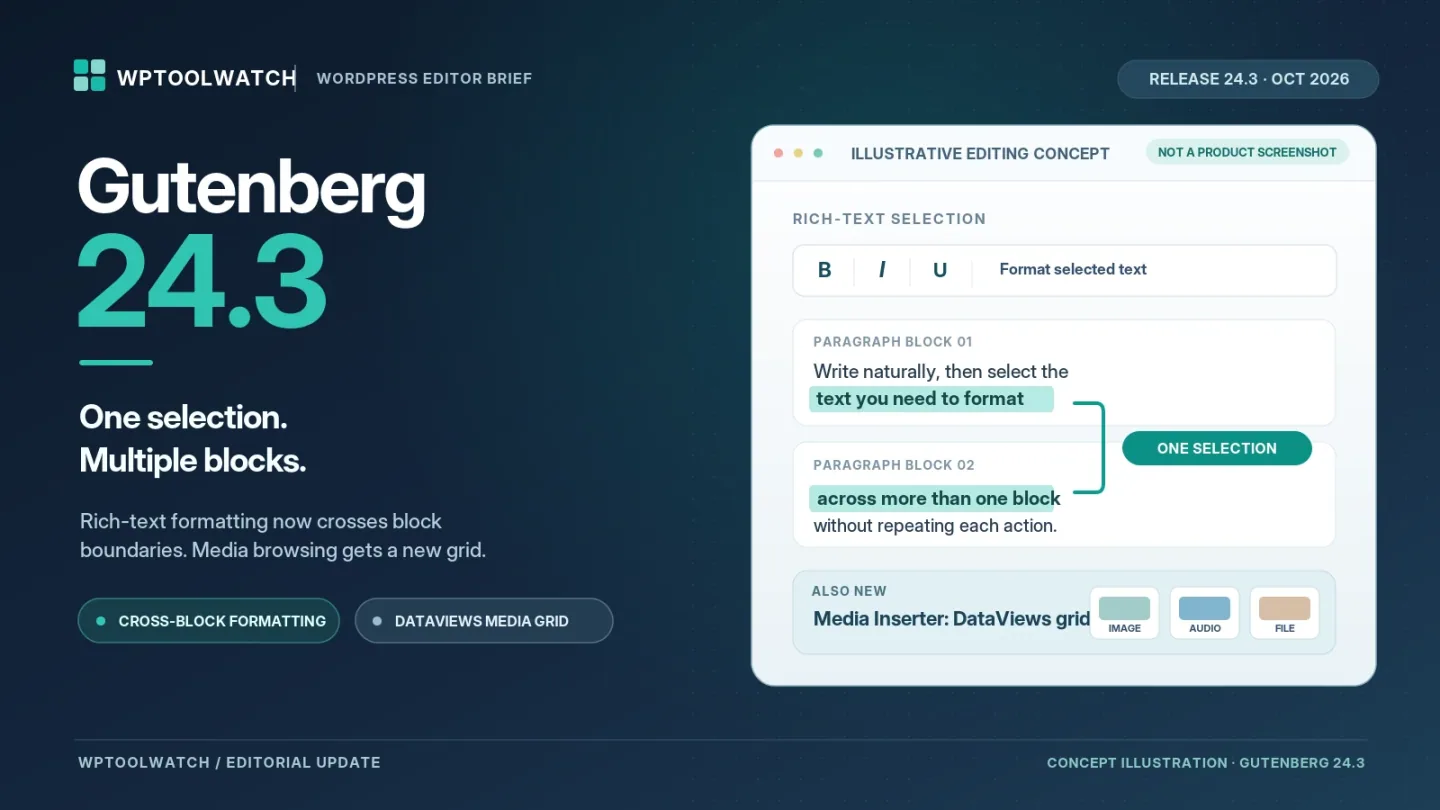
Gutenberg 24.3, released October 28, 2026, tackles two everyday editing annoyances: formatting text across multiple blocks and finding media in a redesigned inserter. It also improves save-error messages, adds Notes reactions, and includes security fixes. The changes are detailed in the official Gutenberg 24.3 release notes.
The practical takeaway: this is a useful update for editors, but a Gutenberg plugin release is not the same as a WordPress Core update. Which one your site runs determines which features you actually have.
Format Text Across Multiple Blocks
When editing a long article, formatting one passage that crosses paragraph boundaries used to require repeated work. In Gutenberg 24.3, you can select rich text spanning several blocks and apply supported inline formatting to the entire selection.
This is not a bulk layout editor. Formatting selected text across blocks does not mean you can simultaneously change every block’s spacing, layout, or design settings. Related refinements make multi-block selections easier to drag and preserve a rich-text selection when you Shift-click within the same block.
For writers who revise substantial drafts, this is the most useful change in the release: one editing action can cover a passage that previously needed separate attention.
The Media Inserter Gets a DataViews Grid
The Media Inserter now uses a DataViews grid, built with the same interface component used for lists in the Site Editor. Audio and other non-image, non-video files also receive more useful previews.
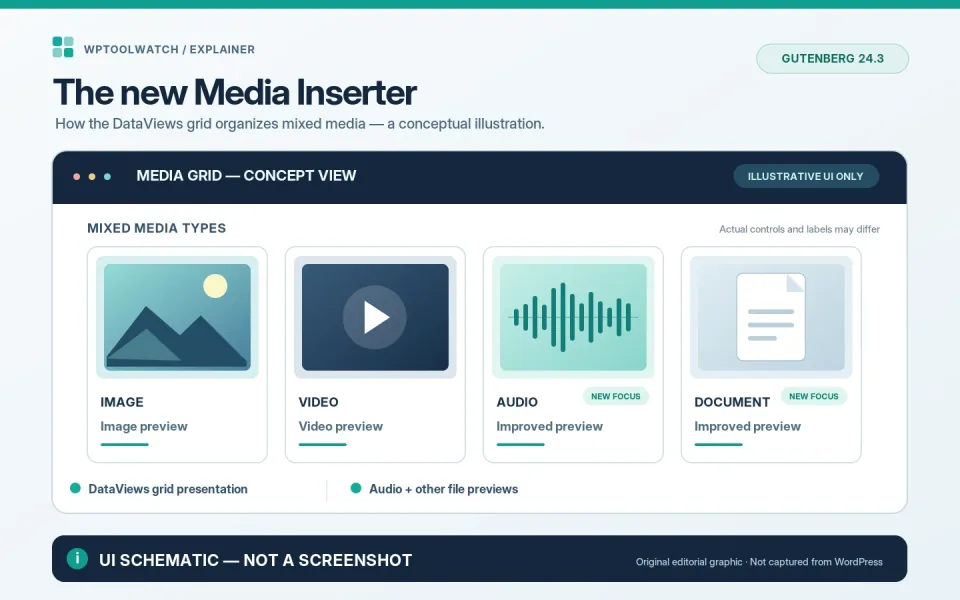
That should make it easier to browse mixed assets while assembling a post, especially when images, audio clips, and documents sit in the same library. It is a change to the editing interface—not a claim that media uploads or front-end image delivery have become faster.
Smaller Changes Worth Knowing
Notes now support five emoji reactions: heart, celebration, smile, eyes, and rocket. Collaborators can acknowledge feedback without writing an extra reply.
Save and autosave failures are more informative. Error notices can expose details you can copy, including an HTTP status when available. After an autosave failure, the editor can show a countdown to the next attempt and clear the warning once a save succeeds.
The pattern inserter changes “My patterns” to “Site patterns” and adds an author filter. Developers also get server-side registration for Core Actions and Fields plus Interactivity API fixes. Those changes matter to block and plugin builders more than to everyday writing.
Does WordPress 7.1.4 Include Gutenberg 24.3?
No—not as its bundled editor version. The official Gutenberg-to-WordPress version table lists Gutenberg 23.6 as the baseline for WordPress 7.1.x. That means installing a WordPress 7.1.x maintenance update does not automatically deliver the full Gutenberg 24.3 feature set.
WordPress point releases can backport selected fixes from newer Gutenberg versions, but the underlying baseline remains 23.6. To try newer editor features now, you would generally use the separate Gutenberg plugin, which WordPress positions as early access—not a required plugin for ordinary sites.
Security Fixes and the 24.3.1 Follow-Up
The Gutenberg 24.3 announcement explicitly says the plugin release includes fixes from WordPress 7.1.4. That does not make updating the plugin a substitute for updating WordPress Core. Version 7.1.4 is a Core security release, and WordPress recommends applying it promptly.
Gutenberg 24.3.1 followed on November 3 with two bug fixes: a missing Array.prototype.toSorted polyfill in the Babel preset and handling a null comment during Notes reactions. As of November 8, 2026, the WordPress.org plugin listing shows version 24.3.1. Those follow-up fixes are separate from the need to patch WordPress Core.
Should You Update Gutenberg Now?
My recommendation: update WordPress Core for security first. If your site does not use the standalone Gutenberg plugin, there is no need to install it just for multi-block formatting; wait for the relevant features to reach a Core release.
If you already run the Gutenberg plugin, back up the site and test the latest available 24.3.x version on staging before deploying it to production—especially with custom blocks or collaboration features. A quick smoke test is enough to catch obvious issues: format a selection across two paragraphs, browse and insert an audio or document file, then save an existing draft and check your custom blocks.