WooPayments Security Update: Which Versions Are Affected?
WooPayments issued a November 3, 2026 security fix for subscription-related code. Check all 23 patched release lines, verify your plugin version, and protect checkout.
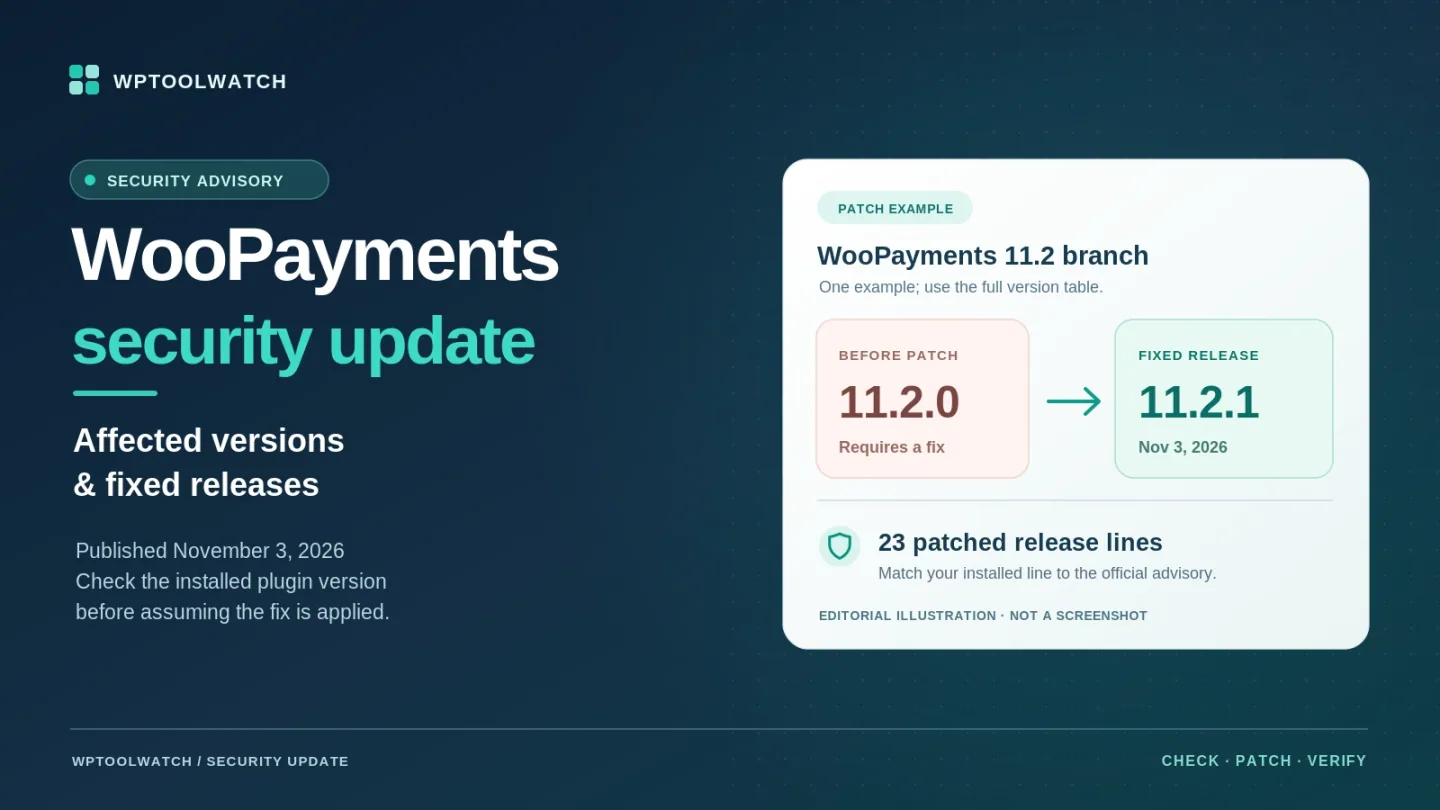
WooPayments has a security update dated November 3, 2026. If your WooCommerce store uses the WooPayments plugin, check its installed version now—even if automatic updates are enabled. The official advisory lists fixes for 23 release lines from 9.0 through 11.2; versions older than 9.0 must move to 11.2.1.
The fix concerns subscription-related functionality in WooPayments and extends an August fix. The November advisory does not list a CVE, severity score, or technical exploit description. That is a reason to avoid speculation, not a reason to postpone the version check.
What the November WooPayments Security Update Fixes
The November 3 WooPayments changelog records 11.2.1 as a security release. WooCommerce's advisory describes the affected area as subscriptions functionality bundled with WooPayments; it does not specify which data or permissions an attacker could reach, or say that an attack has occurred.
This is a WooPayments plugin update, not a WooCommerce Core release or an update to the separate WooCommerce Subscriptions extension. For store owners, the practical question is whether the exact installed WooPayments build is on a fixed release—not whether the store is currently selling recurring products.
Which WooPayments Versions Are Affected?
Match your installed version to the left-hand column. These are the precise version-to-fix pairs published in the November 3 WooCommerce advisory; the 23 rows from 9.0 to 11.2 cover its listed release lines, followed by the older-than-9.0 rule.
| Installed WooPayments | Fixed version |
|---|---|
| 11.2.0 | 11.2.1 |
| 11.1.0 | 11.1.1 |
| 11.0.0–11.0.1 | 11.0.2 |
| 10.9.0 | 10.9.1 |
| 10.8.0 | 10.8.1 |
| 10.7.0–10.7.1 | 10.7.2 |
| 10.6.0 | 10.6.1 |
| 10.5.0–10.5.1 | 10.5.2 |
| 10.4.0 | 10.4.1 |
| 10.3.0–10.3.1 | 10.3.2 |
| 10.2.0 | 10.2.1 |
| 10.1.0–10.1.1 | 10.1.2 |
| 10.0.0 | 10.0.1 |
| 9.9.0 | 9.9.1 |
| 9.8.0 | 9.8.1 |
| 9.7.0 | 9.7.1 |
| 9.6.0 | 9.6.1 |
| 9.5.0 | 9.5.1 |
| 9.4.0 | 9.4.1 |
| 9.3.0 | 9.3.1 |
| 9.2.0–9.2.1 | 9.2.2 |
| 9.1.0 | 9.1.1 |
| 9.0.0 | 9.0.1 |
| Older than 9.0.0 | 11.2.1 |
If you already run the fixed release for your line, no additional update is needed for this particular advisory. If you are on an unlisted build or a custom package, confirm its patch status with your provider or WooCommerce Support rather than guessing from the version number. For installations older than 9.0, the official recommendation is 11.2.1—a substantial jump that merits an especially careful compatibility check.
How to Check and Update WooPayments Safely
Open WP Admin → Plugins → Installed Plugins, locate WooPayments, and write down its installed version. Compare it with the table above. If the plugin needs a patch and WordPress offers an update, choose Update now; then return to Installed Plugins and verify the new version. A completed update notification alone is not proof that the correct build is running.
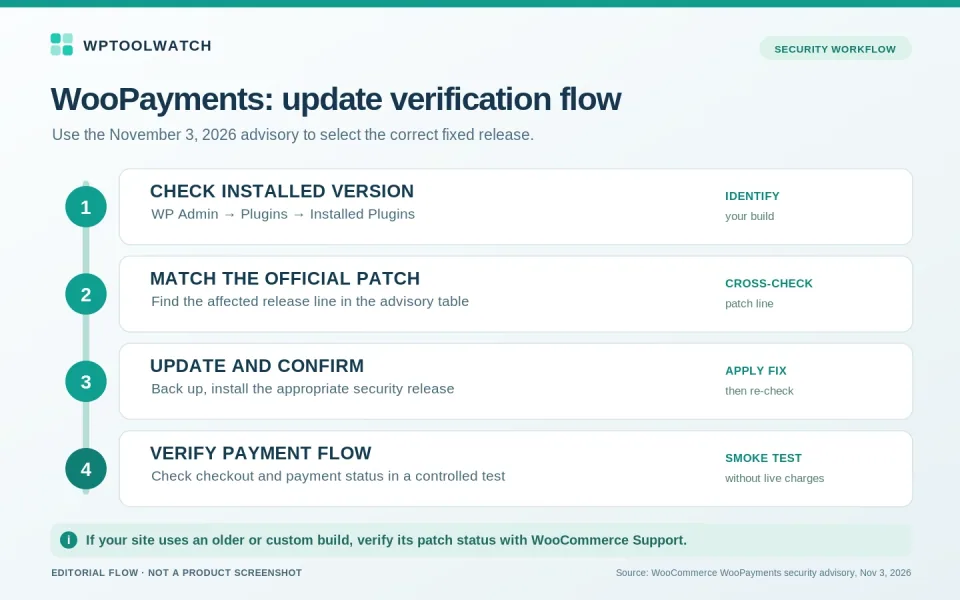
For a live checkout, take a current backup and, where practical, check compatibility on staging without unnecessarily delaying the security patch. After updating, run a controlled payment-flow check appropriate to your store: checkout, payment status in WooCommerce, and a subscription renewal flow if you use recurring payments. Avoid generating unneeded real customer charges just to test the update.
If the update is missing or fails, contact WooCommerce Support with the installed version and error message. Do not deactivate the payment gateway or replace plugin files manually without a recovery plan; changing payment behavior during checkout hours can create a separate problem.
What If Your Store Does Not Use Subscriptions?
Do not use that as an exemption. The WooPayments subscriptions documentation explains that WooPayments previously offered a built-in subscriptions feature before 10.2.0, which has since been removed, while the November advisory still lists fixes for newer WooPayments releases. The documents do not explain the underlying technical relationship. The safe, supported decision rule is to follow the published version list, regardless of whether your store currently sells subscriptions.
WooPayments vs. WooCommerce Subscriptions: Two Different Advisories
WooCommerce also published a security notice for the separate WooCommerce Subscriptions extension on August 5, 2026. That advisory instructs extension users to update to Subscriptions 9.1.0 or later; it describes different vulnerabilities and a separate update path. Do not transfer its severity claims to the November WooPayments issue.
If both plugins are installed, check each independently: WooPayments against the November version table, and WooCommerce Subscriptions against the August minimum. Updating one does not update or validate the other.
What Store Owners and Agencies Should Do Next
I would prioritize confirming the patch over debating exploit details that WooCommerce has not published. Record the site's WooPayments version, its matching fixed release, the update date, and whether checkout still works. That makes it easier to spot a store that was missed or an update that silently failed.
Agencies should repeat the check on every managed site, including publicly accessible staging and development copies. A host's statement that updates are enabled is not a substitute for checking the installed build. If someone else controls updates, request the specific version number and confirmation of the fix.