Free WordPress optimization plugin with server-level page caching on LiteSpeed-powered infrastructure or QUIC.cloud. Check hosting requirements, WooCommerce safety and service costs.
I would choose LiteSpeed Cache first when a host already provides and enables LSCache. On Apache/NGINX, its general optimizations are useful, but they are not a reason by themselves to change hosting or buy QUIC.cloud. Check cache headers and private WooCommerce behavior before judging performance.
Why this rating?
LiteSpeed Cache offers substantial free optimization value, especially when hosting already enables its server-cache integration. The rating is conditional on that fit: other servers do not gain the same page-cache stack, and remote services, exclusions and tuning still need attention.
Research & assessment details
Documentation-based assessment by WPToolWatch Editorial. No hands-on benchmark.
LiteSpeed Cache: check the server before the plugin
LiteSpeed Cache for WordPress (LSCWP) is free, but its full-page cache is not a standalone PHP caching engine. The plugin tells a compatible LiteSpeed server—or QUIC.cloud CDN—what to cache and when to purge it. On ordinary Apache or NGINX hosting, installing LSCWP alone will not activate full-page caching.
Start by asking your host whether the LSCache engine is actually enabled. A server label or plugin setting is not proof that public pages are being cached. If your host has no compatible engine, LSCWP still offers useful optimization tools—but page caching requires a separate server/CDN decision.
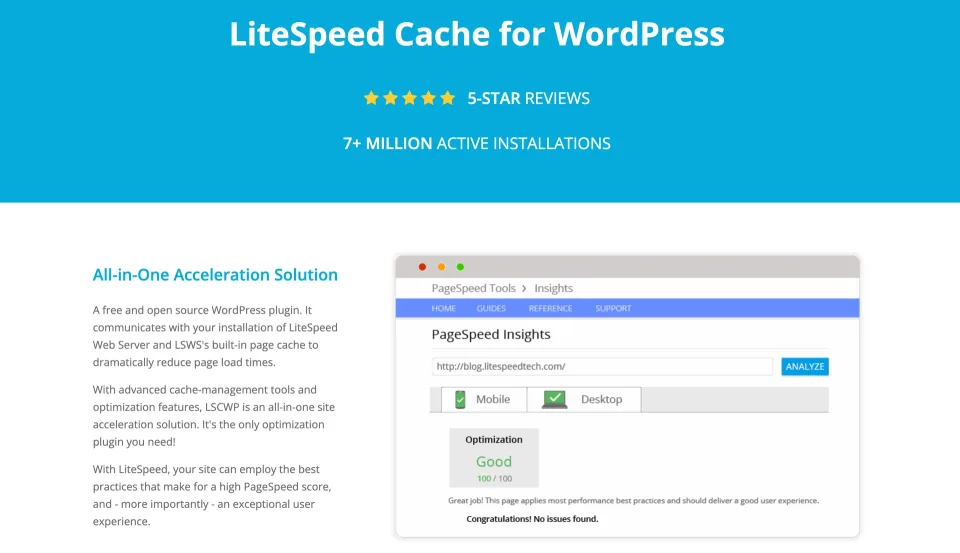
The plugin preview illustrates the WordPress configuration side. Server-level page caching still depends on the hosting environment.
What your hosting setup actually enables
With LiteSpeed Web Server, correctly configured OpenLiteSpeed, LiteSpeed Web ADC or QUIC.cloud CDN, LSCWP can manage server/CDN page cache, selective purges and exclusions. The actual cached page is served by the server or CDN; it is not a separate pile of cached HTML in a WordPress plugin folder.
Without those cache engines, CSS/JS minification, script delay, lazy loading and database cleanup remain available. Some functions, including image optimization and generated Critical/Unique CSS, use remote QUIC.cloud services and require activation. Redis or Memcached object caching is supported only when the host provides and configures that backend.
OpenLiteSpeed is a useful free server option, but it does not support Edge Side Includes (ESI). ESI can isolate personalized fragments of otherwise cached pages on compatible commercial LiteSpeed products or QUIC.cloud. Do not assume all LiteSpeed-branded servers have the same controls.
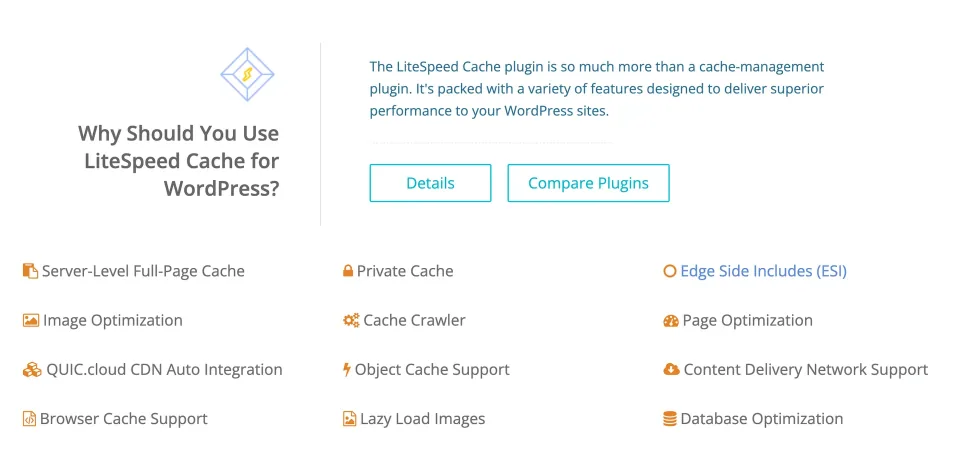
The feature list separates caching and optimization tasks. Confirm which capabilities the web server enables before configuring the plugin.
WooCommerce: confirm what must stay uncached
LiteSpeed excludes WooCommerce Cart, Checkout and My Account from page caching by default. That is a reasonable starting point, not a guarantee for every store. Dynamic price rules, currency selectors, mini-carts, customer accounts and plugins that vary content by visitor may need additional cache rules.
Before relying on a live shop, use staging to run a real cart-to-checkout flow with logged-in and logged-out accounts. On a cacheable public page, inspect response headers for an eventual `X-LiteSpeed-Cache: hit`, or `X-QC-Cache` through QUIC.cloud. Confirm that checkout and personalized pages are excluded; a homepage cache hit does not prove customer data is safe.
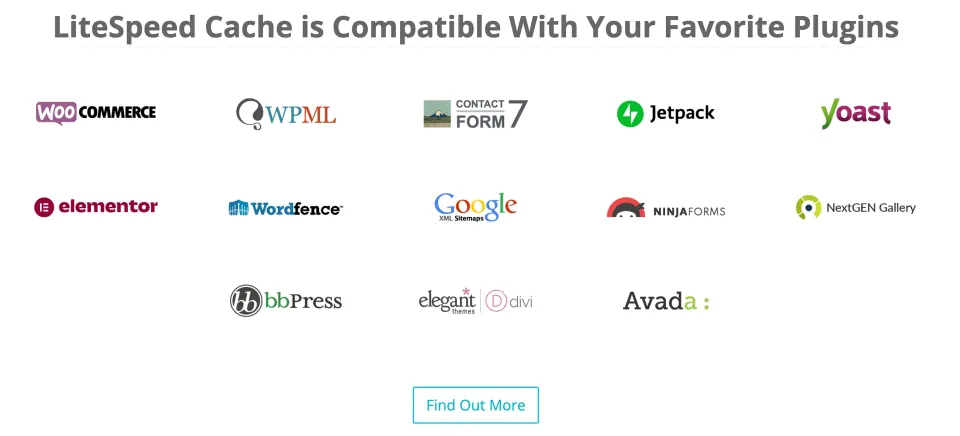
The vendor lists WooCommerce among supported integrations. Cart, checkout and customer-specific pages still require explicit cache checks.
The plugin is free; related services may not be
There is no paid LSCWP Pro plugin or annual per-site plugin license. The code is GPLv3. Your bill, if any, comes from hosting, commercial LiteSpeed server licensing, QUIC.cloud CDN/optimization allowances or paid configuration help. OpenLiteSpeed can supply page caching without a commercial server license, but it still needs correct setup and lacks ESI.
QUIC.cloud has announced monthly Free, Basic, Pro, Business and Enterprise service plans effective November 10, 2026. As of this November 9 review, that transition is still pending. I would not quote old CDN bandwidth or credit-based optimization prices as the ongoing cost of LiteSpeed Cache. Check live plan allowances when selecting CDN service.
Updates, compatibility and rollout
WordPress.org lists LSCWP 7.9.3, released November 3, 2026, with minimum WordPress 6.0 and PHP 7.4. Recent releases contain security and compatibility fixes, so staying current matters—but an updated version cannot compensate for unsafe cache exclusions or broken scripts.
Deactivate competing full-page cache plugins before enabling LSCache. Start with page caching and default settings; then enable JS/CSS and image changes gradually. The crawler is disabled unless permitted by the hosting administrator. Run a logged-in, logged-out, mobile and checkout regression check after changing optimization settings.
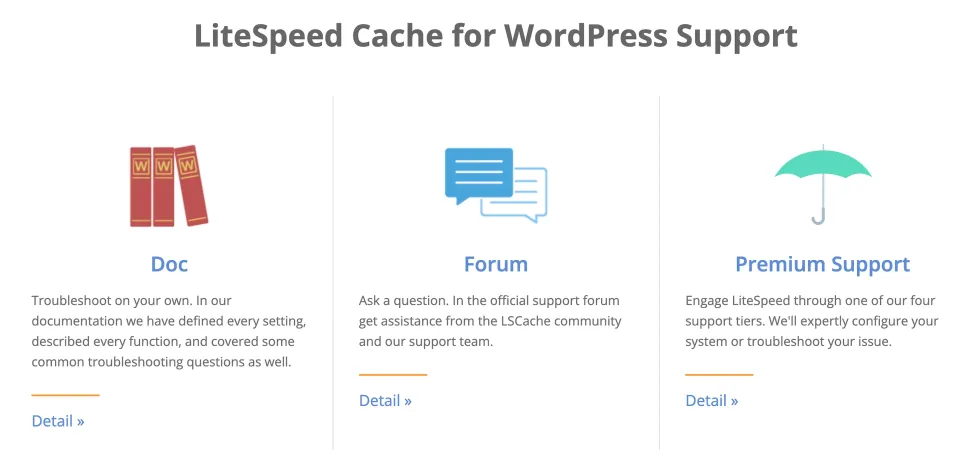
Documentation and support channels provide the next step when checking an update or diagnosing a configuration issue.
Verdict: strongest when your host is already ready
My preference is straightforward: use LSCWP first on an existing LiteSpeed-powered site with the cache engine enabled. On Apache/NGINX, I would not switch hosting or pay for a CDN just to use one plugin; justify that choice with your traffic, cache requirements and cost. For WooCommerce, a correct cart and private-content boundary is worth more than an isolated speed score.
Do not infer a speed gain from a feature checklist. Compare page delivery and Core Web Vitals on your own server after confirming the cache headers, and keep customer-specific content out of public cache.
LiteSpeed Cache for WordPress (Free) · License & support
Free GPLv3 plugin. Full-page caching requires a separate LSCache-capable server/host or QUIC.cloud CDN.
LiteSpeed Cache for WordPress (Free) · Renewal
No plugin renewal. Updates and public community support are free; hosting, server licensing and optional QUIC.cloud plans may cost extra.
Checked November 9, 2026: LSCWP is a free GPLv3 WordPress plugin ($0) without a paid Pro plan or plugin subscription. Page caching requires compatible LiteSpeed infrastructure or QUIC.cloud CDN; fees may arise from hosting/server licenses, CDN bandwidth or remote optimization services. On November 10, 2026, QUIC.cloud is scheduled to introduce monthly plans (Free/Basic/Pro/Business/Enterprise), replacing older CDN/credit billing arrangements. This had not taken effect as of this review; old service quotas and prices are not represented as current plugin plans. Image Optimization is an optional QUIC.cloud service: the documentation describes an unlimited free Standard Queue and a metered faster queue with an included free quota. Plugin image optimization must be enabled/requested; WebP/AVIF generation is optional. Redis/Memcached require separate server services. No purchase or QUIC.cloud checkout was conducted. The profile originally had no pricing plans; the previously introduced free-plan ID remains unchanged.
Free GPLv3 plugin with no paid Pro edition or per-site license.
Integrated cache purging and exclusions on compatible hosting.
General CSS/JS, lazy-loading and database optimization works on other web servers.
WooCommerce-specific controls and documented default exclusions.
Detailed documentation for inspecting actual cache headers.
What to consider
Server-level page caching requires compatible LiteSpeed infrastructure or QUIC.cloud.
ESI is unavailable on OpenLiteSpeed.
Remote optimization and CDN plans may add cost; some services need explicit activation.
JS/CSS delays and WooCommerce personalization can require careful tuning.
No speed result transfers automatically from another host or benchmark.
Best for
WordPress sites already running an enabled LiteSpeed cache engine; publishers and store owners who want free server-cache control and are willing to test real page behavior.
Consider alternatives if
Apache/NGINX users expecting a cache engine from the plugin alone; teams requiring ESI on OpenLiteSpeed; owners unwilling to validate checkout, personalized content or additional QUIC.cloud service costs.
BEFORE YOU DECIDE
Frequently asked questions
Is LiteSpeed Cache free? Is there a Pro plugin?
The WordPress plugin is free under GPLv3, with no separate paid Pro version or per-site plugin subscription. Hosting, LiteSpeed server licenses and optional QUIC.cloud services may cost extra.
Does LiteSpeed Cache work on Apache or NGINX?
Its CSS/JS, lazy-loading and database tools can work there. Full-page LSCache will not work on an ordinary Apache/NGINX origin simply because the plugin is installed. Use a compatible LiteSpeed cache engine or QUIC.cloud CDN for that function.
How do I know LSCache page caching is actually active?
On a public page in an anonymous session, inspect response headers after a couple of loads for `X-LiteSpeed-Cache: hit`. Depending on infrastructure, `X-QC-Cache` (QUIC.cloud) or `X-LSADC-Cache` may appear instead. A WordPress settings toggle alone is not proof of caching.
Does it safely cache WooCommerce cart and checkout pages?
Cart, Checkout and My Account are excluded from page cache by default. Still test coupons, varying prices, mini-carts, login state and extensions that serve user-specific data. Verify that private pages are not returned as public cached HTML.
Can OpenLiteSpeed use ESI for dynamic fragments?
No. OpenLiteSpeed supports LSCache page caching but not Edge Side Includes. ESI requires a compatible commercial LiteSpeed product or QUIC.cloud CDN; confirm the specific environment before using private-fragment controls.
Does LiteSpeed Cache include Redis or Memcached?
The plugin includes management for an existing object cache backend. Your host must install and configure Redis or Memcached separately; the plugin does not supply those services.
Does image optimization run automatically and is it free?
Not merely from installing the plugin. Enable QUIC.cloud services and request optimization or enable automatic requests. The documented Standard Queue is free and unlimited; the faster queue offers a free quota with potential charges beyond it. WebP/AVIF generation is optional.
How much does QUIC.cloud cost?
It is a separate CDN/optimization service, not a paid LiteSpeed Cache edition. QUIC.cloud has announced monthly service plans beginning November 10, 2026. On November 9, that switch has not taken effect; check the applicable plan, bandwidth and optimization allowances when you sign up.
Which WordPress and PHP versions are required?
WordPress.org lists LiteSpeed Cache 7.9.3 in its November 3, 2026 changelog, with WordPress 6.0+ and PHP 7.4+. These are published minimums, not a guarantee of compatibility with every theme or store configuration.
Can I leave another page-cache plugin active?
LiteSpeed recommends disabling competing full-page cache plugins to avoid overlapping cache layers. You may keep other types of caching where responsibilities are clearly separated. Enable optimization options gradually and test the storefront after each major change.
Alternatives & comparisons
Explore other published WordPress products, with matching categories listed first.
Paid WordPress caching and front-end optimization plugin that favors quick setup. Useful when one workflow replaces scattered tools, but the gain depends on your hosting, dynamic content and existing stack.
WPBakery is a shortcode-based WordPress content builder with frontend and backend editors. A practical choice for existing WPBakery sites; new block-first projects should weigh migration costs.