For a simple site, I would try Elementor Free before buying anything. Essential is a reasonable step up if the missing piece is Theme Builder; it is not the right purchase for popups, saved form submissions or WooCommerce templates. On one store, Advanced Solo is the more relevant tier. The real decision is whether those workflow gains justify the Pro renewal and ongoing testing—not whether Elementor has the longest widget list.
Why this rating?
Elementor offers a useful free entry point and broad visual control over pages and templates. Its paid feature boundaries require attention, and complex layouts create a continuing builder and maintenance dependency rather than automatic speed or accessibility gains.
Research & assessment details
Documentation-based assessment by WPToolWatch Editorial. No hands-on benchmark.
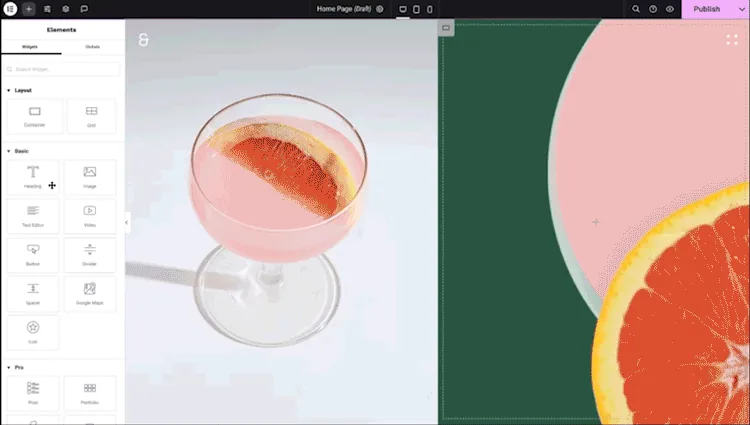
Elementor lets WordPress users design pages visually, including responsive layouts and landing pages, without coding every template.
Elementor lets WordPress users design pages visually, including responsive layouts and landing pages, without coding every template. The free plugin is useful on its own. Its appeal is strongest when a team makes frequent design changes and prefers one visual editing workflow over theme-specific controls and a collection of smaller design plugins.
Free, Essential or Advanced Solo?
Start with Free if the theme already handles headers, footers and posts, and you only need visual page layouts.
Start with Free if the theme already handles headers, footers and posts, and you only need visual page layouts. Essential adds Theme Builder and form design, but not saved submissions, popup campaigns, custom CSS or WooCommerce Builder. Advanced Solo adds those capabilities for one site; Advanced covers three, and Expert expands the site allowance to 25 with higher-tier support. Do not confuse WooCommerce compatibility in Free with WooCommerce template design in the paid tiers.
New installations enable atomic features by default; existing sites can adopt them gradually.
What Editor V4 changes—and what it does not
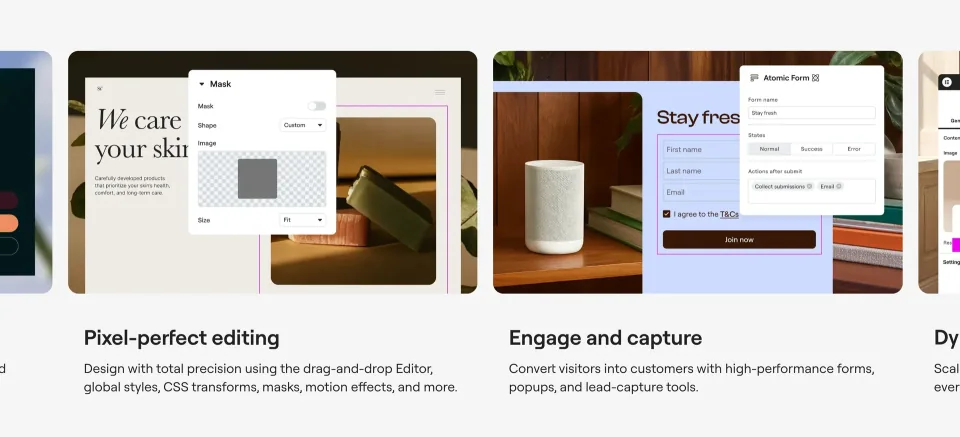
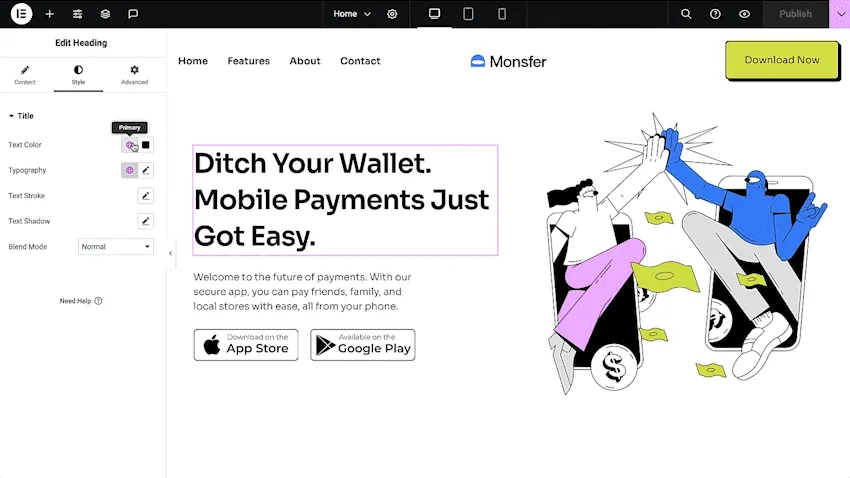
The V4 Atomic Editor introduces reusable classes, variables and a more consistent styling workflow. It can operate alongside older 3.x widgets and containers on the same pages.
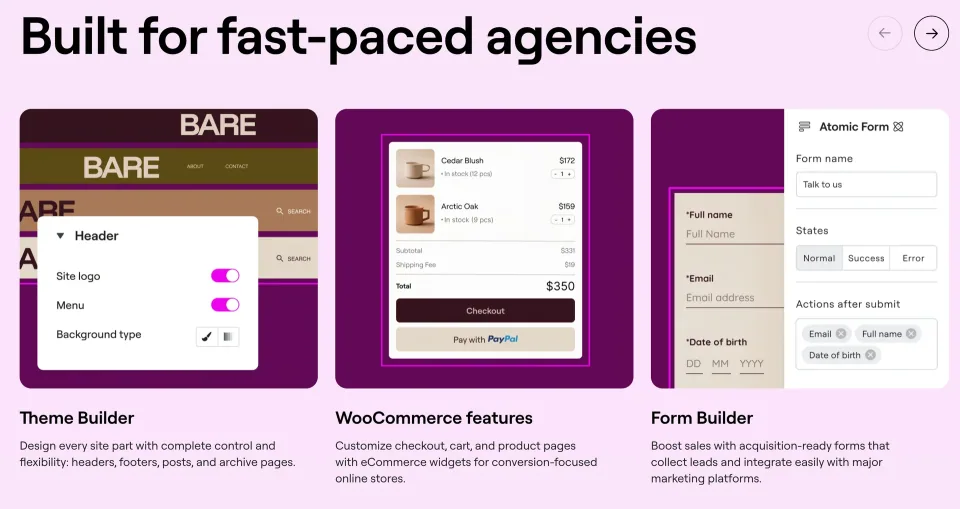
Essential adds Theme Builder and form design, but not saved submissions, popup campaigns, custom CSS or WooCommerce Builder.
New installations enable atomic features by default; existing sites can adopt them gradually. I would test the site’s most complex template on staging before standardizing on the new editor. Not every legacy widget has an identical Atomic replacement yet.
Pricing and the risk of an expired license
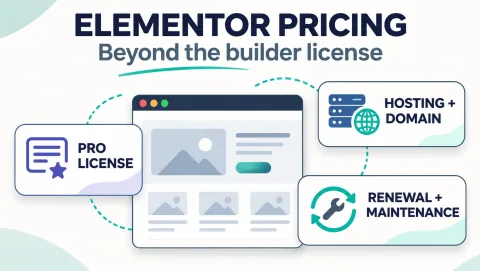
Elementor Core is free. Pro is billed annually by licensed site count. The annual amounts shown in this profile are independently documented October 2026 USD reference prices, not a checkout quote. Review the current purchase total, renewal
Elementor Core is free. Pro is billed annually by licensed site count. The annual amounts shown in this profile are independently documented October 2026 USD reference prices, not a checkout quote. Review the current purchase total, renewal price and any taxes. If Pro expires, Core continues to work, but Pro updates stop and some existing Pro editing or feature access may be restricted. That is a maintenance issue, not just a support inconvenience.
Performance and maintenance trade-offs
A visual builder can speed up template work and still produce a slow or hard-to-maintain site if pages use oversized images, heavy scripts or too many add-ons.
A visual builder can speed up template work and still produce a slow or hard-to-maintain site if pages use oversized images, heavy scripts or too many add-ons. Keep Core and Pro on compatible releases, back up before major updates, and measure your own mobile pages and checkout flows. Elementor Core 4.3.6 is the WordPress.org release checked on November 9, 2026; Elementor Pro has a separate version and changelog.
Minimum environment to check
Elementor’s October 2026 requirements list WordPress 6.8+, PHP 7.4+ and at least 256 MB WordPress memory for Elementor/Pro, with PHP 8.3+ recommended.
Elementor’s October 2026 requirements list WordPress 6.8+, PHP 7.4+ and at least 256 MB WordPress memory for Elementor/Pro, with PHP 8.3+ recommended. Treat these as the editor’s baseline, not proof every theme, hosting setup or WooCommerce extension will work without testing.
Excludes saved form submissions, popup builder, custom CSS, WooCommerce Builder and ACF/PODS integrations
License & support
Annual Elementor Pro license. Listed USD amount is an independently corroborated October 2026 reference, not an authenticated live checkout quote.
Renewal
Renewal depends on the terms and applicable price of your subscription. Verify the next charge in Elementor checkout/account; after expiry, Pro updates and some feature access are restricted.
Form submissions, integrations and custom-field support
License & support
Annual Elementor Pro license. Listed USD amount is an independently corroborated October 2026 reference, not an authenticated live checkout quote.
Renewal
Renewal depends on the terms and applicable price of your subscription. Verify the next charge in Elementor checkout/account; after expiry, Pro updates and some feature access are restricted.
Annual Elementor Pro license. Listed USD amount is an independently corroborated October 2026 reference, not an authenticated live checkout quote.
Renewal
Renewal depends on the terms and applicable price of your subscription. Verify the next charge in Elementor checkout/account; after expiry, Pro updates and some feature access are restricted.
Advanced editor and ecommerce capabilities on up to 25 sites
Higher-tier human support per Elementor plan comparison
For multi-site freelancers and agencies
License & support
Annual Elementor Pro license. Listed USD amount is an independently corroborated October 2026 reference, not an authenticated live checkout quote.
Renewal
Renewal depends on the terms and applicable price of your subscription. Verify the next charge in Elementor checkout/account; after expiry, Pro updates and some feature access are restricted.
Free Core is $0. Paid Elementor Pro prices shown here ($60 Essential, $84 Advanced Solo, $108 Advanced, $204 Expert per year) are USD annual list-price references published in independent October 2026 comparisons and cross-checked on November 9, 2026—not independently verified checkout totals. Elementor’s official pricing page dynamically renders regional/offer values. Verify today’s subtotal, tax, first-term price, next renewal amount and included services before purchase. Do not confuse Editor Pro subscriptions with separately priced Elementor One/hosting/AI products.
Some links are affiliate links. We may earn a commission.
Listed prices may exclude taxes. Promotions and vendor terms can change; confirm at checkout.
AT A GLANCE
Key features
01
Free visual editing for pages and landing pages
02
Elementor V4 Atomic Elements can coexist with existing widgets
03
Essential has Theme Builder, but no Popup or WooCommerce Builder
04
Advanced Solo adds ecommerce templates and saved form submissions
05
Pro access, renewals and site limits affect long-term ownership
Features & compatibility
Vendor-sourced facts are based on published documentation; exceptions are labelled. Sources and check dates are grouped below each section.
Free edition is a practical way to check the editing experience on a real page
Elementor V4 adds reusable classes and variables without requiring an immediate rebuild
Higher Pro tiers combine templates, popups, form submissions and WooCommerce design
What to consider
Essential is easy to overbuy if you expect popups, saved form entries or WooCommerce templates
The design workflow creates a long-term dependency on Elementor and active Pro entitlements
Complex templates still need mobile, accessibility, caching and conflict checks
Best for
WordPress site owners who want direct visual control of landing pages and templates; teams that regularly publish campaigns or customize WooCommerce presentation.
Consider alternatives if
Teams happy with the block editor and a conventional theme; buyers who need WooCommerce Builder or popup campaigns but plan to purchase only Essential.
BEFORE YOU DECIDE
Frequently asked questions
Can I use Elementor without paying?
Yes. Elementor Core is free on WordPress.org and can build visual pages. You pay only if you need a Pro tier or other paid services.
Which Elementor Pro plan makes sense for a single WooCommerce store?
Advanced Solo is the relevant one-site Pro tier if you want Elementor’s WooCommerce Builder, popup campaigns, saved form submissions or custom CSS. Essential excludes those features. WooCommerce itself must also be installed.
Can Elementor Free work with WooCommerce?
Yes. Free Elementor is compatible with WooCommerce, but compatibility is different from editing product and shop templates with the Pro WooCommerce Builder.
What does the Essential plan include and exclude?
Essential includes Theme Builder and form design, but not Popup Builder, saved form submissions, custom CSS, WooCommerce Builder or advanced ACF/PODS integrations.
What is the difference between Advanced Solo and Advanced?
The key difference is site allowance: Advanced Solo covers one website and Advanced covers three; both offer the advanced visual and ecommerce tools shown in the official feature matrix.
Is Elementor V4 a different product, and must I convert my old pages?
No. V4 is part of Elementor Core. Its Atomic Elements and older 3.x widgets can coexist. There is no reason to rebuild an established site simply to enable Atomic styling.
What happens if Elementor Pro expires?
Elementor Core continues, but Pro updates stop and Elementor says access to some existing Pro features or editing may be restricted. Running newer Core versions alongside old Pro code can also cause compatibility problems.
Are Elementor AI credits and hosting included with Pro?
Do not assume that. Check the current entitlements for your specific Pro or Elementor One plan; AI, hosting and optimization services may have separate limits and billing.
What WordPress and PHP versions does Elementor need?
As of the October 2026 requirements guide: WordPress 6.8+, PHP 7.4+ and at least 256 MB of WordPress memory. Elementor recommends PHP 8.3+.
How trustworthy are the listed Pro prices?
The $60, $84, $108 and $204 annual amounts match dated independent October 2026 comparisons, but have not been confirmed at a live purchase checkout during this review. Check the current price, tax and renewal total on Elementor’s official page.
WPBakery is a shortcode-based WordPress content builder with frontend and backend editors. A practical choice for existing WPBakery sites; new block-first projects should weigh migration costs.
A premium extension for websites already built with WPBakery, adding visual elements, icon tools and background effects. WPBakery is required separately.
The standalone Divi visual builder plugin for existing WordPress themes. Compare Elegant Themes memberships, plugin limitations, and Divi 5 availability before buying.