UberMenu adds multi-column, tabbed and dynamic WordPress mega menus for large content sites and WooCommerce stores. Flexible, but theme integration and keyboard/mobile testing matter.
Business websitesOnline storesBlock editorGutenberg
UberMenu earns its place when navigation needs to work like a compact catalog or editorial index. Its strongest value is the combination of layouts and query-driven content, not a cosmetic menu effect. I would choose it for a complex site with ownership of header QA; for simple menus or teams that cannot maintain custom integration, I would stay with the theme’s native navigation. This assessment is based on documentation and marketplace records, not a fresh hands-on test.
Why this rating?
UberMenu is useful when navigation must act as a structured catalog with columns, tabs and dynamic content. The extra integration surface, mobile and keyboard checks, and theme-specific styling work are difficult to justify for a simple menu.
Research & assessment details
Documentation-based assessment by WPToolWatch Editorial. No hands-on benchmark.
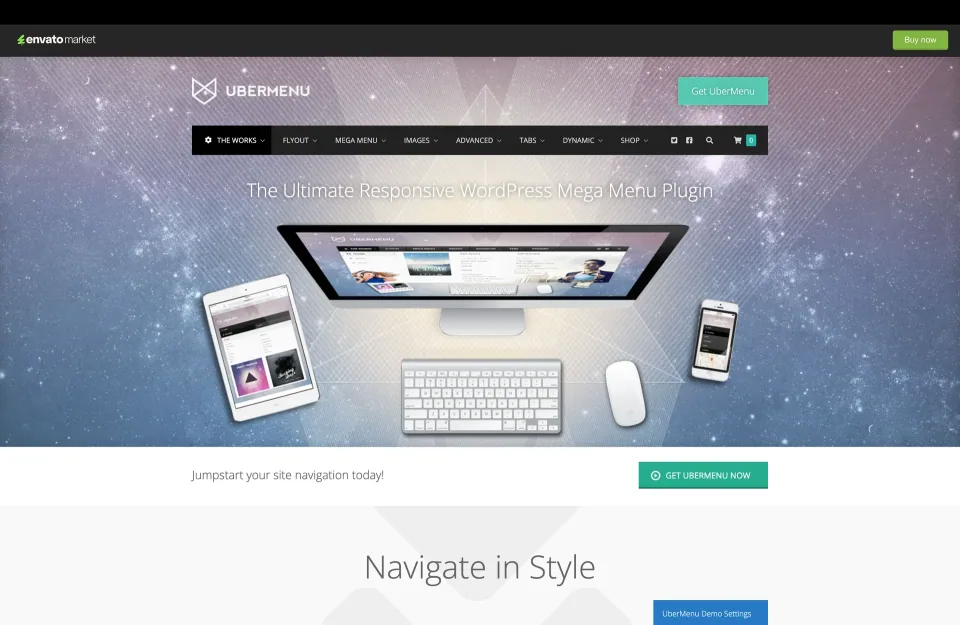
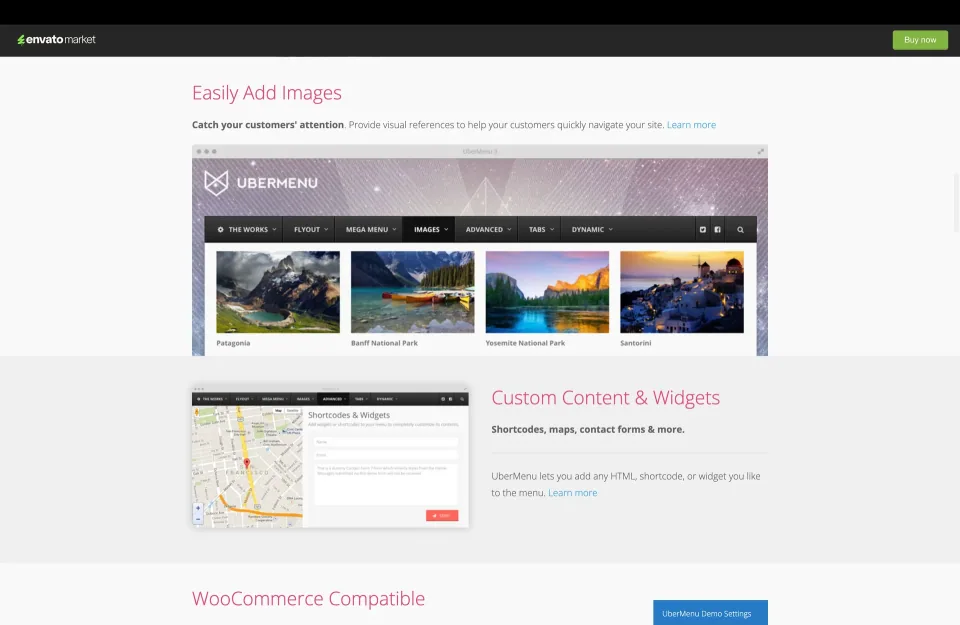
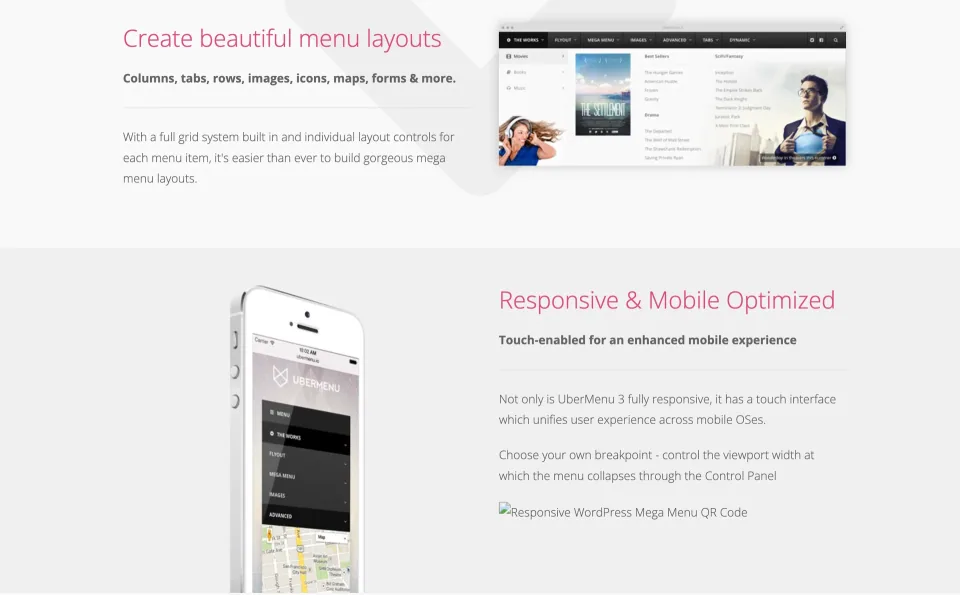
UberMenu replaces a standard WordPress dropdown with structured mega-menu panels: columns, tabs, images, widgets and dynamically generated links.
UberMenu replaces a standard WordPress dropdown with structured mega-menu panels: columns, tabs, images, widgets and dynamically generated links. It is most useful when a large catalog or editorial archive needs navigation that exposes several routes at once. For a small site with a handful of pages, I would keep the theme’s built-in menu rather than add another plugin to maintain.
Where the extra control pays off
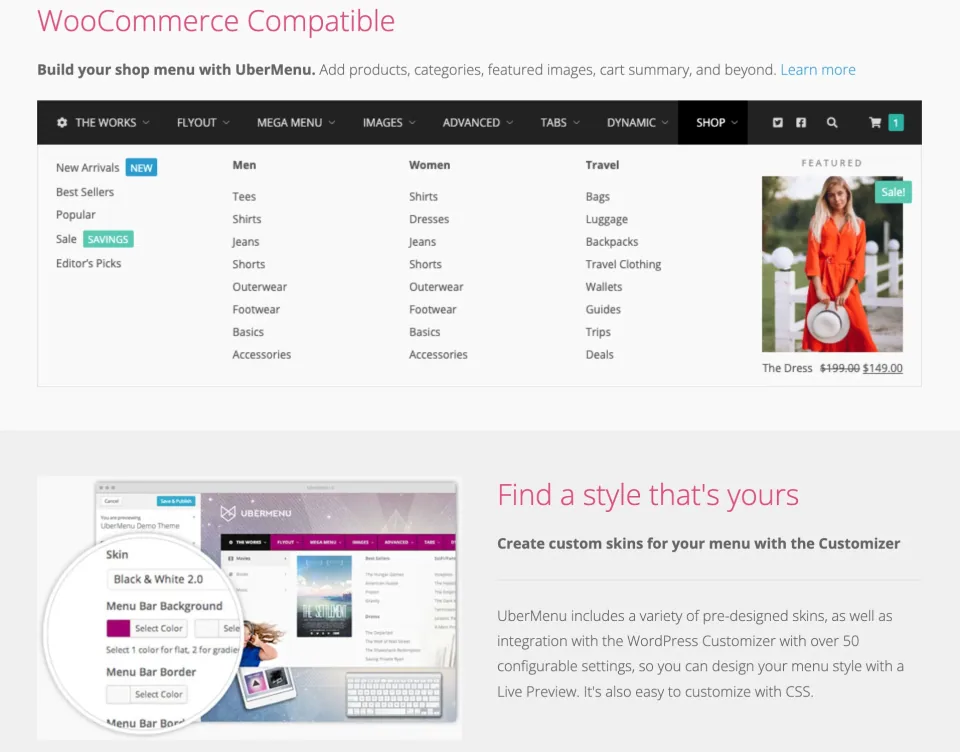
A retailer can group product categories into columns, add category imagery and show cart information in the header.
A retailer can group product categories into columns, add category imagery and show cart information in the header. A publisher can surface recent posts or taxonomy terms without rebuilding every submenu by hand. UberMenu supports rows, tabs, badges, custom content and shortcodes, so the navigation can explain the site’s structure instead of merely listing links.
Dynamic menus are not set-and-forget
Dynamic Posts and Dynamic Terms use WordPress queries to populate submenu entries; Dynamic Posts are intended for submenus, not the top navigation bar.
Dynamic Posts and Dynamic Terms use WordPress queries to populate submenu entries; Dynamic Posts are intended for submenus, not the top navigation bar. That saves repetitive editing, but the result still needs sensible query limits, labels and ordering. On a large store, I would keep the first level deliberately simple and make sure the menu remains understandable when a category is empty or a product changes visibility.
Theme compatibility is the real implementation cost
In a conventional theme, automatic integration depends on a properly registered menu location and the way the theme calls wp_nav_menu(). Hard-coded header styling or menu scripts may interfere, requiring manual replacement of the theme’s menu markup.
Block themes use an UberMenu block in the Site Editor, but the menu itself is still built in Appearance > Menus and UberMenu’s settings. Elementor has a documented integration path; other builders may need a shortcode. Budget time to check the actual header, not just the demo.
Mobile and keyboard behavior need their own pass
UberMenu supplies responsive layouts and configurable keyboard navigation, including options for opening submenus with Enter or Space and closing them with Escape. That is useful infrastructure, not a WCAG certification.
UberMenu supplies responsive layouts and configurable keyboard navigation, including options for opening submenus with Enter or Space and closing them with Escape. That is useful infrastructure, not a WCAG certification. Check focus visibility, the route back out of nested submenus, touch targets and the behavior of the collapsed mobile header. A visually impressive desktop panel is not worth much if it traps or confuses visitors on smaller screens.
License, add-ons and update cadence
The CodeCanyon Regular License covers one end product, with six months of author support; support renewal is optional. Future updates published by the author are available to purchasers, but that is not a promise of frequent releases.
Elementor has a documented integration path; other builders may need a shortcode.
The most recent entry visible in the public CodeCanyon changelog is v3.8.5 from July 2024, even though the marketplace carries newer compatibility tags. SevenSpark also sells Sticky, Conditionals, an extra Icons pack and Flat Skin Pack separately. Confirm what you need before treating the base price as the whole project cost.
Who should buy it?
I would shortlist UberMenu for a content-heavy site or WooCommerce catalog where navigation quality can justify a little ongoing setup and QA. I would not buy it solely for a more decorative dropdown. Before purchasing, inspect the official demo on a phone and with a keyboard, review the integration guide for your theme, and verify the live CodeCanyon checkout price—the seller catalog and marketplace listing currently disagree.
Single-use Envato Regular License for one end product. Staging and production copies of the same site are allowed under SevenSpark guidance; separate live projects require separate licenses.
Regular License · Renewal
One-time software purchase. Six months of support included; optional support extension/renewal costs extra. Access to subsequent author-published updates does not guarantee a release schedule.
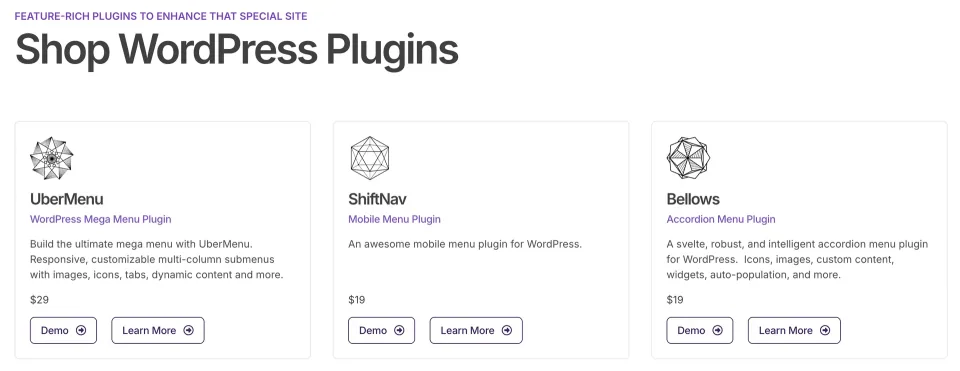
As checked 2026-11-09, the canonical CodeCanyon page displayed USD 39 for the Regular License, while the SevenSpark shop index displayed USD 29. This unresolved public-listing difference is not a verified checkout quote; reconfirm the actual cart price, tax and support-extension offer before publishing or buying. One license covers one end product, not unlimited live sites; a staging copy of the same site is permitted by the vendor. Sticky, Conditionals, extra Icons and Flat Skin Pack extensions are sold separately. An Extended License price was not confirmed and is not modeled as a plan.
Flexible columns, tab panels and image-led submenu layouts for large information structures
Dynamic Posts/Terms reduce repetitive work on evolving catalogs and archives
Documented WooCommerce product/category content and cart summary options
Supports classic theme integration and placement through the Site Editor
What to consider
Theme CSS or JavaScript can force manual header-template changes
Complex layouts require mobile and keyboard QA plus ongoing content maintenance
One license per end product; support renewal and some extensions cost extra
Public CodeCanyon changelog has no newer entry than July 2024 in this review, so verify compatibility in staging
Best for
WooCommerce stores with broad catalogs, content-heavy publishers and site builders who need multi-column or tabbed navigation and can maintain the theme integration.
Consider alternatives if
Small sites whose built-in menus are adequate; teams expecting zero-setup compatibility, verified WCAG conformance out of the box, or one purchase covering multiple client sites.
BEFORE YOU DECIDE
Frequently asked questions
How much does UberMenu cost?
The CodeCanyon item displayed USD 39 for a Regular License when checked on November 9, 2026. SevenSpark’s shop catalog still displayed USD 29. Treat USD 39 as a marketplace listing snapshot, not a confirmed cart quote; check the live checkout before buying. Taxes and optional support extensions may change the total.
Is there a free version of UberMenu?
No official free edition of the core UberMenu plugin was found in the vendor’s product and marketplace listings. The online demo lets you inspect the design, but it is not a free software license. SevenSpark separately offers ShiftNav as a mobile-menu product.
Can I use one license for multiple sites or a staging copy?
One UberMenu license covers one end product/site, not multiple unrelated production websites. SevenSpark says a development or staging copy of that same licensed site is permitted alongside production. Its vendor guidance also states that an Extended License is not a bulk-use license.
Will UberMenu work with my WordPress theme without code changes?
It can replace a standard menu automatically when the theme registers and renders its menu location correctly. Some themes have hard-coded menu wrappers or scripts that conflict with UberMenu, making manual integration necessary. Check the vendor’s theme-specific integration guidance before committing to a live header change.
How do I use UberMenu in a block theme or page builder?
The Full Site Editor uses an UberMenu block in the layout, while menu structure and item settings remain in Appearance > Menus and the UberMenu Control Panel. Elementor has documented integration options; other builders may use a shortcode. Placing the block does not replace the separate menu-configuration work.
Can WooCommerce categories and products appear in the menu?
Yes. SevenSpark documents static and dynamic product/category items, featured images, product-price layouts, cart summaries and a mini-cart widget. These are integration capabilities, not a guarantee that every storefront’s theme and cart plugins will render identically. Check your actual menu on staging.
Which UberMenu features cost extra?
SevenSpark lists Sticky, Conditionals, an additional Icons extension and the Flat Skin Pack as separate purchases, with an extension bundle also offered. Base UberMenu already includes images, icons and other menu content options, so distinguish those built-in controls from the separately sold expansions.
Does UberMenu automatically make a site accessible?
No accessibility certification is established here. UberMenu documents keyboard focus and configurable Enter, Space and Escape controls, but your theme and menu configuration determine the actual user experience. Test focus indicators, nested submenu navigation, mobile tapping and screen-reader labels before launch.
Are updates still available after author support expires?
The included author-support period is six months. The vendor documents support renewal as a separate purchase; purchasers can download later author-published plugin updates through their CodeCanyon account, and automatic updates use a valid purchase code. A license does not guarantee any future update schedule.
What is the latest version, and does it support current WordPress releases?
The latest entry visible in the official public CodeCanyon changelog at this review is v3.8.5, dated July 25, 2024. The marketplace lists newer WordPress compatibility versions, but that tag is not a substitute for an independent installation test. Check your PHP version, theme, WooCommerce and key navigation workflows on staging.
Alternatives & comparisons
Explore other published WordPress products, with matching categories listed first.
FileBird gives WordPress editors virtual folders for media without changing file URLs. Start with Free; Pro adds WooCommerce/CPT organization and premium builder workflows.
WPBakery is a shortcode-based WordPress content builder with frontend and backend editors. A practical choice for existing WPBakery sites; new block-first projects should weigh migration costs.
Add personalization fields, conditional choices and calculated add-on prices to WooCommerce products. A strong fit for complex order options; simple variants rarely need this much configuration.