Home / Plugins / CURCY - WooCommerce Multi Currency
WooCommerce Operations
CURCY - WooCommerce Multi Currency
WordPress plugin · By VillaTheme
CURCY lets WooCommerce shoppers view prices and pay in different currencies. Free handles up to two currencies; Premium adds unlimited currencies, scheduled rates and more control over checkout and payment methods.
CURCY Free is the sensible starting point, not merely a teaser: it already covers a two-currency storefront and can take payment in supported currencies. I would pay for Premium when a store genuinely needs more currencies, automatic rate updates or checkout-specific routing. Before buying, verify the cart type, currency rounding and every active gateway; the plugin cannot solve a processor's currency limitations.
Why this rating?
CURCY provides a practical free starting point for two-currency stores, with paid controls for broader currency and checkout requirements. Fixed prices and routing are useful, but gateway currency support, cache behavior and cart-type compatibility still need validation.
Research & assessment details
Documentation-based assessment by WPToolWatch Editorial. No hands-on benchmark.
CURCY is useful when a shopper should see a familiar currency without forcing the merchant to maintain separate storefronts. It can convert prices using exchange rates or apply merchant-defined prices for individual currencies. That second option matters when a store wants deliberate market pricing instead of whatever a live exchange calculation produces.
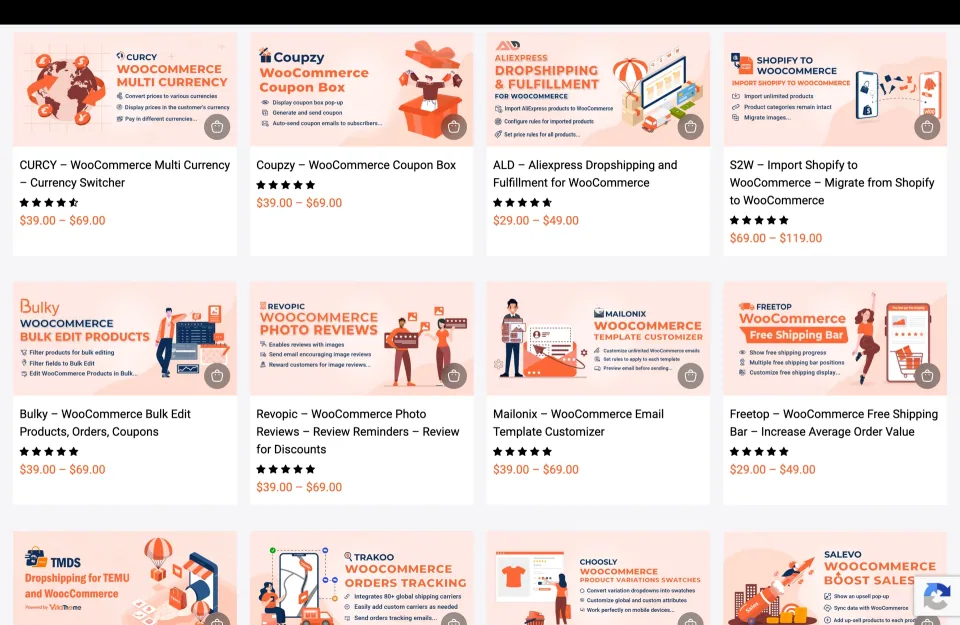
CURCY appears among VillaTheme’s WooCommerce extensions. Identify the currency plugin rather than treating neighboring products as included features.
Free versus Premium
Free is not limited to displaying converted prices: it supports two currencies, country-based defaults, manual rates, fixed product prices and multi-currency payment where the gateway supports it. Premium makes more sense for stores that need a third currency, scheduled rate updates, language-based mapping, bulk fixed-price import or tighter control over checkout currencies and payment methods. Those are operational upgrades, not a different license tier.
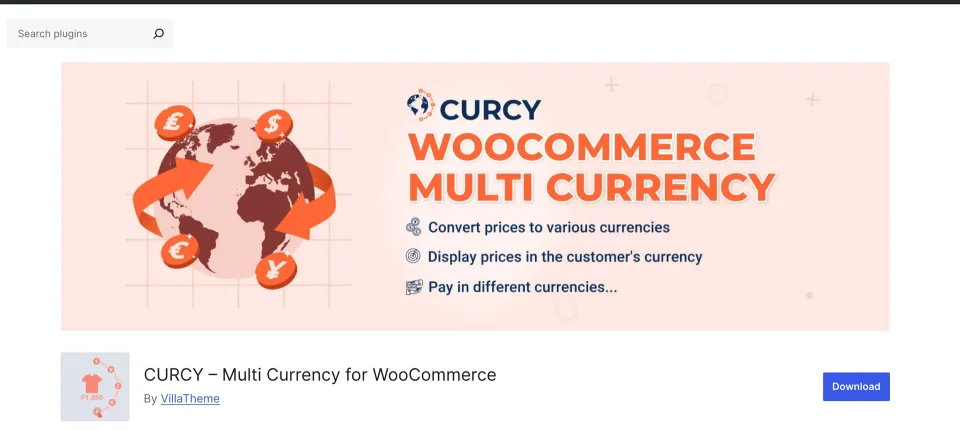
The CURCY listing identifies the free plugin. Compare its currency limits with Premium before choosing an edition.
Checkout is the decisive test
Showing EUR on a product page does not mean a gateway can charge EUR. Check each payment method, shipping method, discount and final order currency against real test orders. The vendor also warns that several settings—including Checkout Currency and Currency by Payment Method—are not supported with WooCommerce Cart/Checkout Blocks. Confirm your cart type before planning around those controls.
Currency accuracy and caching
Location detection and currency persistence can produce confusing results behind page caches. Fixed product prices do not automatically fix coupon amounts; rounding at very small exchange rates also deserves attention. Test a low-value item, a coupon, a shipping threshold and a cached session in at least two currencies. The Free 2.2.21 changelog includes a fix for currency validation that could produce zero-price conversions in earlier versions.
Buying, licensing and support
Premium Regular and Extended offer the same plugin features; the difference is permission to use the finished end product, not number of currencies or websites. A store that sells goods but is itself free to visit generally falls under Envato Regular License rules; paid-access end products can require Extended. Each license covers one end product. The purchase includes future released updates and six months of author support; further support is separate.
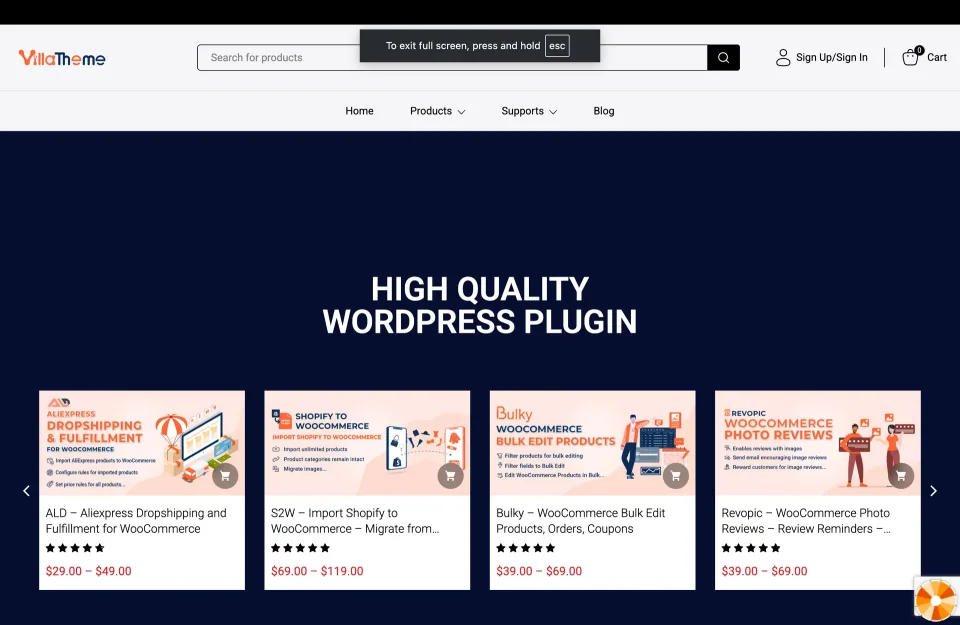
The vendor storefront is a purchase channel to check alongside the marketplace. Confirm the CURCY edition and support terms before ordering.
One-time item purchase; future published updates included. Six months of author support are included; extending support is optional and costs extra.
Premium — Extended License · License & support
Extended usage rights for an end product whose end users can be charged for access/use; not a higher CURCY feature tier. Check Envato license terms.
Free · Additional features
Payment acceptance depends on the active gateway and currency
Premium — Regular License · Additional features
Bulk fixed-price import and JavaScript switching options
USD amounts checked 2026-11-09 against the official CodeCanyon listing; taxes, handling and optional support extensions are extra. Regular vs Extended changes end-product licensing, not plugin functionality, site count or upgrade rights. A freely accessible ecommerce store can generally use Regular, but the full license controls. Future published updates are listed as included; six months of author support is included and may be extended for a fee. Verify the checkout total and the suitability of the license for the finished project.
Free is useful beyond a demo: two currencies, country detection and supported multi-currency payments
Fixed product prices let merchants set market-specific amounts rather than accept raw conversion
Premium adds genuinely operational controls: scheduled rates, more currencies and payment-method routing
What to consider
The free edition stops at two currencies and does not include scheduled rate updates
Some checkout options do not work with WooCommerce Cart/Checkout Blocks
Payment-gateway restrictions, cache behavior and rounding still need store-specific testing
Best for
WooCommerce merchants serving two or more markets who need both local-currency display and a checkout flow they can validate with their actual payment gateways.
Consider alternatives if
Stores needing only translated price labels with no operational testing, or teams expecting a plugin to add currencies their payment processor does not accept.
BEFORE YOU DECIDE
Frequently asked questions
Can CURCY Free accept payments in more than one currency?
Yes. VillaTheme lists multi-currency payment in the free feature set, limited to two configured currencies. The selected payment gateway must support the actual checkout currency; displaying a converted price is not proof the gateway can charge it.
When is CURCY Premium worth paying for?
Consider Premium when you need more than two currencies, scheduled exchange-rate updates, currency-based payment-method controls, bulk fixed prices or language-based currency rules. Free may be sufficient for a simple, tested two-currency store.
Will CURCY work with WooCommerce Cart and Checkout Blocks?
Not with every setting. The vendor specifically lists features to disable for Cart/Checkout Blocks, including Checkout Currency and Currency by Payment Method. Check your checkout architecture and confirm the required controls work before committing.
Can I use a fixed product price for each currency instead of live conversion?
Yes, CURCY supports fixed per-currency product prices. Its documentation cautions that fixed-price rules do not automatically apply to WooCommerce coupon values. Test discounts, taxes and shipping thresholds before launch.
Does CURCY automatically update currency exchange rates?
Scheduled automatic rate updates are a Premium feature. Free includes manual rate configuration. Before relying on a rate API, verify which providers, credentials and usage limits apply to your setup.
Why does a selected currency change back or show the wrong price?
Page caching, session storage and location detection can interfere with currency persistence. The vendor documents cache-related settings, but results depend on the full stack. Test anonymous sessions, mobile and checkout after cache or plugin changes.
Which CodeCanyon license does a normal WooCommerce shop need?
Under Envato guidance, a store freely accessible to visitors can generally use a Regular License even when it sells goods. Extended is for an end product that charges users for access. Both cover one end product; check the full license for unusual business models.
What do the one-time CURCY Premium licenses include?
CodeCanyon lists future updates as released and six months of VillaTheme author support. Additional support time costs extra. Regular and Extended licenses do not unlock different plugin features.
What version should I run if I use CURCY Free?
The November 6, 2026 Free changelog lists 2.2.21, and Patchstack marks it as the fix for a broken-access-control issue affecting older releases through 2.2.20. Keep the plugin patched and validate checkout after updating; this is not a general security guarantee.
Alternatives & comparisons
Explore other published WordPress products, with matching categories listed first.
Edit WooCommerce prices, stock, variations and supported custom fields from a spreadsheet-style grid. This is the original CodeCanyon WCABE plugin—not WPMelon’s newer Free/Pro editor.
WooCommerce currency switcher for localized product prices and optional selected-currency checkout. Compare its two-currency Free edition with annual and lifetime Pro licenses.
Drag-and-drop WooCommerce transactional email designer from VillaTheme, with a capable free edition and Premium rules, reusable blocks and attachments.