WordPress endpoint firewall, malware scanner and login security. Premium brings faster threat updates; Care and Response add managed incident handling.
I would start by deciding who handles an alert, not by choosing the most expensive license. Free provides a useful security layer if the 30-day delay for newly released rules and signatures is acceptable for the site’s risk. Premium shortens that window, but someone still needs to investigate incidents and maintain backups. If an owner cannot do that work, Care is a different purchase: an expert service during business hours. Response is for sites that need incident assistance at any hour. None of these tiers replaces timely patching, tested backups or recovery planning.
Why this rating?
Wordfence provides a useful endpoint-security layer with clear differences between free rules, Premium updates and managed services. The trade-offs are scan overhead, per-site costs and the need for someone to respond to findings; the plugin does not replace patching or tested recovery.
Research & assessment details
Documentation-based assessment by WPToolWatch Editorial. No hands-on benchmark.
Wordfence runs a web application firewall at the WordPress endpoint and combines it with malware and file-integrity scans, vulnerability alerts and login controls. That gives site operators useful visibility into requests, changed files and risky software inside WordPress. Its endpoint design is not the same as an edge firewall filtering traffic before it reaches the server; the two can complement each other. A clean scan is not proof that a site is uncompromised.
The vendor separates software protection from managed service offerings. Check the coverage and responsibilities of the selected plan.
Free: substantial tools, delayed new intelligence
Free is a working security product, not a limited-time trial. It includes firewall protection, a scanner, rate limiting, 2FA and supported passkey logins; Wordfence 9.0 added passkeys to Free and paid installations, including WooCommerce integration with noted Multisite limits. The key trade-off is that newly released firewall rules and malware signatures arrive 30 days after paid customers receive them. This does not mean the firewall or scanner is inactive during those 30 days.
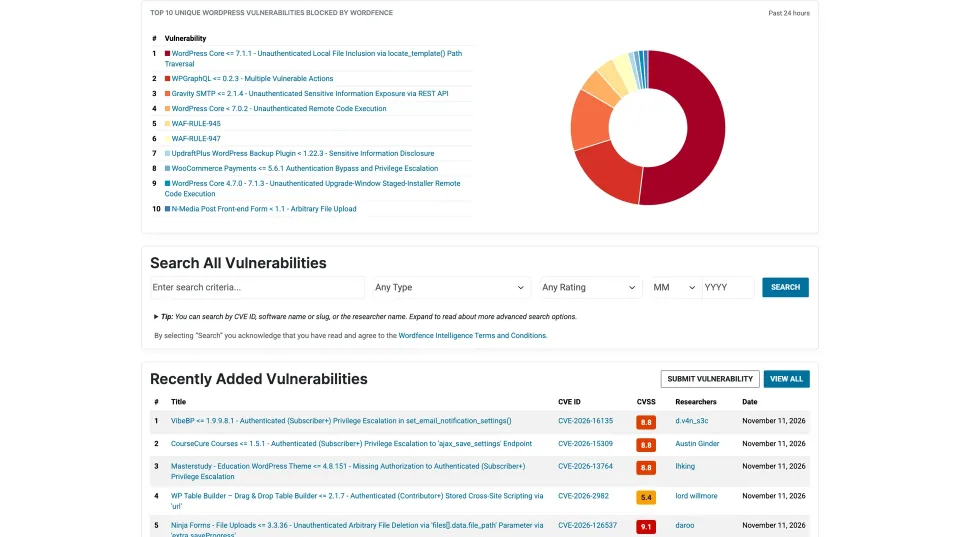
The vulnerability-search preview illustrates Wordfence’s intelligence resources; it does not show a scan of this website.
Premium: faster protection, still self-managed
Premium supplies newly released rules and signatures as Wordfence publishes them, plus the Premium IP Blocklist, country blocking and configurable scan schedules. It also offers ticket support and remote Audit Log history. Premium does not include a team that will investigate and clean an infected site for you. For a business, the value depends not only on threat updates but on whether someone is responsible for reviewing alerts and acting quickly.
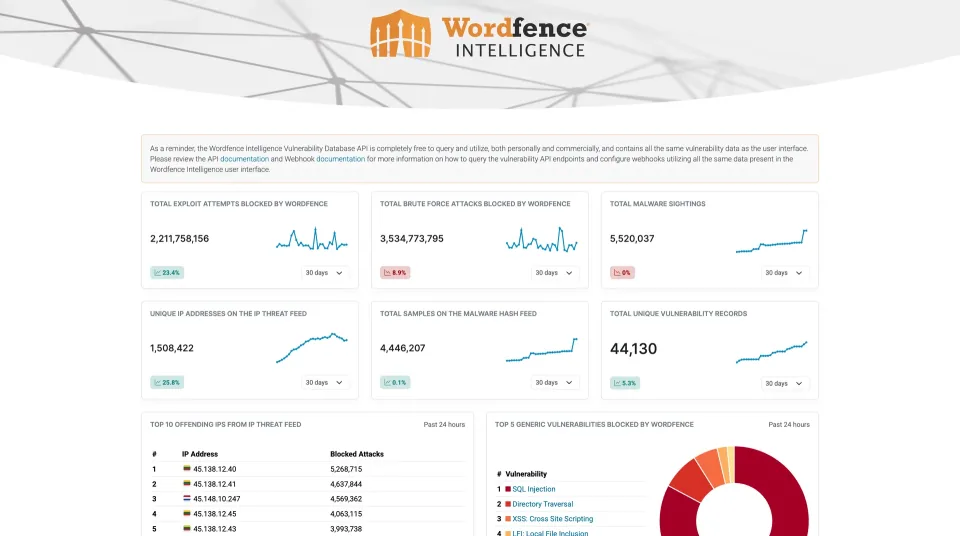
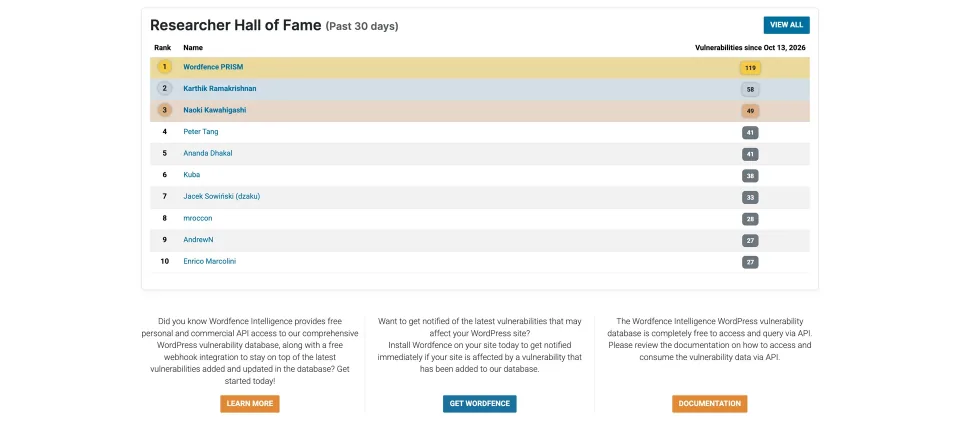
The intelligence dashboard illustrates the vendor’s vulnerability resources. It is not a scan result or security assessment of your own website.
Care and Response: buying expert time
Care adds professional installation, monitoring, an audit and incident cleanup, with hands-on assistance during Wordfence business hours (9 a.m.–8 p.m. US Eastern). Response is the higher-service option for incidents outside those hours: Wordfence advertises 24/7/365 coverage, a one-hour response time and 24-hour remediation. Those timings are vendor commitments, not timings WPToolWatch has independently tested. Paying for response coverage is different from paying for another security feature.
License and audit-log details that matter
Premium is licensed per Wordfence installation; a WordPress Multisite network counts as one installation. Matching staging and development sites may reuse a paid license for Premium functionality, but Wordfence lists an additional charge for extending Care/Response incident-response services to a staging site. Managed licenses cover a production site each, and related non-isolated sites can require additional service licenses. On Premium, the remote Audit Log starts in Preview mode: enable event recording and review the data sent to Wordfence Central before counting on its 30-day retention. Care keeps six months; Response keeps a year.
Performance and maintenance reality
File scanning and detailed Live Traffic logging can add CPU, disk and database load, particularly on entry-level hosting. Wordfence documents lower-resource scan options, so the sensible approach is to change one setting at a time and observe the server rather than assuming a particular speed penalty. The official listing shows version 9.0.2 (September 30, 2026), minimum WordPress 4.7 and PHP 7.0. Those minimums are compatibility floors, not a reason to run outdated software. Keep WordPress and plugins patched, test restores, and confirm your incident contacts before you need them.
The public support forum is one maintenance resource. Response coverage differs from the paid support and managed-service offerings.
Primary official USD annual list prices checked November 9, 2026; a separate WordfenceCare-branded landing page lists a different Premium price (USD 119 vs USD 149 on the main pricing page), with checkout eligibility unresolved. Taxes, offers and final checkout totals were not verified. Paid licenses are set to auto-renew by default, with Premium renewal discounts dependent on the active license count in an account. Premium is self-managed and does not include professional malware cleanup. Care provides managed response in business hours; Response advertises 24/7/365 service with one-hour response and 24-hour remediation. Premium is licensed per Wordfence plugin installation; Care/Response service coverage is per site. Matching staging/dev sites can share Premium functionality, but Wordfence lists an additional USD 199 per site to extend Care/Response incident response to staging or development. Review current service terms before purchase.
Some links are affiliate links. We may earn a commission.
Listed prices may exclude taxes. Promotions and vendor terms can change; confirm at checkout.
AT A GLANCE
Key features
01
Free includes a firewall, malware scans, 2FA and passkeys
02
Free receives newly released firewall rules and signatures 30 days later
03
Premium adds real-time threat intelligence, not expert malware removal
04
Care offers managed cleanup in business hours; Response offers 24/7 incident response
05
Licenses are per installation or site, with staging-service conditions
Features & compatibility
Vendor-sourced facts are based on published documentation; exceptions are labelled. Sources and check dates are grouped below each section.
Free: community; Premium: ticket-based; Care/Response: professional configuration, security monitoring and incident response within each service scope.
Free: WordPress.org support forum; Premium: ticket support; Care: priority hands-on support in business hours; Response: 24/7 incident response with vendor-stated 1-hour response time.
A useful Free tier with endpoint firewall, malware scanning, 2FA and passkeys.
Paid threat-rule and malware-signature updates arrive as released rather than 30 days later.
Clear progression from self-managed security to expert incident support.
Wordfence Central helps administrators monitor more than one installation.
What to consider
New rules and malware signatures reach Free users after a 30-day delay.
Premium tickets are not a managed malware-cleanup contract.
Per-installation licenses can be costly for agencies; Care and Response are scoped per site.
File scans and detailed logging can increase load, particularly on constrained hosting.
Best for
WordPress owners who want in-dashboard firewall, malware and login controls. Premium fits sites with an administrator who can act on alerts; Care and Response fit businesses paying for a defined expert-response service.
Consider alternatives if
Teams that need an edge-layer firewall as their only traffic filter, managed incident response at a Premium subscription price, or a security tool they can install and then ignore. Server-constrained sites should evaluate scan and logging overhead.
BEFORE YOU DECIDE
Frequently asked questions
Is Wordfence Free a real firewall and scanner?
Yes. It includes an endpoint firewall, malware and file-integrity scanning, vulnerability notices, rate limiting and login protection. New firewall rules and malware signatures are delivered 30 days after release to paid customers.
What am I actually paying for with Premium?
Primarily immediate access to newly released firewall rules and malware signatures, a real-time IP blocklist, country blocking, customizable scan schedules and ticket support. Premium also offers a remote Audit Log when configured; it does not include hands-on cleanup.
If my website is hacked, will Wordfence Premium clean it?
No. Premium provides scanning and self-service tools. Wordfence Care and Response include professional incident investigation and cleanup under their service terms. Compare Care with Response based on whether business-hours or round-the-clock response is required.
Is Wordfence Care available around the clock?
No. Wordfence describes Care hands-on support during 9 a.m.–8 p.m. US Eastern business hours. Its Response service advertises 24/7/365 incident coverage with one-hour response and 24-hour remediation targets; those timelines have not been independently tested here.
Do I need a separate Wordfence license for each site?
Normally one key is needed per separate plugin installation. A WordPress Multisite network is one installation, while a qualifying production Premium key can also cover matching staging/dev installations. Care and Response have per-site service limits; extending managed incident response to staging may carry an additional fee.
Does the Wordfence Audit Log record remotely automatically?
Not necessarily. Wordfence says Premium initially uses Preview mode; enable Significant Events or All Events to send records to Wordfence Central. Paid retention is 30 days for Premium, six months for Care and one year for Response. Check the event metadata and privacy implications.
How often does Wordfence scan in Free versus Premium?
Wordfence documents daily quick scans and a full scan every 72 hours in Free. Premium defaults to a daily full scan and allows schedule customization. Both editions can run manual scans; actual scan load depends on the site and server.
Can Wordfence slow down a busy or low-resource website?
It can add server work during scans, request filtering and detailed traffic logging. There is no independent performance benchmark in this profile. Use low-resource scan settings where appropriate and monitor CPU, disk I/O and database load before and after changes.
Do Wordfence paid licenses automatically renew?
Wordfence says annual Premium, Care and Response licenses have automatic renewal enabled by default; it can be disabled. Premium renewal prices may change with account-level active-license discounts. Confirm terms and final pricing in the checkout.
Does Wordfence replace a CDN firewall or backups?
No. Its application-aware endpoint firewall runs with WordPress rather than filtering all malicious traffic at the network edge. It can complement an edge/CDN firewall, but neither approach eliminates the need for patching, least-privilege access, tested backups and a recovery plan.
Alternatives & comparisons
Explore other published WordPress products, with matching categories listed first.
WPBakery is a shortcode-based WordPress content builder with frontend and backend editors. A practical choice for existing WPBakery sites; new block-first projects should weigh migration costs.
Add personalization fields, conditional choices and calculated add-on prices to WooCommerce products. A strong fit for complex order options; simple variants rarely need this much configuration.
Legacy WooCommerce visual product customizer for customer-uploaded artwork, editable text and multi-view previews. FPD is sunset in 2026; Genius services are offline and ongoing security/support require special care.