Start with UpdraftPlus Free if one remote destination, scheduled full backups and a tested recovery procedure cover your risk. Premium earns its cost when backup frequency, restore control or multi-site work justifies incremental backups and more destinations. In either case, keep a copy outside the hosting account and test restoring it. If you have used UpdraftCentral Cloud, complete the vendor’s October 2026 security checks before treating your setup as protected.
Why this rating?
UpdraftPlus provides useful free scheduled backups and a paid route to more frequent, incremental or multi-site workflows. Its value depends on a tested restore process and independent storage, while cloud integrations and account security require attention beyond a successful backup notification.
Research & assessment details
Documentation-based assessment by WPToolWatch Editorial. No hands-on benchmark.
UpdraftPlus is a WordPress backup, restore and migration plugin, not an insurance policy for a running website. It can package your files and database on a schedule, send the archives to supported storage, and restore selected components. The useful decision is whether your current hosting backup gives you an independent, retrievable copy and a recovery process you can actually execute.
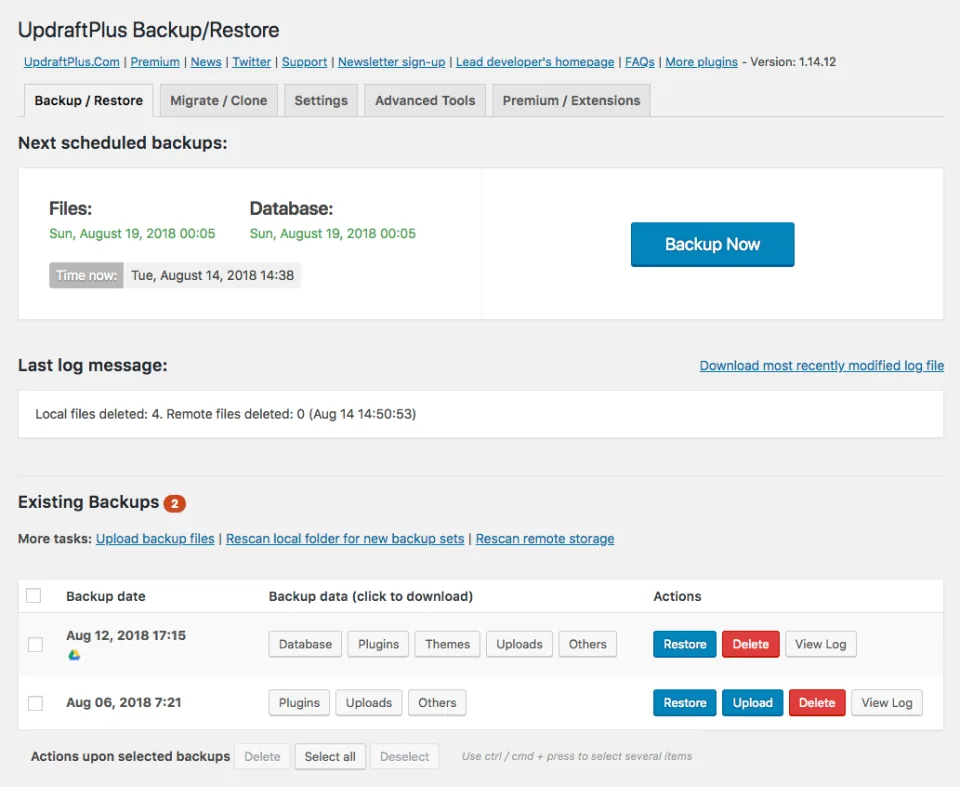
The backup dashboard illustrates starting a backup and working with stored archives. A successful backup still needs a restore test.
Start with Free for one reliable recovery path
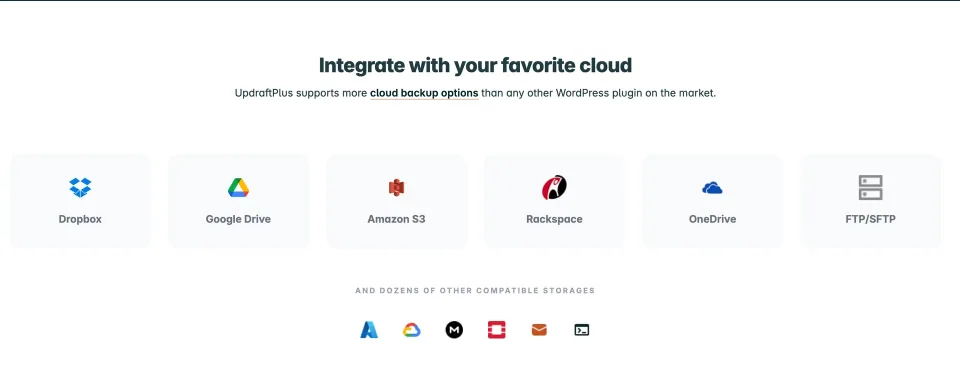
Free already supports scheduled backups, separate file and database schedules, restores, and common destinations including Google Drive, Dropbox and Amazon S3. You do not need Premium just to schedule a backup or upload one to the cloud. What matters is setting retention deliberately, monitoring failures and checking that an archive can be restored somewhere other than production.
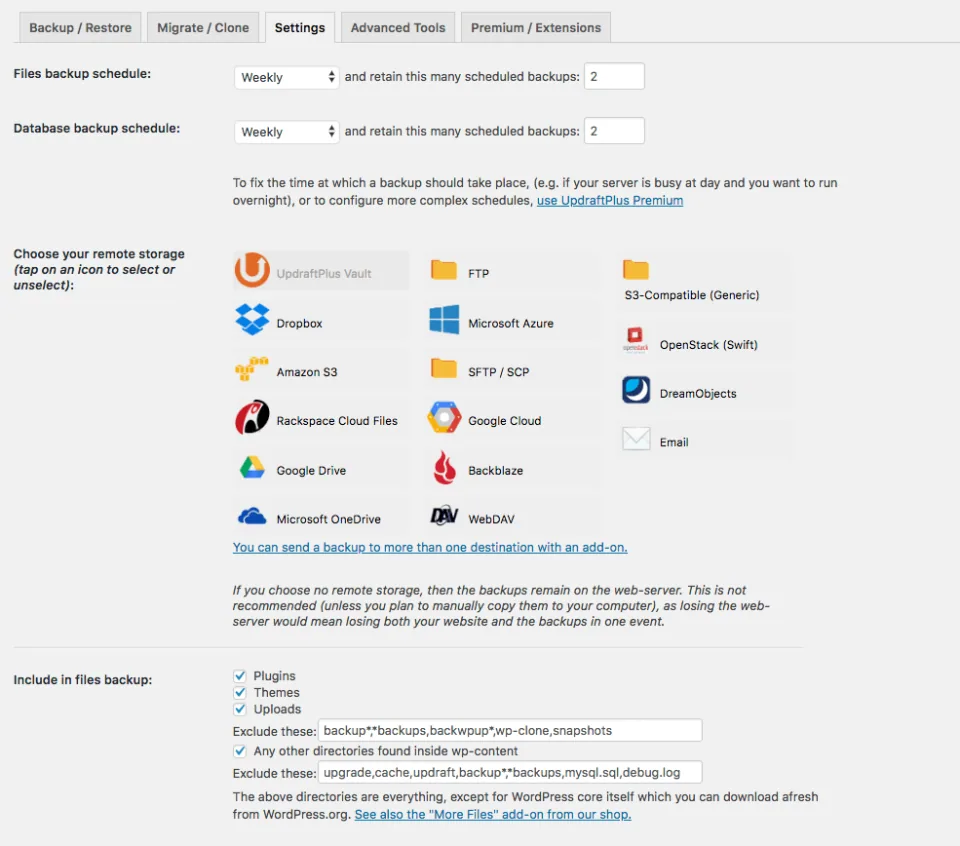
Remote-storage settings are part of an independent recovery path. Configure schedules, retention and access to the destination deliberately.
Where Premium earns its price
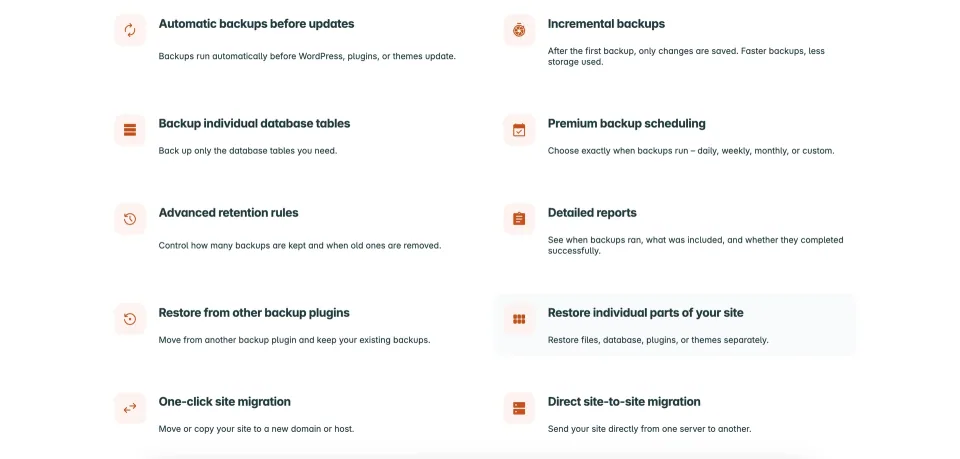
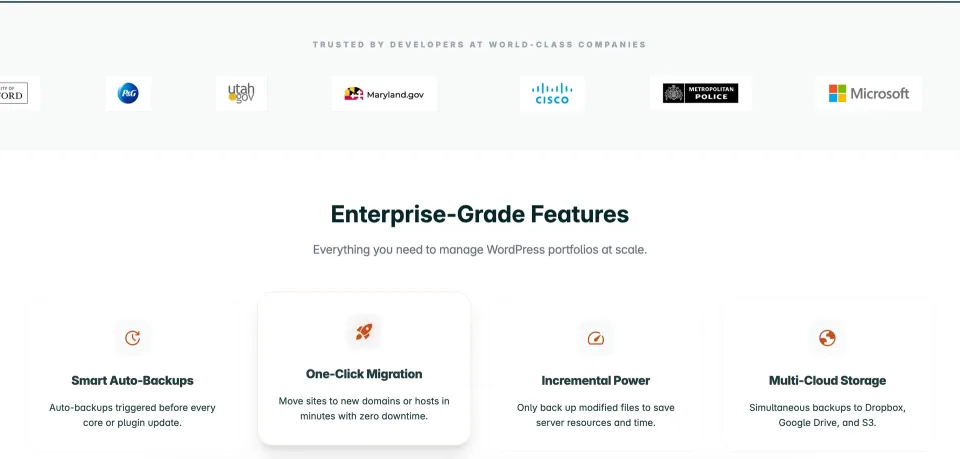
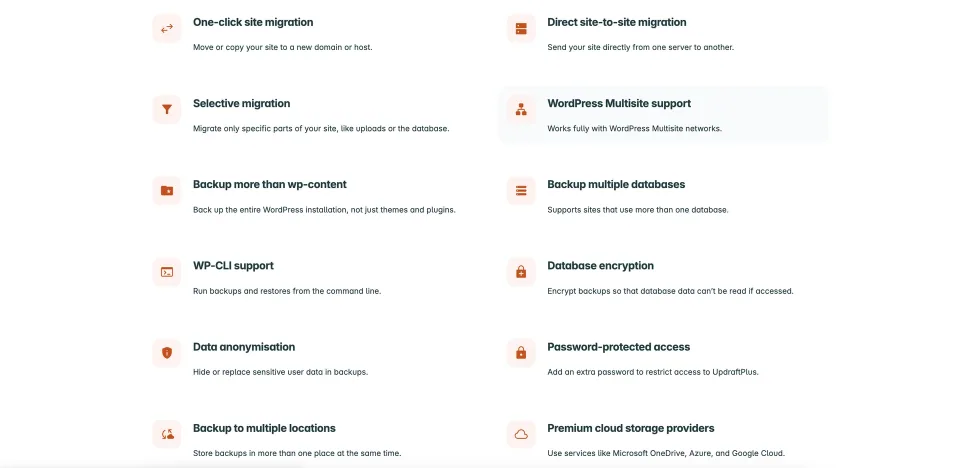
Premium becomes easier to justify for busy sites or multi-site management: incremental file backups can reduce repeat uploads; pre-update backups shorten the path back from a failed change; multiple simultaneous remote destinations protect against losing one storage account. More granular schedules, encryption, Multisite and direct migration round out the paid offering. These are workflow advantages, not a guarantee of zero downtime or zero data loss.
Premium adds backup and recovery workflow options. Match them to the site’s change frequency and recovery requirements.
Migration is possible in Free, but not the same workflow
A basic transfer can be performed by moving a backup and restoring it on the destination. Premium adds direct site-to-site migration and more control over changing site URLs. Before migrating a production site, check serialized URLs, environment-specific settings, login behavior and any payment or membership plugin that stores data outside ordinary WordPress tables.
Migration tools still need a destination-site check, including URLs, environment settings and critical application data.
Choose a plan by site count, not by a marketing label
The published Premium feature set is broadly shared across paid tiers; the practical distinctions are licensed-site count and bundled staging/storage allowances. Personal covers two sites; Business ten; Agency thirty-five; Enterprise and Gold advertise unlimited sites. The official USD list prices are in the structured pricing table. Verify the renewal checkout and any storage add-ons, especially if you manage client sites.
An October 2026 security event changes the maintenance conversation
TeamUpdraft reported unauthorized access involving its service and UpdraftCentral Cloud connections in October 2026. Its October 29 update warns that a website previously connected to UpdraftCentral Cloud may need direct investigation for unexpected administrator accounts and plugins even after connection keys were revoked. This does not mean every UpdraftPlus installation was compromised; it does mean affected users should follow the vendor notice, not assume that disconnecting the management dashboard proves cleanup.
Make backup frequency match the data you can lose
A blog with weekly edits and a WooCommerce store processing orders every hour need different recovery-point targets. Split database and file schedules where appropriate, keep an off-site copy, and remember that restoring yesterday’s database can remove today’s orders. A documented reconciliation procedure matters as much as how often the backup job runs.
An off-site destination is useful only if the backup is retained and retrievable. Plan access and retention alongside the backup schedule.
Restore tests and ongoing support
Do not treat a green backup log as a completed recovery test. Download or access a stored archive, restore to staging, verify files, database, login and critical transactions, then repeat when your environment changes. The free edition uses community support; Premium adds vendor ticket support and updates while the paid entitlement remains active.
Backup features are inputs to a recovery plan. Test an actual restore and verify the site’s critical transactions afterward.
Requirements and version context
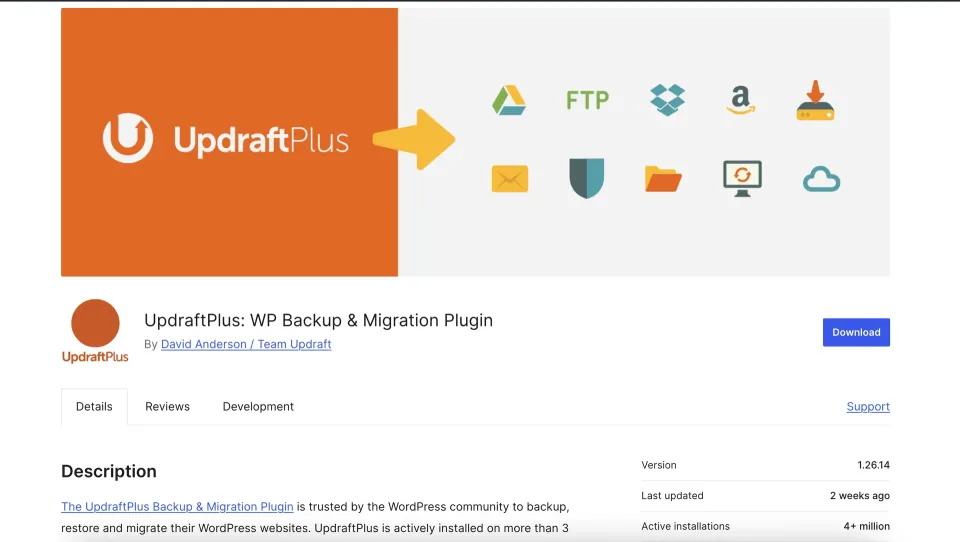
WordPress.org identifies Free version 1.26.14 with an October 26, 2026 changelog entry and a minimum WordPress version of 3.9. The directory does not currently provide a dependable minimum PHP requirement in the accessible metadata used for this review, so it is left unverified. Confirm actual compatibility and Premium’s separately numbered release on the target website before updating.
The directory listing identifies the distributed plugin. Check the installed edition, current release and requirements before an upgrade.
All current Premium plugin backup and migration functions
Premium support and one year of Premium updates
1 GB of listed bundled storage
Basic staging allowance as advertised
License & support
Annual Premium subscription: up to 2 sites
Renewal
Automatically renewing annual subscription unless cancelled. Access to new Premium releases and ticket support requires active entitlement; actual renewal total and tax must be confirmed at checkout.
All current Premium plugin backup and migration functions
Premium support and one year of Premium updates
1 GB of listed bundled storage
Standard staging allowance as advertised
License & support
Annual Premium subscription: up to 10 sites
Renewal
Automatically renewing annual subscription unless cancelled. Access to new Premium releases and ticket support requires active entitlement; actual renewal total and tax must be confirmed at checkout.
All current Premium plugin backup and migration functions
Premium support and one year of Premium updates
1 GB of listed bundled storage
Advanced staging allowance as advertised
License & support
Annual Premium subscription: up to 35 sites
Renewal
Automatically renewing annual subscription unless cancelled. Access to new Premium releases and ticket support requires active entitlement; actual renewal total and tax must be confirmed at checkout.
All current Premium plugin backup and migration functions
Premium support and one year of Premium updates
1 GB of listed bundled storage
Ultimate staging allowance as advertised
License & support
Annual Premium subscription: unlimited sites
Renewal
Automatically renewing annual subscription unless cancelled. Access to new Premium releases and ticket support requires active entitlement; actual renewal total and tax must be confirmed at checkout.
All current Premium plugin backup and migration functions
Premium support and one year of Premium updates
50 GB of listed bundled storage
Ultimate staging allowance as advertised
UpdraftCentral management listed with Gold
License & support
Annual Premium subscription: unlimited sites
Renewal
Automatically renewing annual subscription unless cancelled. Access to new Premium releases and ticket support requires active entitlement; actual renewal total and tax must be confirmed at checkout.
Official USD annual list prices checked 2026-11-09: Personal $70, Business $95, Agency $145, Enterprise $195, Gold $399. Premium plans include one year of updates/support and the advertised staging and vault allowances; current pricing page lists 1 GB for all paid tiers except Gold (50 GB). Auto-renewal applies unless cancelled. Renewal amount, applicable taxes, promotions, staging/clone quota details and exact refund window must be checked at checkout. The same official pricing page contains inconsistent refund statements (10-day prominent offer versus 14-day conditional wording); no unconditional refund duration is assumed here. Free is a separate edition and does not require a Premium license.
Some links are affiliate links. We may earn a commission.
Listed prices may exclude taxes. Promotions and vendor terms can change; confirm at checkout.
AT A GLANCE
Key features
01
Free scheduled backups and cloud storage
02
Premium incremental and pre-update backups
03
Restore testing matters more than backup count
04
October 2026 UpdraftCentral security guidance
Features & compatibility
Vendor-sourced facts are based on published documentation; exceptions are labelled. Sources and check dates are grouped below each section.
Annual plans scale from two licensed sites to unlimited sites without requiring separate feature tiers for core Premium backup functions.
What to consider
A successful backup does not prove the archive will restore correctly; schedule restore tests and monitor storage capacity.
Premium subscriptions add recurring cost, and remote storage or staging allowances have separate limits.
Sites ever connected to UpdraftCentral Cloud need attention to TeamUpdraft’s October 2026 incident guidance; disconnecting alone does not establish that a site is clean.
Best for
WordPress owners who want scheduled copies of files and the database in a storage account they control. Premium makes more sense for agencies, multisite operators and teams that need incremental backups, multiple destinations, direct migrations or timed pre-update recovery points.
Consider alternatives if
Anyone expecting a backup plugin alone to guarantee disaster recovery, protect a compromised administrator account, or preserve every new WooCommerce order during a live-site restore. High-change stores still need recovery-point planning and a tested off-site restore.
BEFORE YOU DECIDE
Frequently asked questions
Is UpdraftPlus Free enough for a small WordPress website?
Often, yes. Free supports manual and scheduled backups of WordPress files and database, restores, and common destinations such as Google Drive, Dropbox, Amazon S3 and FTP. Verify a restore and off-site retention before deciding you need Premium.
Can UpdraftPlus Free send backups to multiple cloud destinations?
The free version offers a choice of destinations but can select only one remote location at a time. Premium supports storing a backup in multiple destinations concurrently.
Does the free version support site migration?
Yes, a move can be attempted by transferring a backup and restoring it at the destination. Direct site-to-site migration and advanced URL search-and-replace workflows are Premium capabilities; check the procedure against your actual URLs and hosting setup.
Which UpdraftPlus features require Premium?
Premium includes incremental backups, automatic pre-update backups, advanced schedules/retention, concurrent remote destinations, more cloud providers, database encryption, direct site-to-site migration, WP-CLI support and Multisite features. Confirm the exact feature in the current comparison table.
What do the paid plans cost?
The official USD pricing page showed Personal $70/year for up to 2 sites, Business $95 for 10, Agency $145 for 35, Enterprise $195 for unlimited sites and Gold $399 for unlimited sites with 50 GB of bundled storage on November 9, 2026. Prices may differ by currency, checkout or future promotions.
What happens when my Premium license expires or I cancel renewal?
TeamUpdraft says you may continue using the installed Premium version after the paid term, but no longer receive new Premium updates, fixes, features or ticket support without an active subscription. Renewal terms and the total should be checked before purchase.
Does Premium include cloud storage?
The current official plan comparison lists 1 GB with Personal, Business, Agency and Enterprise, and 50 GB with Gold. This is not an unlimited storage allowance; confirm quotas and the separate costs of external storage destinations.
How often should I back up WooCommerce?
Choose a database schedule based on how much order and customer data you can afford to lose, and a different schedule for relatively static files if appropriate. A full-site restore can roll back orders placed since the recovery point, so plan for reconciliation and validate the process on staging.
How can I tell whether my backups are usable?
Restore a representative backup to an isolated staging environment, verify database content and files, test critical user flows, and ensure you can retrieve the archive if the production host is unavailable. Check logs and run an occasional restore drill.
What happened with UpdraftCentral in October 2026?
TeamUpdraft disclosed unauthorized access to its service in October 2026 and revoked affected UpdraftCentral Cloud connections. Its October 29 guidance says websites that ever used UpdraftCentral Cloud should be examined for suspicious plugins and administrator accounts even if already disconnected. Read the vendor advisory and follow its remediation steps.
Is version 1.26.14 the same as the Premium version number?
No. WordPress.org lists Free 1.26.14 dated October 26, 2026; TeamUpdraft explains that Premium releases use a different major-version numbering scheme. Confirm the version on your own installation rather than assuming the same number.
Is UpdraftPlus a replacement for host backups or website security?
No. Independent remote backups can complement host backups, but they do not replace access controls, patching, malware investigation or an incident-response plan. Recovery is only as reliable as the backup files and restore procedure you have actually tested.
Alternatives & comparisons
Explore other published WordPress products, with matching categories listed first.
WPBakery is a shortcode-based WordPress content builder with frontend and backend editors. A practical choice for existing WPBakery sites; new block-first projects should weigh migration costs.
Add personalization fields, conditional choices and calculated add-on prices to WooCommerce products. A strong fit for complex order options; simple variants rarely need this much configuration.
Legacy WooCommerce visual product customizer for customer-uploaded artwork, editable text and multi-view previews. FPD is sunset in 2026; Genius services are offline and ongoing security/support require special care.