A multipurpose WordPress theme for business, portfolio and conventional WooCommerce sites, built around its own Avia Advanced Layout Builder rather than Elementor or a native block-first workflow.
I would choose Enfold for a conventional business or portfolio site when the team likes Avia and expects to keep it. I would not select it for a new block-first build simply because the marketplace lists Gutenberg compatibility: Avia layouts are not portable blocks. For WooCommerce, the sensible default is to keep the standard shop and product templates unless there is a clear reason to replace them—and then test variations, purchasing and extensions before launch. The decision is about editor fit and maintenance, not which theme advertises the longest feature list.
Why this rating?
Enfold remains a reasonable integrated option for conventional business sites whose editors prefer Avia. Included tools and one-time licensing help, but theme-specific layouts and limited portability make it less persuasive for a new block-first build.
Research & assessment details
Documentation-based assessment by WPToolWatch Editorial. No hands-on benchmark.
Enfold is a multipurpose theme for businesses, portfolios and straightforward WooCommerce shops. Its central tool is Avia Advanced Layout Builder, built into the theme rather than supplied as a separate plugin. That can simplify the initial build, provided the team wants to keep using Avia.
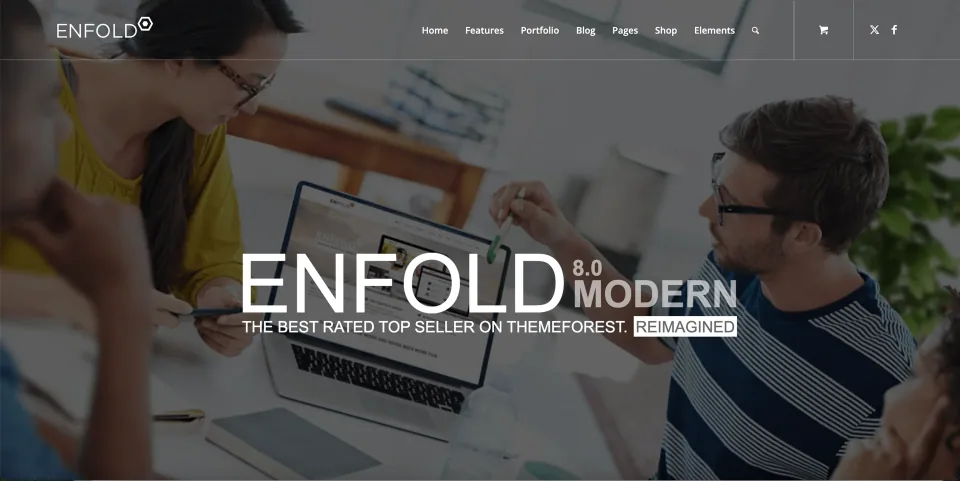
The Modern demo shows one business-site direction available within Enfold’s multipurpose design approach.
Avia: an integrated editor with a switching cost
Avia offers columns, grids, sliders, forms and other page elements while Enfold theme settings handle much of the global styling and navigation. Kriesi says the default WordPress editor and Avia store different sets of data, so switching between them is not a seamless toggle. Moving an Avia-heavy site to Elementor or a block theme may require rebuilding layouts.
ThemeForest marks Enfold as Gutenberg-optimized, but that compatibility label does not mean Avia elements become portable native blocks. For a new site where editor flexibility is a priority, I would compare block-first themes before committing.
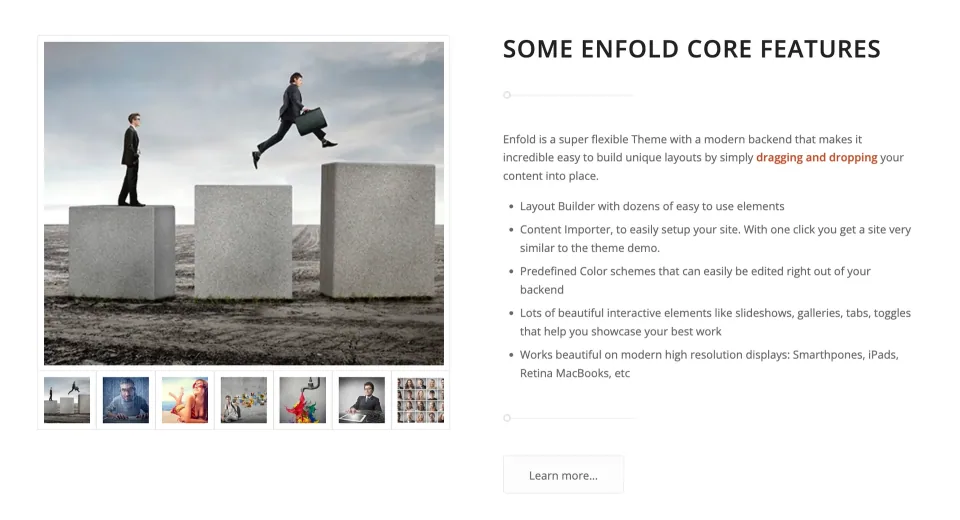
This front-end example illustrates a finished layout; it does not show the Avia editor or establish portability to another builder.
WooCommerce: prefer the default flow unless you need more
Enfold supports WooCommerce, including theme-specific product elements. The default Shop archive is normally controlled by WooCommerce rather than Avia. Kriesi documents a separate page using Product Grid as a simpler customization path; its alternative that enables Avia on the actual Shop page is described as a beta approach and changes the default product query.
Using Avia on a single-product page replaces the default WooCommerce output with the elements you explicitly add. For a basic storefront, keeping the default product template is the lower-risk choice. If you customize it, test variations, add-to-cart, reviews and installed commerce extensions throughout the purchase flow.
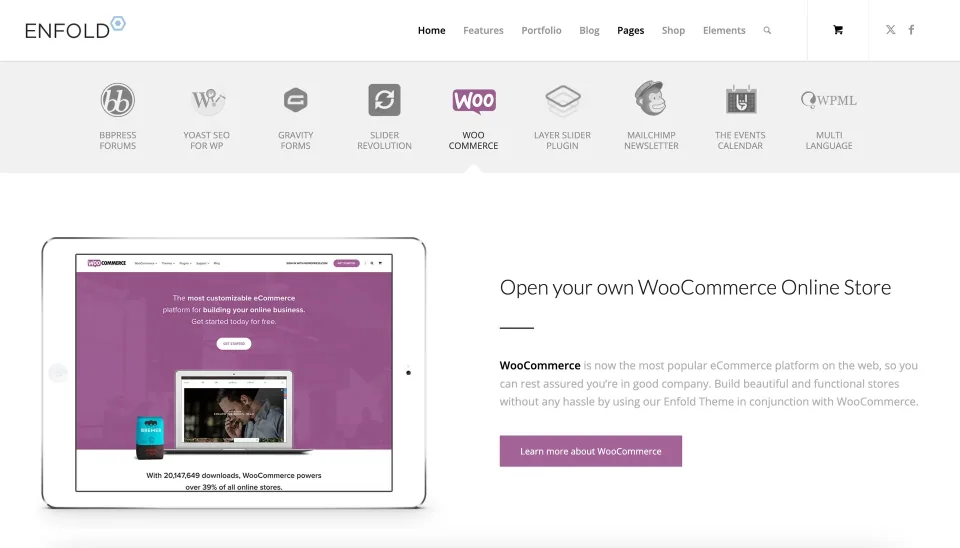
The commerce presentation illustrates Enfold’s storefront styling. Test the actual product and purchase flows separately.
Demos and bundled software
Enfold includes importable demos for common business and store layouts. Import onto a fresh staging site first, check what was imported and verify image rights rather than treating the demo as a harmless preview of an existing site. Version 8.3 added Bed and Breakfast and Coffee Shop demos.
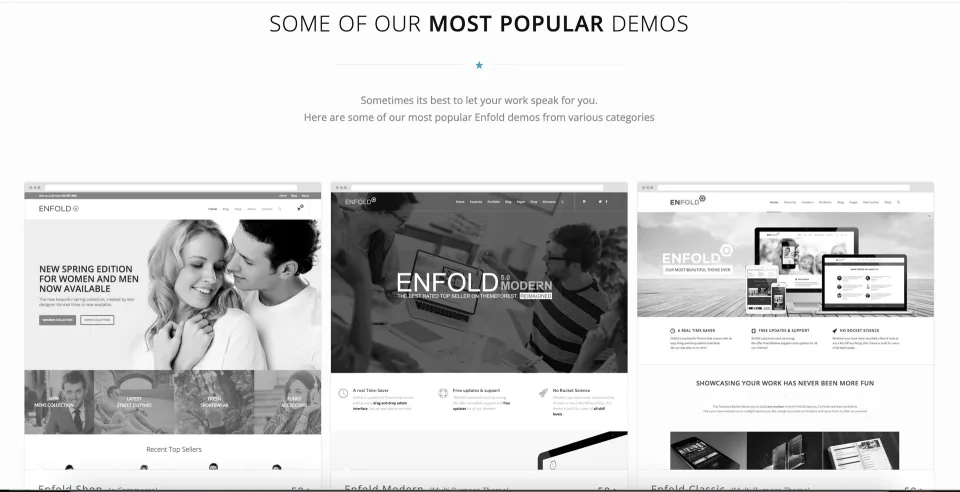
Compare the available demos as design starting points, then inspect a staging import before applying one to an existing site.
The bundled LayerSlider can be used within Enfold, but that does not confer a separate license for all premium LayerSlider services. WPML compatibility is documented; WPML itself must be licensed separately. These distinctions matter when estimating the real cost of a client handoff.
Licensing and updates
Envato licenses Enfold for one end product per purchase. Most public business and retail sites can use Regular, even when the store sells goods; an end product that requires visitors to pay for access may need Extended. The plan comparison below carries the checked prices. Extended does not mean an unlimited-site agency license.
Six months of author support comes with the purchase; optional support renewal is not the same as renewal of the theme license. Enfold uses an Envato personal token for update notifications. The 8.3 release also fixed an issue that hid update notices on some WordPress 6.8+ installations, so an older deployment should verify its current update path.
Compatibility and the buying decision
Kriesi’s hosting guide still lists PHP 7.4+ and MySQL 5.6+ minimums, with higher memory settings suggested for complex sites. Those are not secure production targets: choose currently supported server software and test the theme with your plugins. The ThemeForest page lists compatible WordPress versions but is not an authoritative statement of the exact minimum WordPress version for Enfold 8.3.
The October 28, 2026 changelog for version 8.3 also records fixes for reported broken access control and stored cross-site scripting. Treat that as a reason to stay patched, not proof that any particular installation is fully secure. I would shortlist Enfold for Avia-friendly business sites, not for teams prioritizing block portability or complex custom commerce. There are no independent speed or accessibility benchmarks behind this profile.
Envato Regular License: one end product freely accessible to visitors. Public businesses and ordinary online shops generally qualify, even if products are sold.
ThemeForest Regular License · Renewal
One-time license. Six months of included author support; optional support extension. Theme updates remain available when released by the author.
ThemeForest Extended License · License & support
Envato Extended License for one end product that users must pay to access, subject to licence terms and any category-specific exceptions.
ThemeForest Extended License · Renewal
One-time license. Six months of included author support; optional support extension. Future author updates remain available.
ThemeForest Regular License · Additional features
Six months author support
Prices verified on ThemeForest November 9, 2026 (USD; additional applicable taxes/fees may apply). Regular covers one freely accessible end product, including most public business and ecommerce websites even when products are sold. Paid access to the end product may require Extended; confirm your specific model with the current Envato terms. Both license types cover one end product, not unlimited clients or deployments. Six months of author support is included; extending support is optional and separate from access to future author-issued theme updates. LayerSlider is bundled for theme use, not a standalone LayerSlider license.
Avia is included with the theme, removing the need to select and license a separate visual page builder.
Business, portfolio and shop demos provide starting points for established site patterns.
Theme settings cover common design controls outside the content builder.
Kriesi documents WooCommerce and WPML integration and maintains a public release history.
One-time ThemeForest pricing with optional, separately renewable support.
What to consider
Avia layouts are theme-specific and the default WordPress editor uses different stored data; migration can require rebuilding content.
Headers and footers are managed through theme settings rather than a general block-based full-site editor.
WooCommerce custom Shop and single-product layouts are more delicate than a standard store template.
Bundled LayerSlider does not grant a separate premium plugin license; WPML is an additional purchase.
Official minimum hosting figures are dated, and no independent performance or compatibility benchmark was conducted for this profile.
Best for
Small-business, portfolio and brochure-site owners who value a single integrated theme/editor and expect to stay with Avia; agencies comfortable maintaining that workflow on separate licensed client sites.
Consider alternatives if
Teams committed to native Gutenberg blocks, Elementor-based processes or easy cross-theme layout portability; WooCommerce stores needing extensive custom product/checkout experiences without dedicated integration testing.
BEFORE YOU DECIDE
Frequently asked questions
Can I move Enfold Avia pages into Elementor or Gutenberg without rebuilding them?
Not automatically. Kriesi says Avia and the default WordPress editor use different stored data, and Avia is not sold as an independent plugin. Plan for content and layout cleanup if you change themes or builders.
Is Enfold a suitable theme for an ordinary WooCommerce shop?
Yes, for a store that can use standard WooCommerce archives and product templates. Enfold integrates the plugin and adds shop elements. More customized product pages need extra care because Avia replaces the default product output.
Can I edit WooCommerce’s default Shop page with Avia?
Not by default. The documented simpler option is a separate page with an Avia Product Grid. Kriesi also describes a beta method for the actual Shop page that changes the normal WooCommerce product query; test it carefully if you choose it.
What happens when I use Avia on a single product page?
Avia replaces default WooCommerce output with the elements you build. Add the required product information and purchase controls, then test product variations, reviews, extensions and the full add-to-cart/checkout path.
Which Enfold license do I need for a public ecommerce site?
A standard public store that sells products but does not charge for access to the website normally fits Envato Regular. Paid-access portions of an end product may require Extended. Both cover one end product; check Envato’s current terms for your business model.
Do I need a new license for every client website?
Yes, each unrelated end product requires its own qualifying Envato license. Neither the Regular nor Extended license grants unlimited deployments.
Do theme updates end when six months of support expires?
No. The support period and author-issued theme updates are separate. Kriesi documents theme registration using an Envato personal token to enable update notices. If you are on an older version and updates do not appear, check the registration and update path before changing files manually.
Does Enfold include a standalone LayerSlider license or WPML?
LayerSlider is bundled for use with Enfold, not as an unrestricted standalone premium license. WPML compatibility is documented, but the WPML plugin is a separate paid product.
What server and WordPress versions should I plan for?
Kriesi still lists PHP 7.4+, MySQL 5.6+ and HTTPS as hosting minimums, but those old software versions should not be chosen for a new production site. Use maintained PHP/database versions and test your stack. ThemeForest lists multiple compatible WordPress versions; the exact minimum for Enfold 8.3 remains unconfirmed here.
What should I check before upgrading to Enfold 8.3?
The October 28, 2026 release includes security fixes and a repair for update notifications on some WordPress 6.8+ sites. Back up the site, verify theme registration, update in staging and review any customized Avia and WooCommerce pages.
Alternatives & comparisons
Explore other published WordPress products, with matching categories listed first.
Avada combines visual WordPress building and WooCommerce design in two products: one-time Avada Classic and subscription-based Avada One Essential or Pro.
A multipurpose WordPress and WooCommerce theme with BeBuilder, a large demo library and flexible store templates. Best for projects willing to stay in its builder ecosystem.
The7 is a multipurpose WordPress theme with Elementor, WPBakery and block-editor workflows. New The7 15 releases use a direct annual license; The7 Classic is the older ThemeForest edition on a maintenance track.